Animation and Cutscenes
Animate one small show, a puppet theatre, to the last control: a knight’s clips and the graph that chooses them, keyframes on a curtain, a lantern and a footlight, frame events you hear, orders from scripts, tweens and a slide’s root motion, then a marionette rigged from its limbs that dances on layers, reaches for the lantern and falls when its strings are cut, the cutscene that opens the show, and a gallery of six small cases.
On this page
The Puppet Theatre
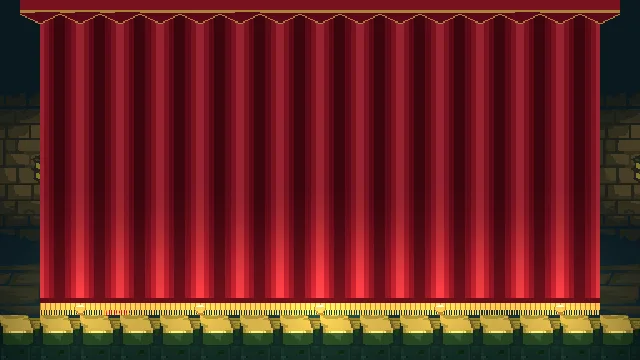
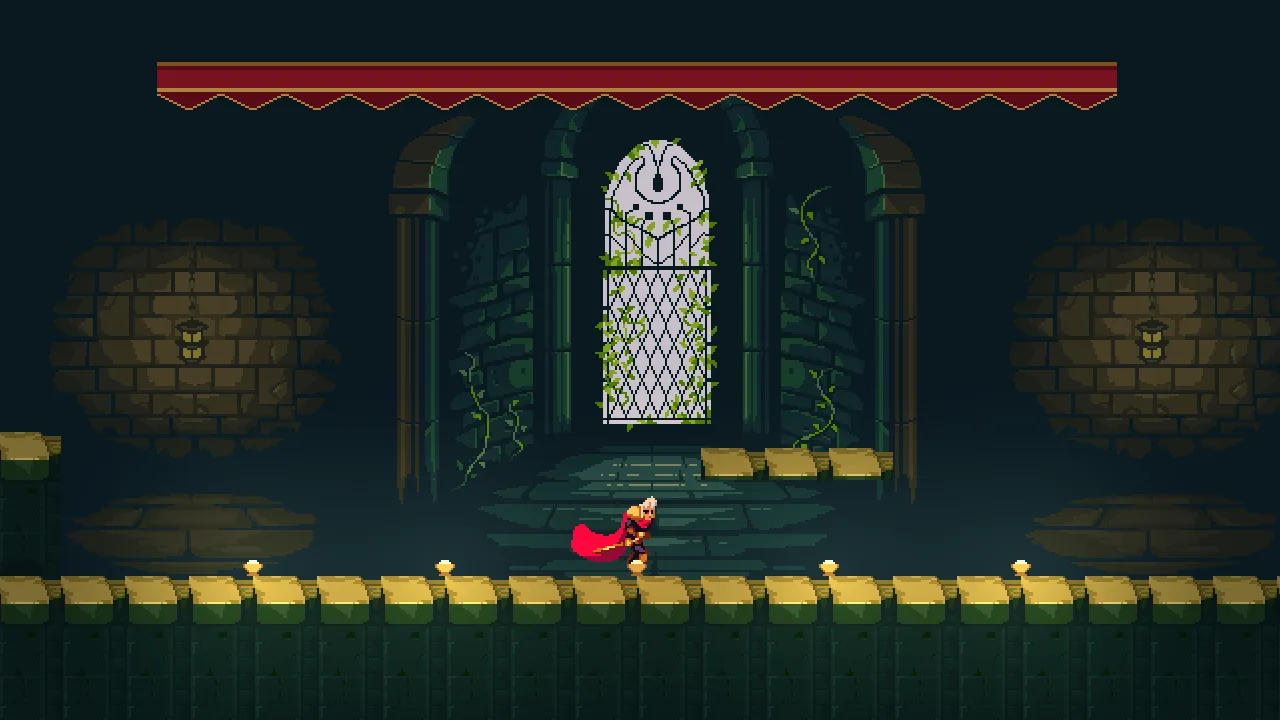
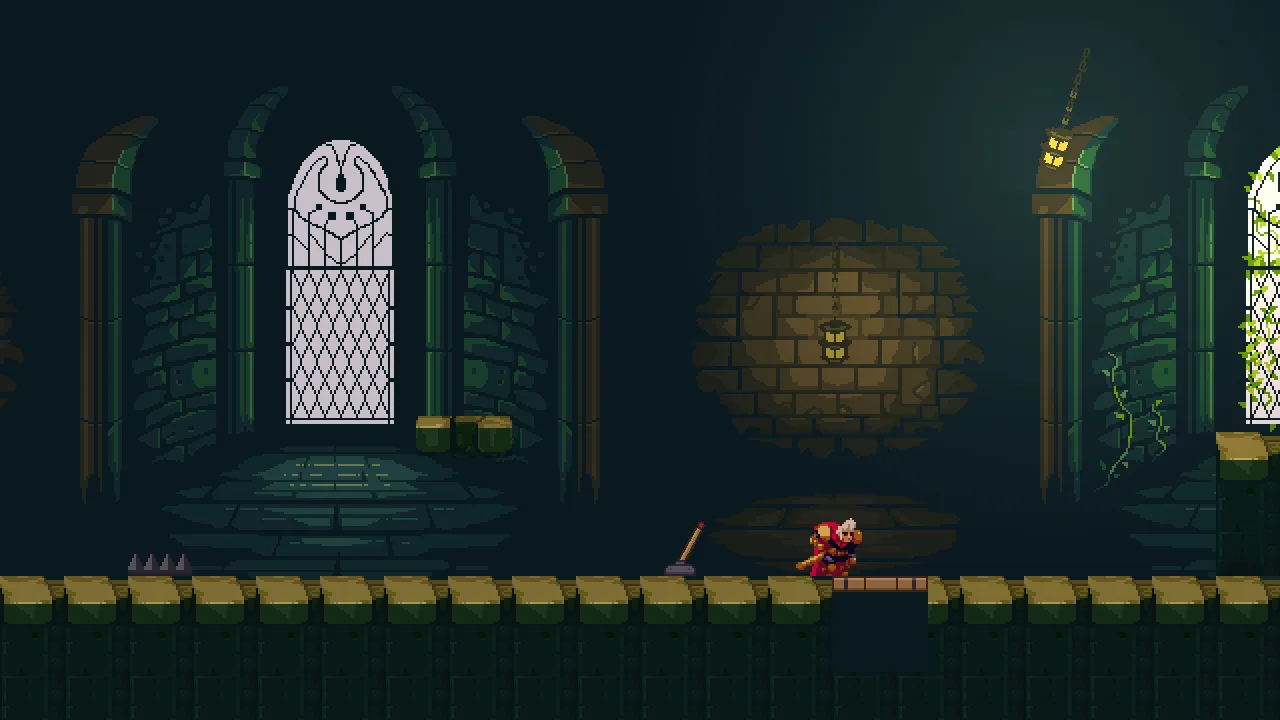
Animation and Cutscenes animates one small show, The Puppet Theatre: a castle hall made into a theatre, with a stage, footlights and a red curtain, a lantern on a chain, a lever and a trapdoor, and one knight who runs, jumps and slashes across its boards. You start from a starter with the hall built and the knight sliding about in one pose, and nothing animated. By the end the knight’s clips are chosen by a graph, the curtain rises, the lantern swings, a footlight flickers, his footsteps are heard and his slash hits. Scripts give him orders, tweens squash and bob things, and a crouching slide carries him as far as its frames say.
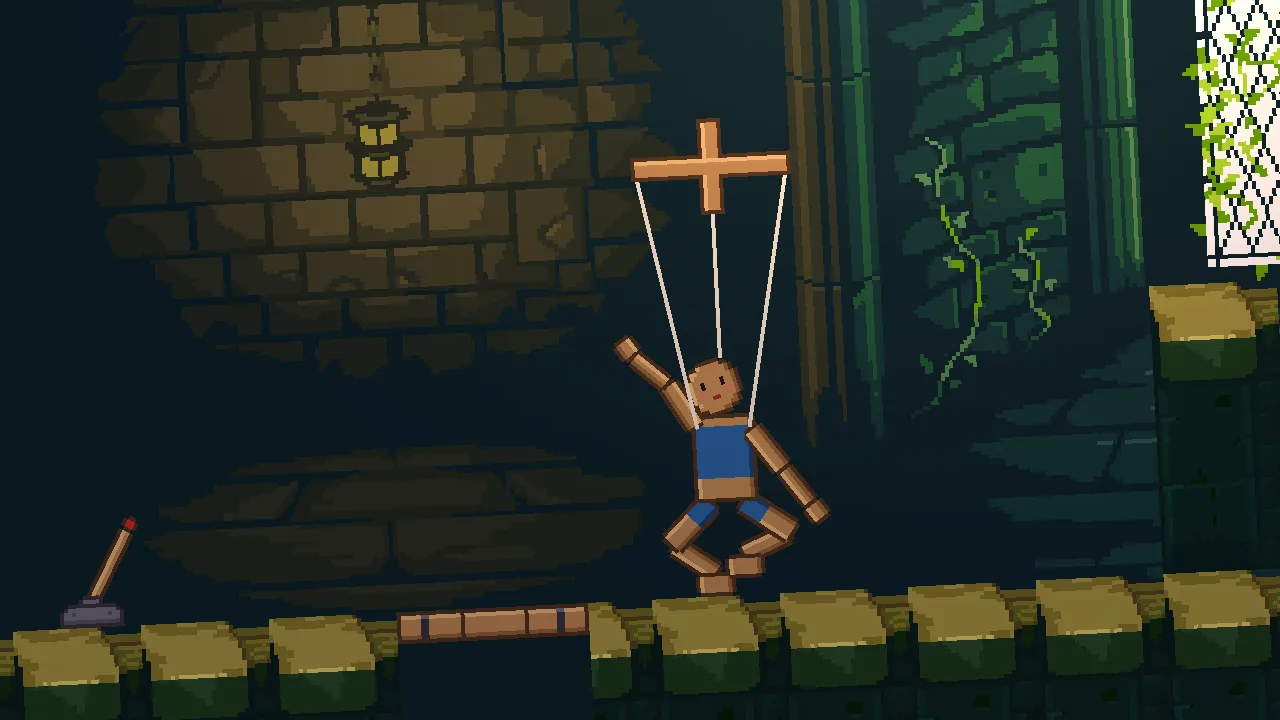
The marionette, a wooden puppet on a control cross, starts as a handful of pictures of its limbs. You rig it from them. It dances on layers, reaches for the lantern, and falls when the knight cuts its strings. A cutscene then opens the show, with its music, its camera shots and the marionette’s bow, and the whole show runs in an exported game. A last chapter builds six small cases of their own, each a recipe to take into your own game.
The tutorial is for learning every animation control to the end. Every field of the ten components that animate a show (the Animated Sprite, the State Machine, the Animation Layers, the Property Animation, the Root Motion, the Bone, the IK, the Physical Bone, the Timeline and the Camera Rig) is defined with what it does, its unit and the value the theatre gives it. The editor’s animation tabs, Sprite sheet, Animation, Graph and Cutscene, are each used where a chapter needs them.
Each part ends on a show that works at its level:
What you need
- Rengy, installed, on Windows or Linux. Getting started installs it and shows you round the editor.
- The starter, animation-and-cutscenes.zip: the hall dressed as a theatre, with its footlights, curtain, lanterns, lever and trapdoor, the knight in his one pose, the marionette’s limbs as pictures, and six more pictures the later chapters use. Unzip it somewhere outside your other projects; in the editor’s launcher, choose Open project… and pick the
animation-and-cutscenesfolder. - Five free downloads, below. Each chapter says which files to copy from them, and where they go in the project.
- Nothing else. Part 1 is all clicks. From chapter 5 the show’s logic is short Rengy Script files, which the editor runs as they are, with nothing to install.
| Download | By | What the show takes from it | Needed from | Licence |
|---|---|---|---|---|
| Gothicvania Patreon’s Collection | ansimuz | The hall’s wall and tiles and the knight’s idle strip, which are already in the starter; the knight’s run, jump, attack, crouch and hurt strips; the ghost and the demon | Chapter 1 | CC0 |
| RPG Audio | Kenney | The curtain’s cloth, the slash’s swish, the lever’s click and creak, and the snap of the cut strings | Chapter 3 | CC0 |
| Impact Sounds | Kenney | Five wooden footsteps, the thud of a landing and the trapdoor’s plank | Chapter 4 | CC0 |
| Abandoned Castle Music (Loop) | StarNinjas | The music under the opening | Chapter 12 | CC0 |
| Music Jingles | Kenney | A short steel jingle, the opening’s fanfare | Chapter 12 | CC0 |
Every download is in the public domain (CC0). Three of the Gothicvania pictures, the hall’s wall and tiles and the knight’s idle strip, are already in the starter. The curtain, the valance, the footlights, the lantern, the lever, the trapdoor, the marionette’s limbs, its cross and its string, the knight’s slide, the spikes, a candle, a blue knight and a toy tank were drawn or made for this tutorial, some from the packs’ own pixels, and they are in the starter too.
Three parts
You can stop after any of them: each leaves you a show that works. The chapters below are listed by part.
- Basic, chapters 1 to 4: a knight who moves well and a stage that comes alive, with no script. His clips, a graph that chooses them, keyframes on the curtain, the lantern and a footlight, and frame events you hear.
- Simple, chapters 5 to 7: a playable stage. Orders from scripts, tweens, and the root motion of a crouching slide.
- Pro, chapters 8 to 13: the whole show. A marionette rigged from its limbs that dances on layers, reaches for the lantern and falls when its strings are cut, the cutscene that opens the show, and a gallery of six small cases.
How each chapter teaches
- Every control is defined. A list of terms in each chapter says what a field does, its unit, the range that suits the theatre and the value the theatre gives it.
- Timing is shown as frames. A cross-fade, an ease, a fall or a camera move cannot sit in one picture, so the chapter shows a strip of frames from one run, taken at moments it names.
- Who decides the clip. A node’s clip can be chosen by its own Clip field, by a graph, by a layer or by a cutscene. Two of them on one node is the mistake most readers make, so every chapter that changes the answer says which one owns the clip now.
- Each thing you build ends in a table of its values, so you can build it again in your own game.
- Every picture is a capture of the editor or the game, never a mock-up.
How long it takes
The thirteen chapters take about 6 hours at the keyboard: most take between a quarter of an hour and half an hour, the marionette’s rig and the opening a little longer, and the gallery about an hour and a half, a case at a sitting. Every chapter ends at a place you can stop, with a Check it works box that says what you should see.
The chapters
Part 1 · Basic
A knight who moves well and a stage that comes alive, with no script: his clips, a graph that chooses them, keyframes on the curtain, the lantern and a footlight, and frame events you hear.
- 1 Frames Cut the knight’s clips from his sheet, set where he stands in each frame, and play them from an Animated Sprite. 20 min
- 2 A state machine Give the knight a graph that picks his clip from what his body is doing: states, an air state with a rise and a fall inside, and transitions in order. 15 min
- 3 Keyframes Key the curtain, the lantern and a footlight in the Properties mode: a curtain that rises, a lantern that swings and a footlight that flickers, each with a Property Animation. 20 min
- 4 Frame events Make the knight’s frames do things: a footstep on the run’s contact frames, a thud on landing, a swish and a blade on the slash, and a number on a hurt frame. 20 min
Part 2 · Simple
A playable stage: orders from scripts, tweens and the slide’s root motion.
- 5 Orders from a script A slash on a key, a hurt on the spikes and a lever that opens the trapdoor, each ordered from a short script. 30 min
- 6 Tweens The knight squashes on landing, a platform bobs and a lever snaps, each moved by a tween from a script. 25 min
- 7 Root motion A crouching slide that carries the knight as far as its frames say. 20 min
Part 3 · Pro
The whole show: a marionette rigged from its limbs that dances on layers, reaches for the lantern and falls when its strings are cut, the cutscene that opens the show, and a gallery of six small cases.
- 8 A marionette A rig of bones built from the marionette’s limbs, and a dance keyed on it. 35 min
- 9 Layers The legs dance while an arm waves, and a breath lies on top, each on its own layer. 25 min
- 10 Reaching The marionette’s arm reaches for the lantern and points at it as it swings, and its feet keep to the boards. 25 min
- 11 Cutting the strings The slash cuts the strings, the marionette buckles and collapses onto the boards, then stands back up. 25 min
- 12 The opening The cutscene that opens the show, with its music, its camera shots and the marionette’s bow, and then the show exported. 35 min
- 13 A gallery of animation Six small cases finished with what you have learned — an outfit swap, slow motion, a rewind, a two-part sprite, a ghost that appears and vanishes and a boss entrance — each a recipe to take into your own game. 85 min