Tutorials · Ship Evader · Chapter 1
What you’ll build
By the end
- What Ship Evader is, screen by screen
- The seven free downloads its pictures, sounds and font come from, downloaded, with the five packs unzipped
- How the sixteen chapters go, and about how long each takes
On this page
The game
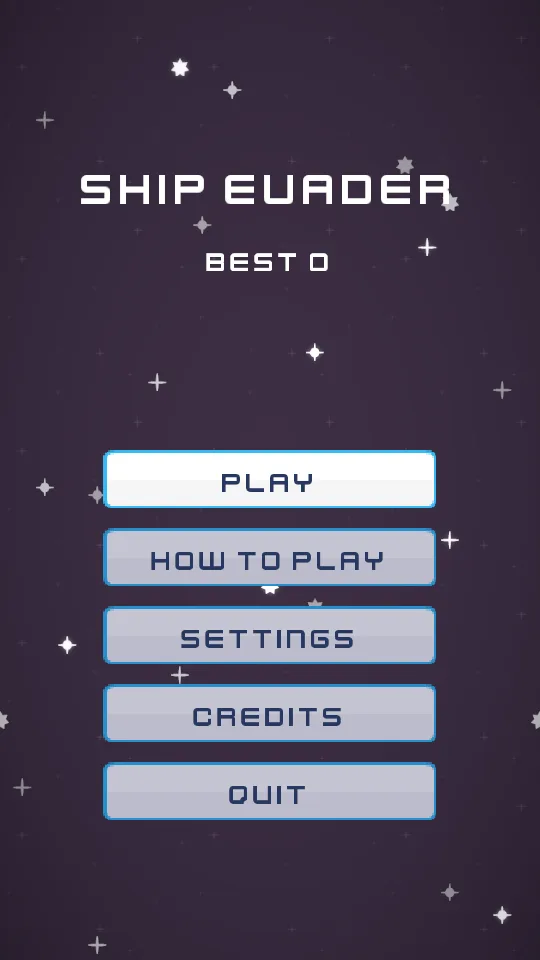
This is the game you will have at the end: an arcade shooter in a tall window, 540 pixels wide and 960 high. It opens on its title. PLAY starts a game, and the keys and the mouse both work every button.
In the game, W, A, S and D or the arrow keys fly the ship, and Space fires. Rocks tumble down and can only be dodged. Orange divers dive straight down, and grey gunners weave and fire red shots aimed at you. Three hits and the game is over. Along the top are your score, your best, and a small ship for each life left.
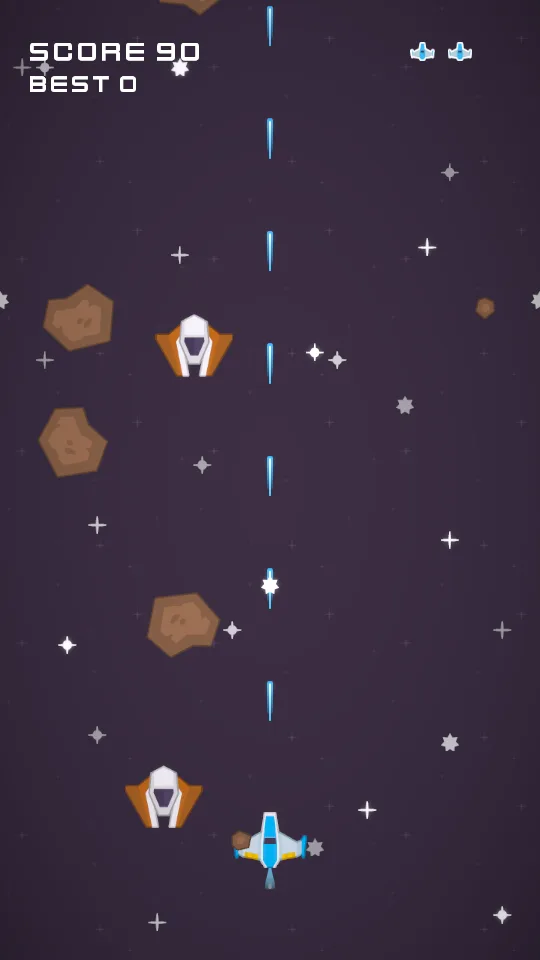
It gets harder every 20 seconds: STAGE 2, STAGE 3, and on up to 10, each bringing enemies and rocks sooner and faster, and more of the enemies gunners.
Its screens
A game is more than its field. Ship Evader has the screens a finished game has, each built in a later chapter:
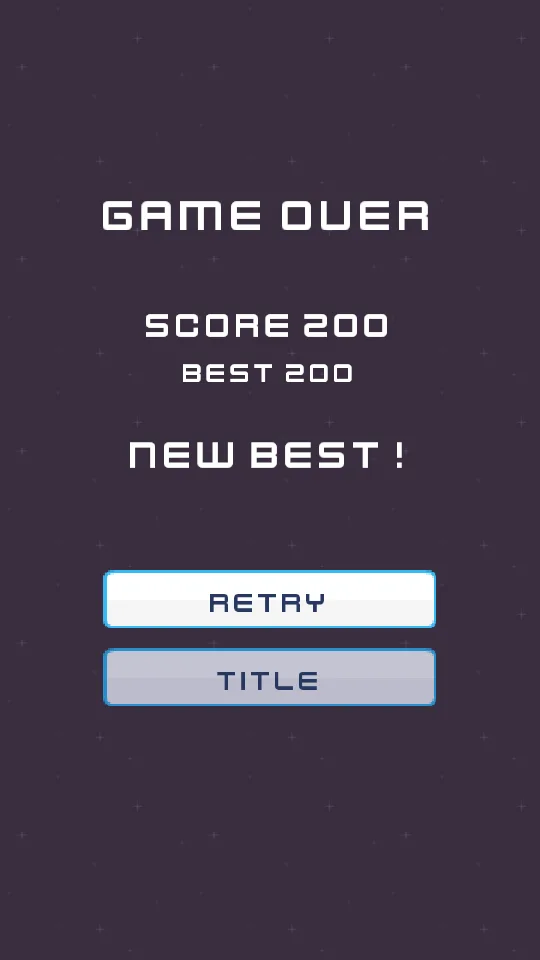
- Game over shows your score and your best, and a pulsing NEW BEST! when you beat it, then RETRY and TITLE (chapter 14).
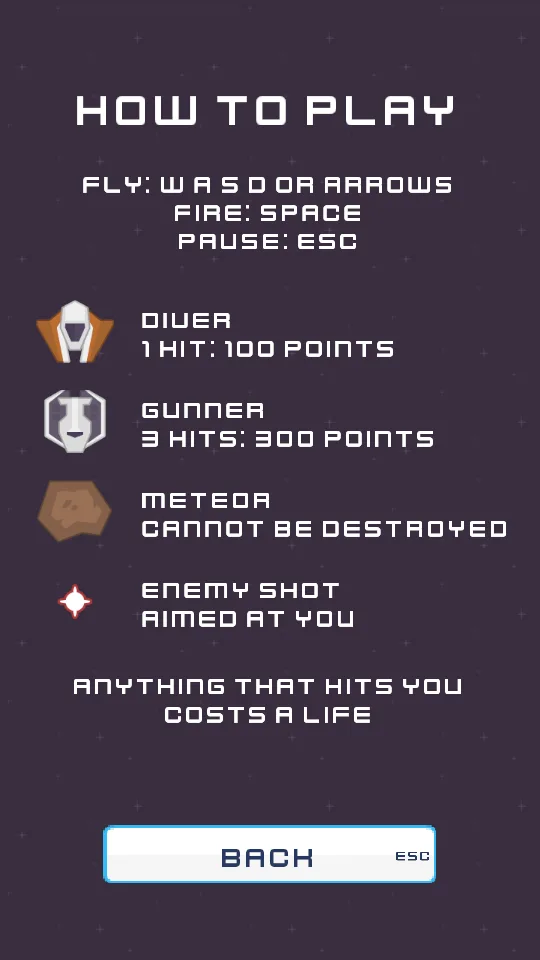
- How to play shows the keys, and what each thing in the sky does (chapter 13).
- Settings has a slider for the music and one for the sound effects, kept between launches (chapter 15).
- Credits names every download the game is made from (chapter 13).
- Esc pauses the game under a small menu (chapter 15).
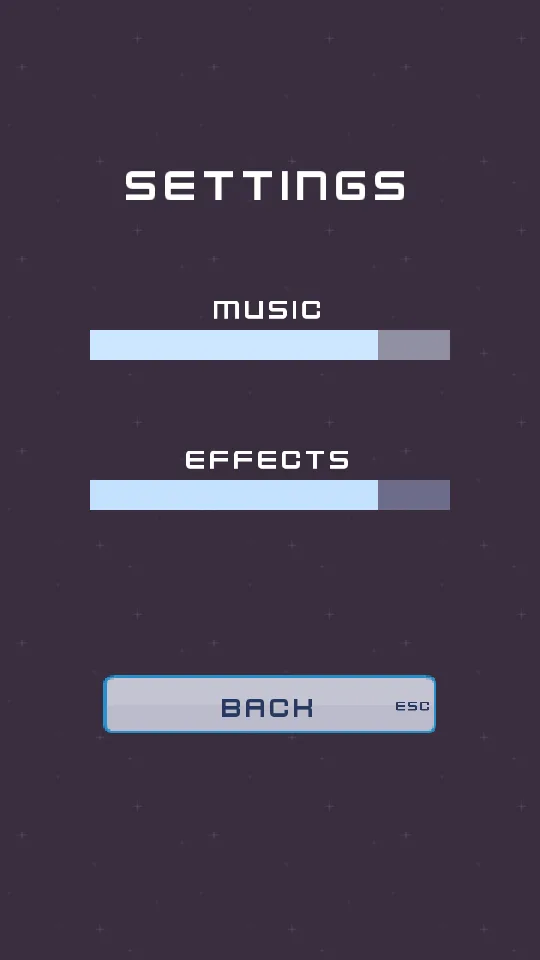
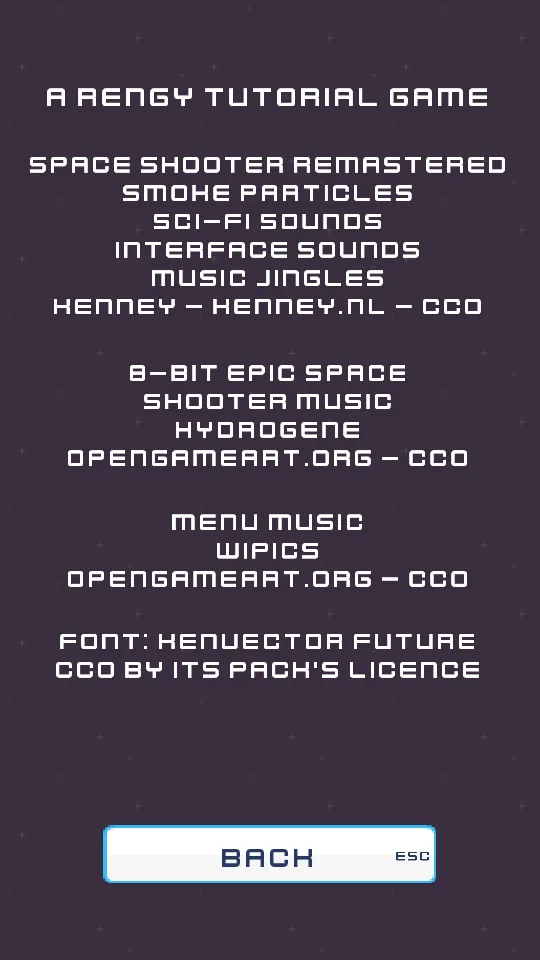
The project you will have
All of it is one project in the editor: six scenes, thirty short scripts in Rengy Script, ten saved pieces called artifacts that the game makes copies of while it runs, and the pictures and sounds you download. Nothing is compiled. The game runs in the editor’s Play as you build it, and in a window of its own once you export it.
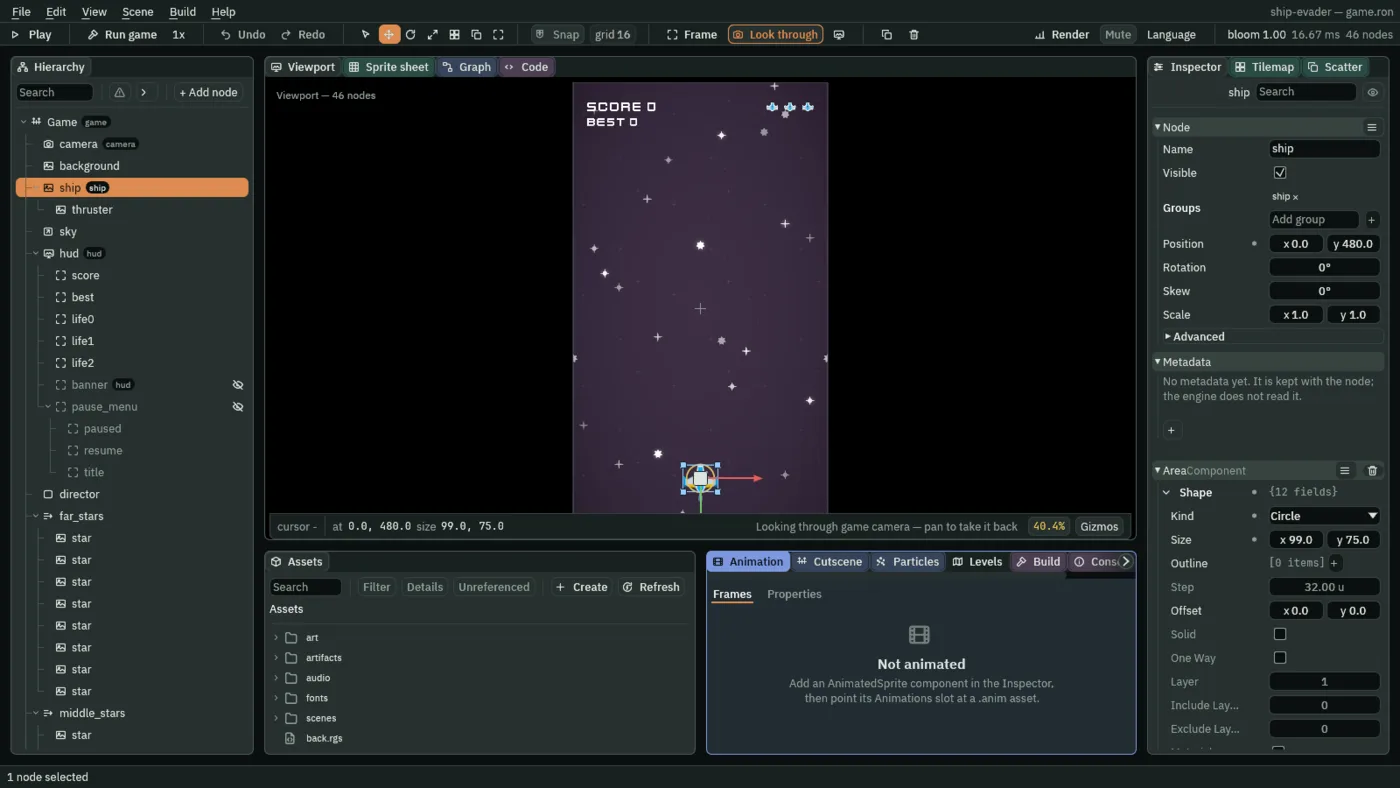
Every chapter shows every click and every value, with a sentence of why. Where a chapter touches something the guides cover in depth, it links them rather than saying it all again.
Download the packs
The pictures, sounds, music and font come from seven free downloads. All seven are CC0: you may use them in anything, and nobody has to be credited.
| Download | By | What the game takes from it | Licence |
|---|---|---|---|
| Space Shooter Remastered | Kenney | The ship, the enemies, the lasers, the rocks, the flame, the stars, the background, the lives, the buttons, the font, and the hit and gunner sounds | CC0 |
| Smoke Particles | Kenney | The explosions’ fireball | CC0 |
| Sci-fi Sounds | Kenney | The laser, the two explosions and the spark’s tap | CC0 |
| Interface Sounds | Kenney | The menus’ tick, press and back | CC0 |
| Music Jingles | Kenney | The game-over and new-best jingles | CC0 |
| 8-bit Epic Space Shooter Music | HydroGene | The music while you play | CC0 |
| Menu Music | wipics | The music on the title and its screens | CC0 |
- Make a folder for the downloads, outside any project:
ship-evader-downloads, say. - Open each page in the table, download the pack or the track, and save it in that folder.
- Unzip each of the five Kenney packs into a folder of its own there. Each holds folders such as
PNG,BonusandAudio. - Leave the two tracks as they are:
8bit-spaceshooter.mp3andmenu.ogg.
Nothing goes into a project yet. Chapter 3 takes the 32 files the game uses out of these folders, and says where each one goes.
How the chapters go
- A tall window to The ship, chapters 2 to 4: a project, a 540 × 960 window, the art, and a ship that flies.
- Firing to Enemies, 5 to 7: lasers, rocks and enemies, and what notices what.
- Lives to Getting harder, 8 to 10: hits, the score, the best, and the stages.
- Effects and Sound and music, 11 and 12: a flame, explosions, stars, bloom, sounds and music.
- Screens to Pause and settings, 13 to 15: the title and its screens, game over, the pause and the settings.
- Export, 16: the finished game, in a folder a friend can run.
A chapter takes between ten minutes and an hour and a half; all sixteen, about ten hours. Each ends on Check it works: what to press, and what you should see. If you see something else, the chapter’s steps are where to look.