Tutorials · Crypt Knight · Chapter 3
Bringing the art in
By the end
- The eight pictures chapters 4 to 8 use, in the project’s
artfolder - What is in each: the knight’s three strips, the castle’s tile sheet and the night town’s four layers
- Why a file’s name and folder matter: its id comes from its place in the project
On this page
Copy the files in
A Rengy project is its folder. There is no import button: a file belongs to the project once it is in the folder, and the editor finds it there. Crypt Knight keeps its pictures in art. Sounds, music and a font join them in later chapters, in folders of their own.
The pictures come from one free download, ansimuz’s Gothicvania Patreon’s Collection, which is CC0. Chapter 1 has its page. Unzip it somewhere outside your project: it unzips into a folder called gothicvania patreon collection, whose name begins with a space, and holds thirteen folders of art. The three this chapter takes from are Gothic-hero-Files, Gothic-Castle-Files and night-town-background-files.
- In your file manager, open the
crypt-knightfolder and make a folder in it calledart. - Copy the eight files below into it, each under its own name, from where the list says it is in the unzipped folder.
- Back in the editor, press Refresh in the bar of the Assets panel.
artappears, with every file in it.
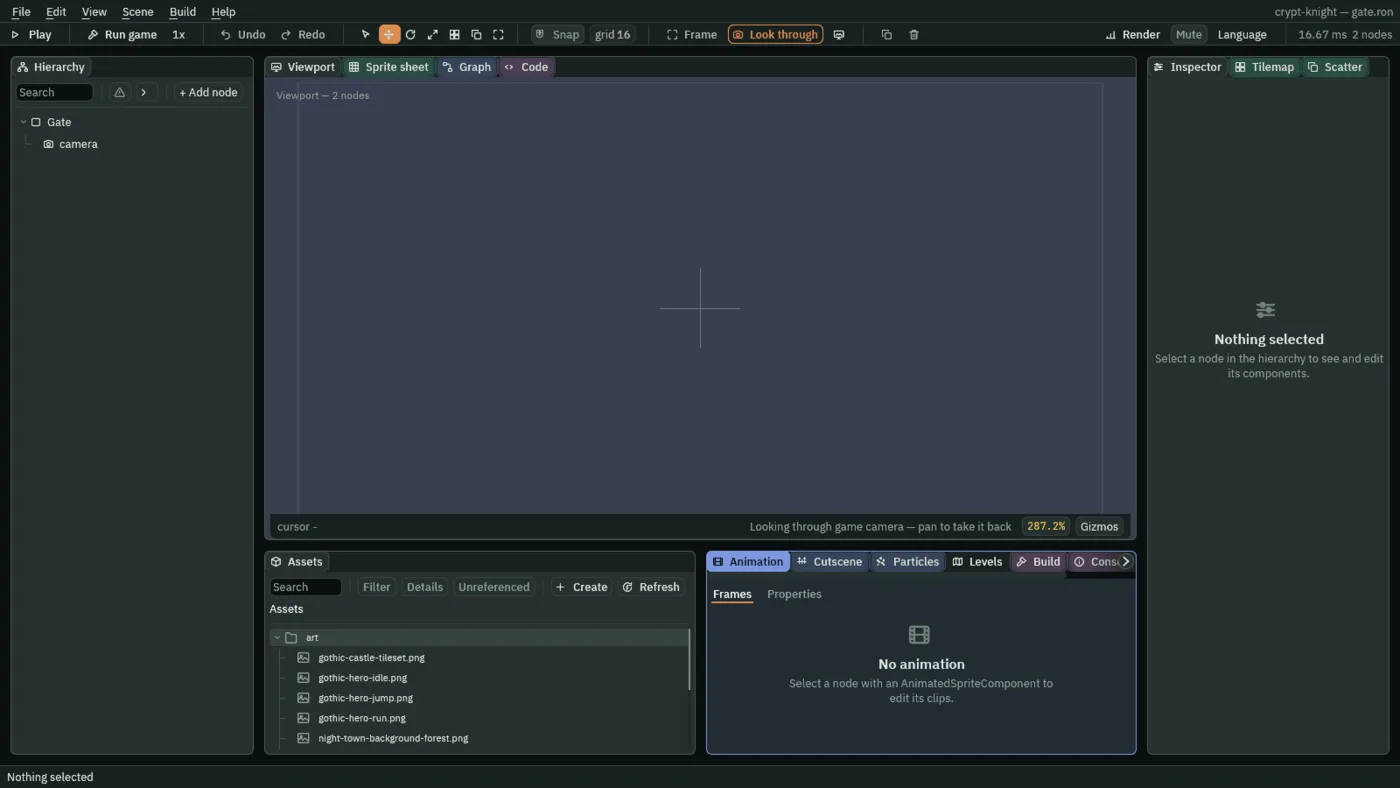
As it finds each file, the editor writes a small .meta file beside it, holding the file’s id. The id is made from the file’s place in the project, so the same files in the same folder under the same names get the same ids as the game this tutorial was made from.
What you copied
Nothing in the scene changes in this chapter. The pictures wait in art for the chapters that use them, and it helps to know what each is, and how big, before they do.
| File | Size | What it is |
|---|---|---|
gothic-castle-tileset.png | 336 × 240 | The castle’s tiles: 21 columns and 15 rows of 16 × 16 pixels, 315 tiles. Chapter 4 paints the Gate’s ground from them |
gothic-hero-idle.png | 152 × 48 | The knight standing: 4 frames of 38 × 48 side by side. Chapter 7 |
gothic-hero-run.png | 792 × 48 | The knight running: 12 frames of 66 × 48. Chapter 7 |
gothic-hero-jump.png | 305 × 77 | The knight in the air: 5 frames of 61 × 77, the first three rising and the last two falling. Chapter 7 |
night-town-background-sky.png | 96 × 224 | The night sky, which does not move. Chapter 4 |
night-town-background-mountains.png | 96 × 224 | Mountains, far behind. Chapter 4 |
night-town-background-forest.png | 64 × 96 | A line of forest. Chapter 4 |
night-town-background-town.png | 512 × 99 | The town’s roofs and its walls, the nearest of the four. Chapter 4 |
Every size is in pixels, and a pixel of the art is one world unit in the room. The knight is 48 pixels tall, as tall as three of the castle’s tiles.