Tutorials · Light and Shadow · Chapter 2
A lantern
By the end
- A Point light on
lantern_1: Radius260, Intensity2.2, a warm orange - The hall dark at last, with one warm pool of light
- What a Radius reaches, what an Intensity above 1 does, and how a light fades
On this page
A light on the lantern
A light is a component, so it goes on a node. Put it on a lantern’s own node and it hangs where the lantern does, and moves with it.
- Select
lantern_1, press Add component, typelight, and choose LightComponent. The hall goes dark at once, apart from a warm pool round the lantern: a light can light now, so the ambient applies. - Leave Kind on Point and Enabled ticked.
- Set Radius to
260and Intensity to2.2. Click Color; if the button at the top left of the picker reads U8, press it so it reads F, as in chapter 1. Set Color to1.0,0.72,0.42, alpha1: a warm orange. - Leave Softness at
0. - Press Ctrl+S.
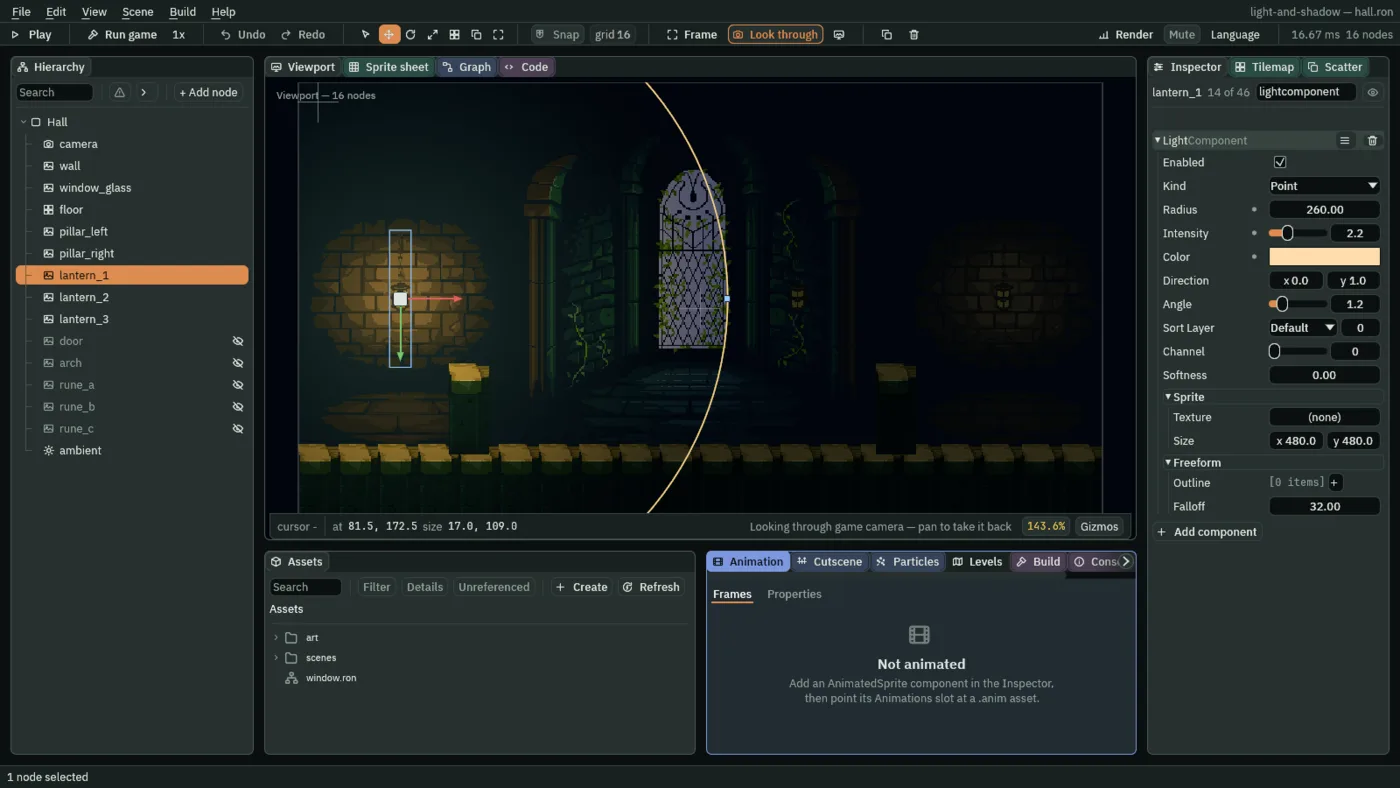
- Kind
- The shape the light throws. A Point light lights all round its node. The other four, Cone, Directional, Sprite and Freeform, are Part 2’s.
- Enabled
- Whether the light lights. A hall whose every light is off is as dark as its ambient; only a hall with no light in it draws at full brightness, as in chapter 1.
The component lists every field of every kind, and a Point light reads only some of them. Direction and Angle belong to a Cone, Texture and Size to a Sprite light, Outline and Falloff to a Freeform light: leave them, since chapters 5, 7 and 8 use them. Channel and Sort Layer stay at 0. A channel is how a light’s colour joins the scene, which chapter 9 changes, and Sort Layer is the order lights are drawn in, which chapter 4 explains. Light lists every field.
How far, how bright
A Point light is brightest at its node and fades to nothing at its Radius. Past the Radius it adds nothing, and the bricks there stay at the ambient you set in chapter 1. Two numbers decide how the lantern reads: how far it reaches, and how bright it is at its middle.
- Radius
- How far the light reaches, in world units, from its node to where its light is gone. The hall is 640 units wide, so the lantern’s
260is a circle 520 across, and the light you can see ends well inside it. Between150and400looks right on a lantern here:150is a small pool on the bricks, and400reaches the window. In the Viewport the Radius is the circle round the light: drag the dot on it. - Intensity
- How bright the light is at its node, where it is brightest, from
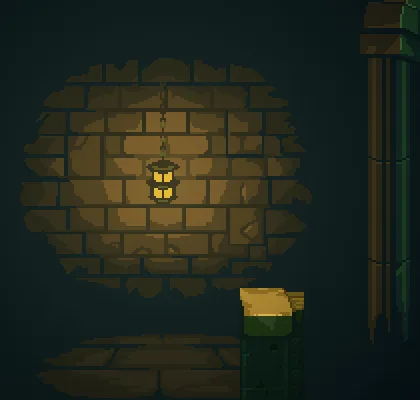
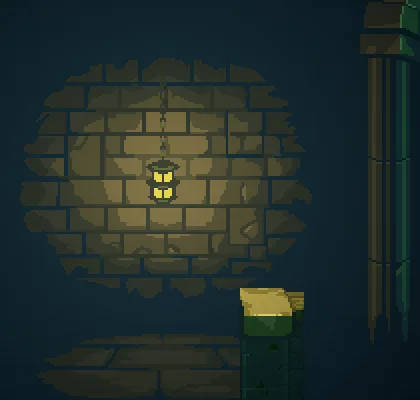
0up to8. At1a white light brings the bricks at the node to their own painted colour; above1they go brighter than their paint, as bricks do beside a real flame.1.5to4suits a lantern here,2.2is what you set, and by8, the top of the range, the bricks round the lamp burn pale. - Color
- The light’s own colour: three numbers from
0to1, and an alpha, which you leave at1. Everything the light reaches is tinted by it. The lantern’s is a warm orange,1.0,0.72,0.42.
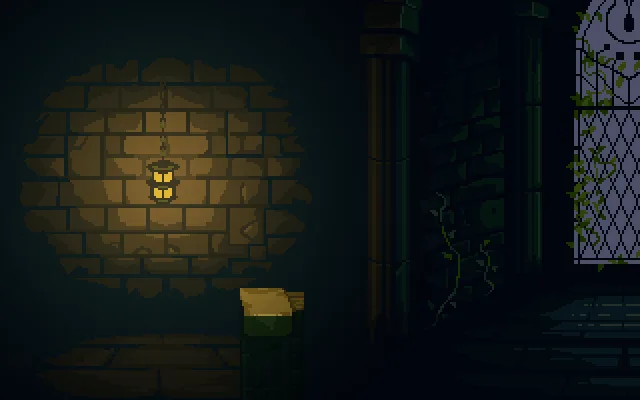
150: a small pool on the bricks.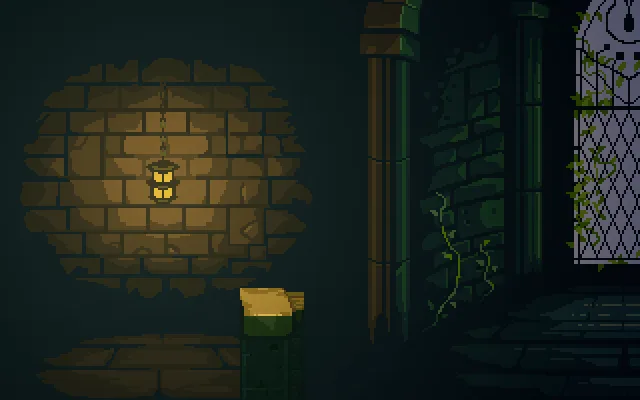
260, the value you set.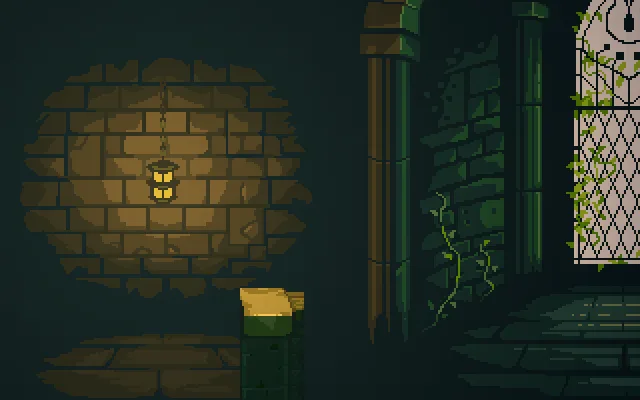
400: the light reaches the window.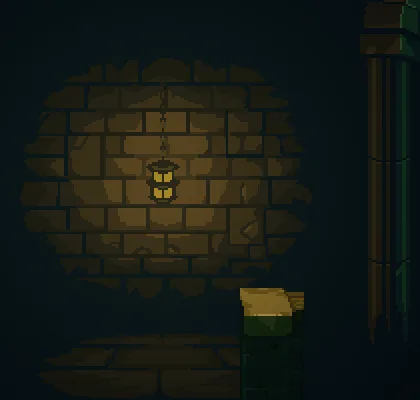
1.
2.2, the value you set.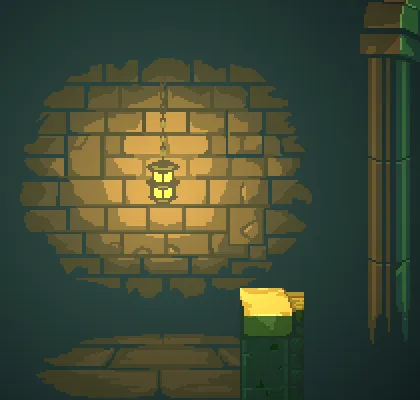
8, the top of the range.How the light fades
The light falls off smoothly from the node to its Radius, and reaches exactly nothing there, so a light is skipped altogether once its circle is out of view. The fall is steep at first and gentle at the end: the brightness is the Intensity times the square of what is left of the Radius. At half the Radius a light is a quarter as bright as at its node, and three quarters of the way out, a sixteenth. That is why the pool on the bricks looks smaller than the circle in the Viewport.
Every lit sprite is its own colour times the light. A light cannot make a black pixel bright, and the painted dark between the bricks stays dark. The colour of the light matters as much as its strength: the warm 1.0, 0.72, 0.42 against the cold ambient is what reads as lamplight, warm where the lamp is and cold where it is not.
The lantern
| Field | Value |
|---|---|
| Kind | Point |
| Radius | 260 |
| Intensity | 2.2 |
| Color | 1.0, 0.72, 0.42 |
| Softness | 0 (6 from chapter 4) |
| Channel | 0 |