Tutorials · Light and Shadow · Chapter 6
Moonlight
15 minutes Uses: Light, Occluder
By the end
- A Directional light,
moonlight, washing the hall a cold blue - The pillars’ shadows slanting down and to the right,
120units long - Why a Directional light has no position, and why its Radius is its shadows’ length
On this page
Light from far away
The sun and the moon are so far away that their light arrives in parallel, from one direction, and reaches everything in view at once. A Directional light is that: no middle, no edge, a wash over the whole scene, and shadows that all fall the same way. The hall’s moon shines in through the window.
- Select
Hall, press + Add node, and choose Light. Rename itmoonlight. - Set its Position to
314and90, by the window, where the Viewport draws its arrow. - Set Kind to Directional.
- Set Radius to
120, Intensity to0.25and Color to0.5,0.6,1.0, alpha1. - Set Direction to
0.5and0.866. - Press Ctrl+S.
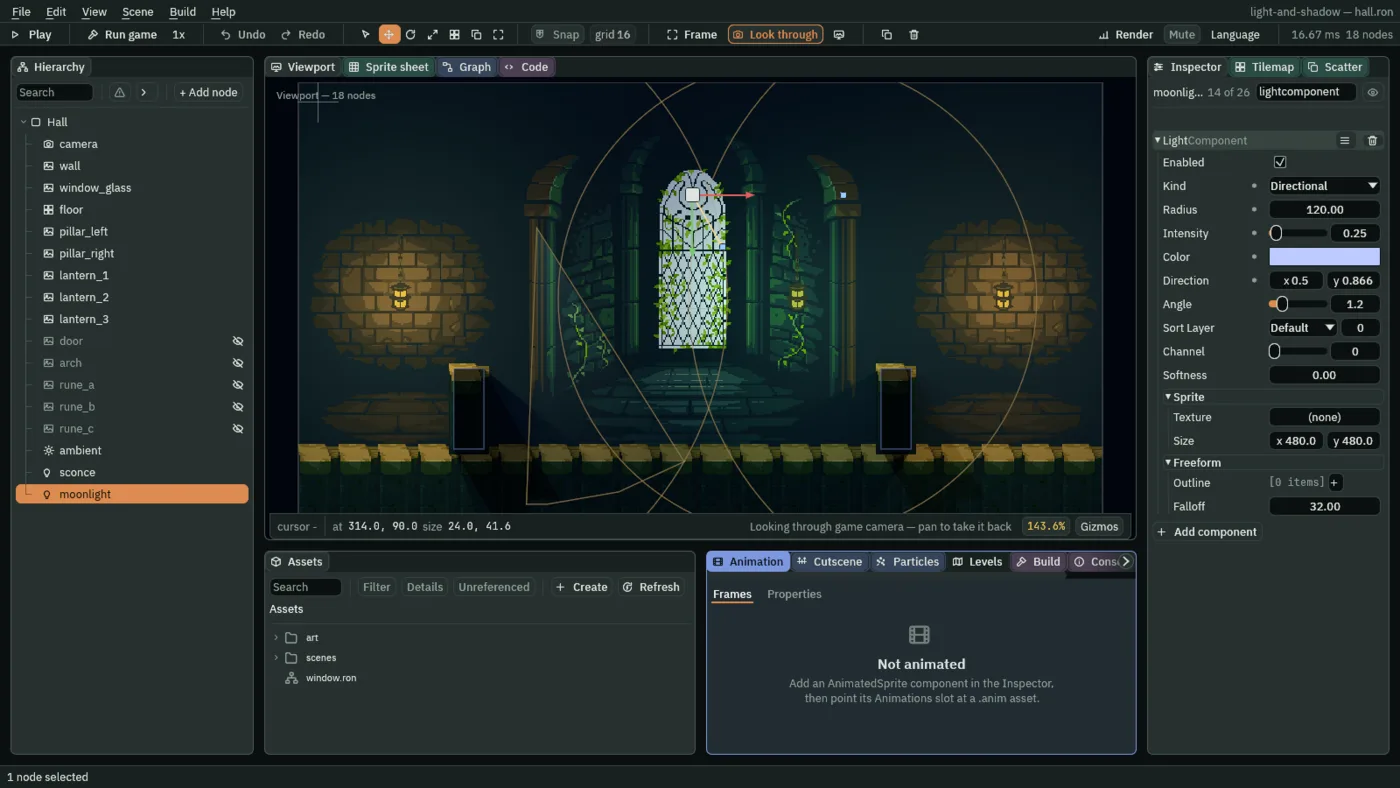
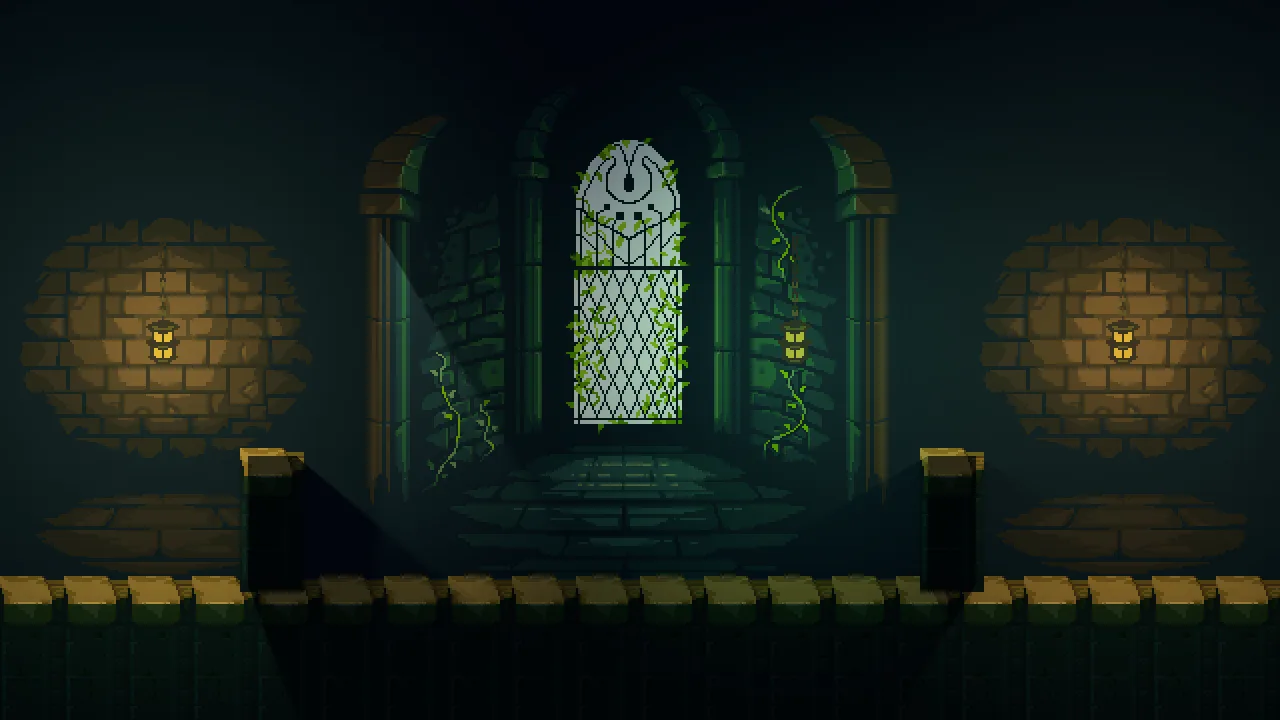
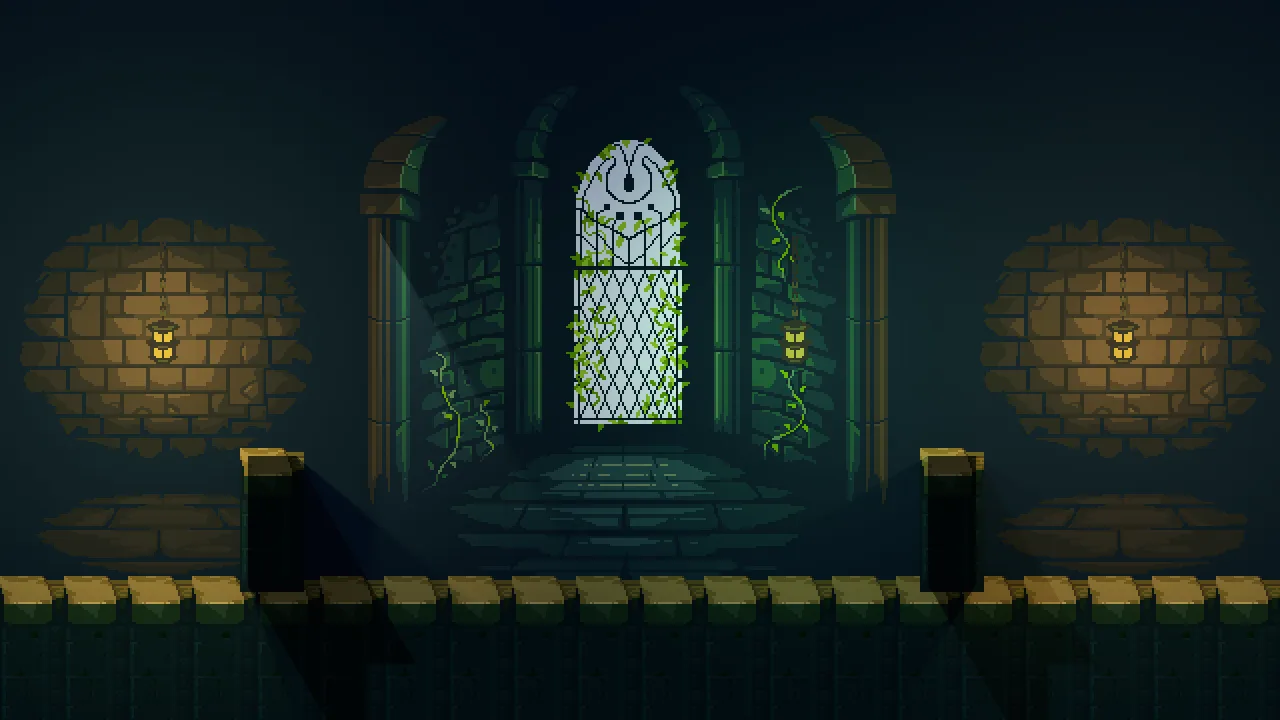
In the Viewport a Directional light is a short arrow from its node along its Direction. The square at the arrow’s tip aims it, and a second square, as many units to the right of the node as the Radius, sets the Radius.
Direction, and a Radius that is a length
- Kind Directional
- Lights everything in view evenly, from one direction, with no middle to fade from. Its shadows are the only edges it has.
- Direction
- The way the light travels, as two numbers: across the screen, then down it.
0.5,0.866is down and to the right, thirty degrees from straight down, and every shadow falls that way. Which way it points is all that counts, not how long the two numbers are. - Radius
- For a Directional light, how long its shadows are, in world units:
120here. It does not say how far the light reaches, because it reaches everywhere. At0it lights nothing. - Intensity
- How strong the wash is:
0.25here, so the lanterns stay brighter than the moon and still read as the lights.0.15to0.5looks right, and1.0washes the whole hall a strong blue.
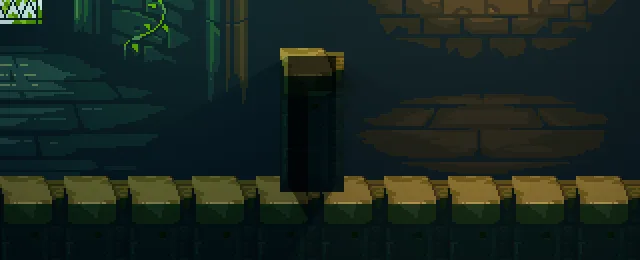
20: a stub of shadow.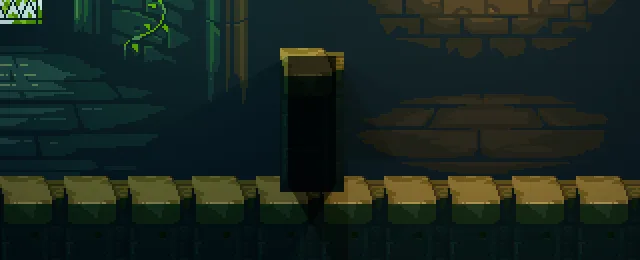
60: the shadow’s tip reaches the top of the floor caps.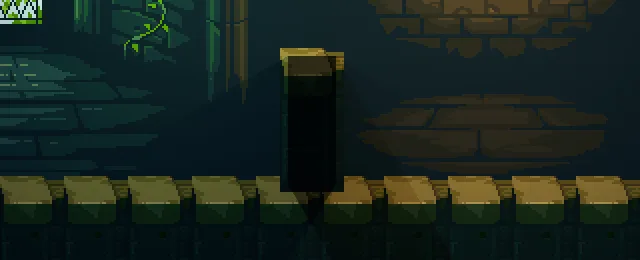
120, the value you set: the shadow runs across the floor caps and off the bottom of the window.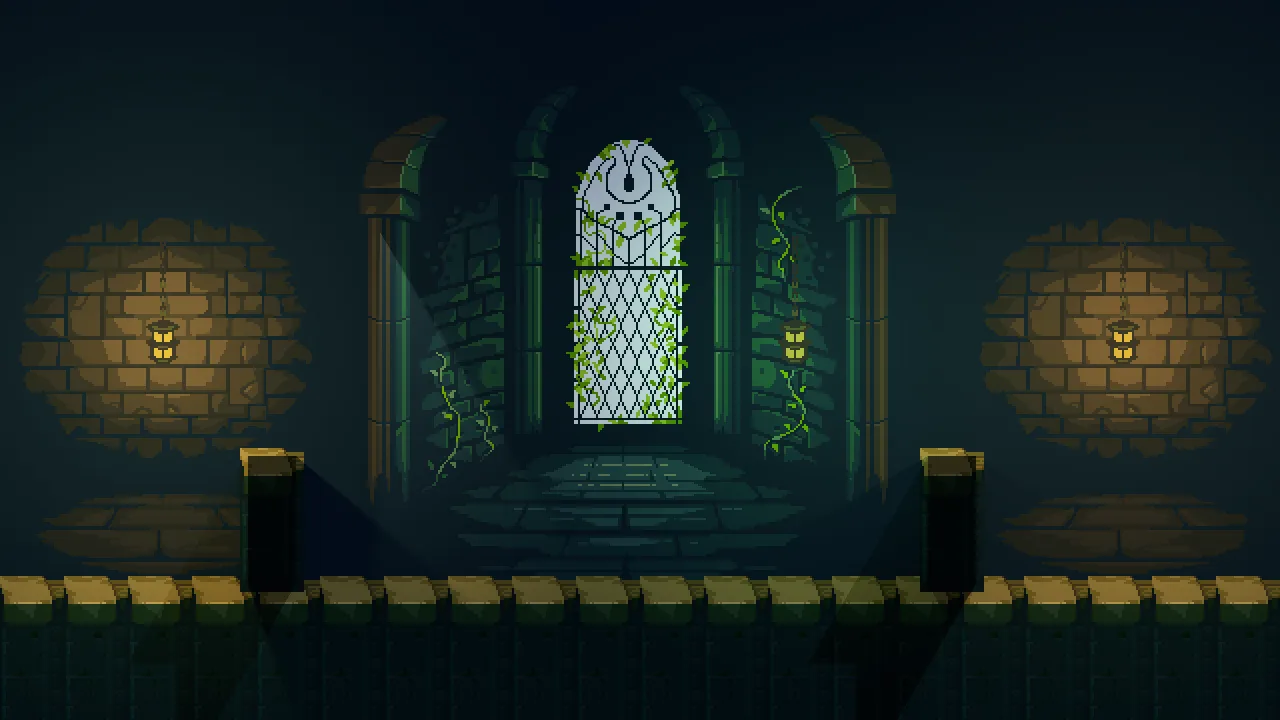
-0.5, 0.866: the shadows lean left.The moonbeam
Every value of the light, to build it again in your own game.
| Field | Value |
|---|---|
| Kind | Directional |
| Direction | 0.5, 0.866 |
| Radius | 120 |
| Intensity | 0.25 |
| Color | 0.5, 0.6, 1.0 |