Light and Shadow
Light a castle hall at night, one control at a time: lanterns and their shadows, a cone, moonlight, stained glass, a shaft through a door, glowing glass, normal-mapped bricks, flickering flames, a candle of your own and a glow, and what each costs on a phone, then a gallery of six lit scenes.
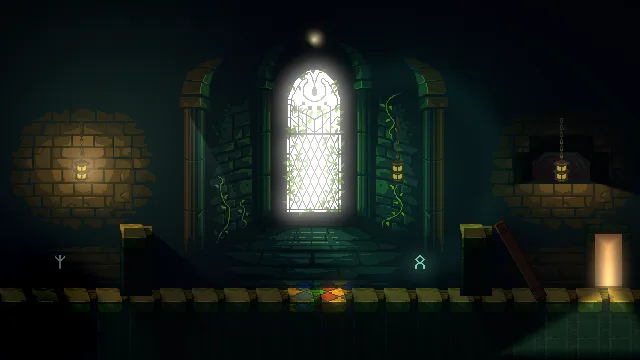
The hall
Light and Shadow lights one scene, the Old Hall: a castle hall at night, drawn in pixel art. The camera is fixed on a composed hall, so it is a showroom. You press Play and watch it; nothing is steered. You start from a starter with the hall built and no light in it, and add light to it, a control at a time. A last chapter then lights six small scenes of their own, each a recipe to take into your own game.
The tutorial is for learning every lighting control to the end. Each one is defined with what it does, its unit and the range that looks right in the hall. A control whose effect is not obvious is shown at the values that matter, side by side. A note says why wherever a result surprises you, and what it costs wherever it costs, on a phone most of all. Each effect ends with its values in a table, so you can build it again in your own game.
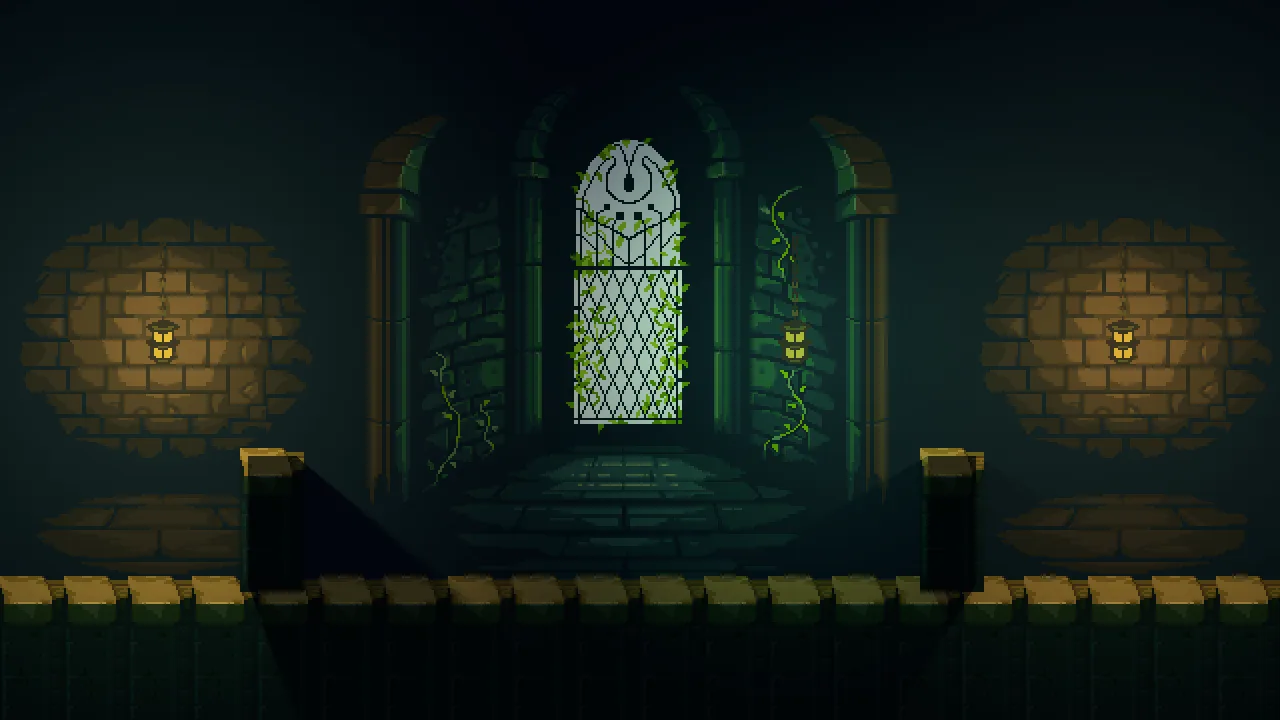
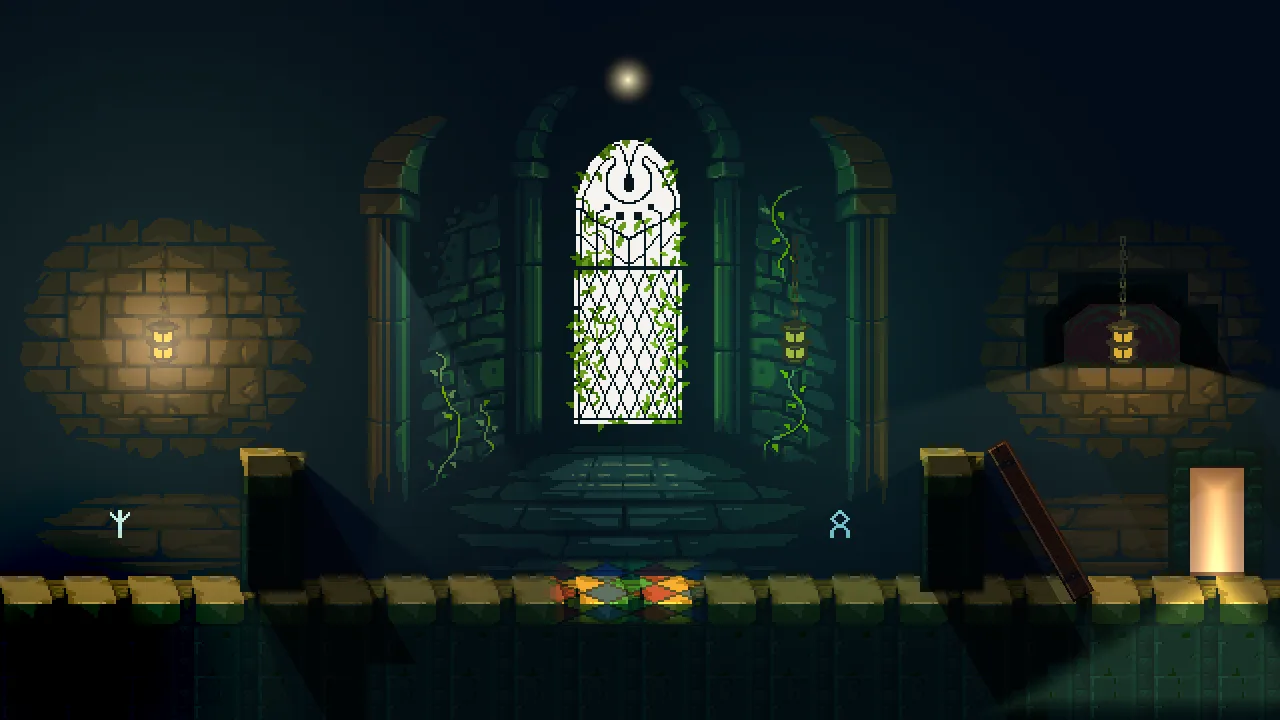
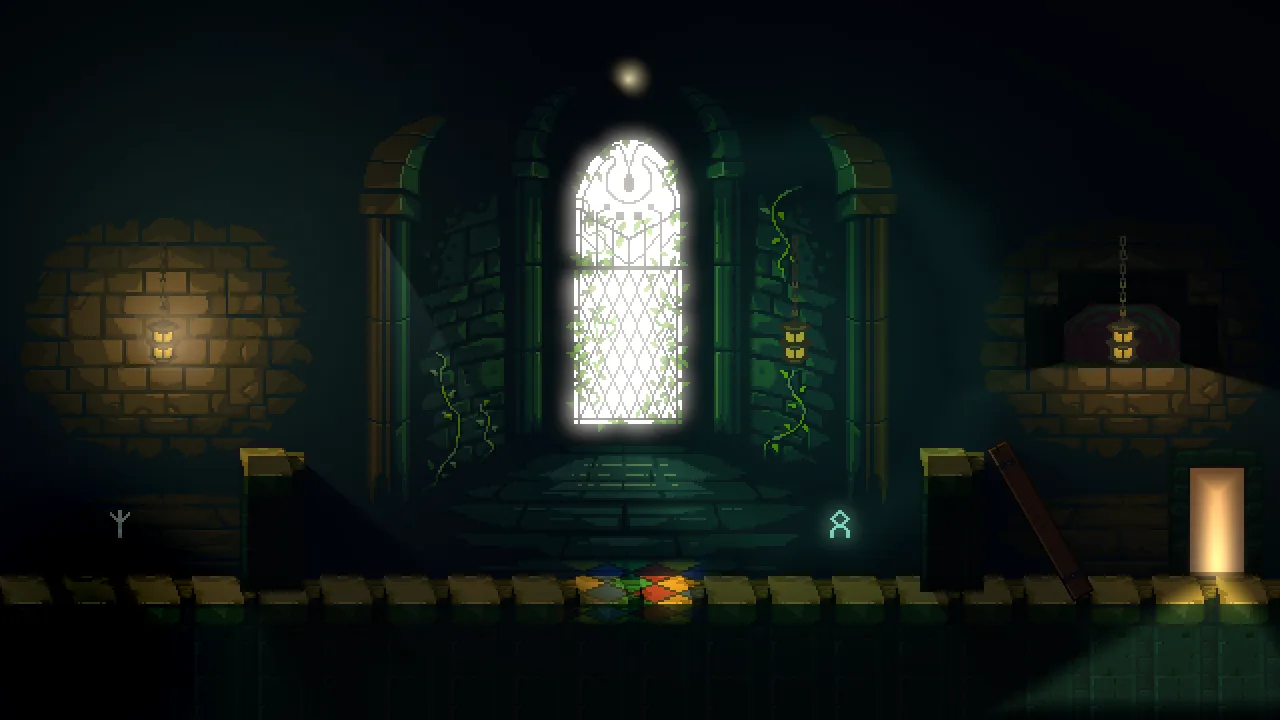
Each part ends on a hall that looks finished at its level:
What you need
- Rengy, installed, on Windows or Linux. Getting started installs it and shows you round the editor.
- The starter, light-and-shadow.zip: the hall built and unlit, with every picture it uses. Unzip it somewhere outside your other projects; in the editor’s launcher, choose Open project… and pick the
light-and-shadowfolder. - Nothing else. Parts 1 and 2 are all clicks. Part 3 has five short Rengy Script files and two small shaders, which the editor runs as they are, with nothing to install.
The hall’s art is from the Gothicvania collection by ansimuz (Luis Zuno), in the public domain (CC0). The starter holds the two pictures the hall uses, five more from the collection for the gallery, and fifteen small ones cut out of them or drawn.
Three parts
You can stop after any of them: each leaves you a hall that works. The chapters below are listed by part.
- Basic, chapters 1 to 4: the hall at night. A cold ambient, three lanterns, the pillars’ shadows, soft shadows and colours that mix.
- Simple, chapters 5 to 9: shaping light. A cone from a sconce, moonlight through the window, stained glass on the floor, a shaft through a doorway, and sprites that glow or show only in the light.
- Pro, chapters 10 to 15: depth, life and cost, then a gallery. Bricks with depth, flickering and sputtering flames, lightning, a candle of your own, a glow and a second look at the door, the hall budgeted for a phone and exported, and six lit scenes to take into your own game.
How long it takes
The fifteen chapters take about six hours at the keyboard, in sittings of fifteen to forty-five minutes.Every chapter ends at a place you can stop, with a Check it works box that says what you should see.
The chapters
Part 1 · Basic
The hall at night: a cold ambient, three lanterns, the pillars’ shadows, soft shadows and mixed colours.
- 1 Light starts from darkness Open the starter, see why a room with no light draws at full brightness, and give the hall its darkness with an Ambient Light. 15 min
- 2 A lantern Light the first lantern with a Point light, and see what its Radius, Intensity and Color each do to the bricks round it. 20 min
- 3 Shadows Let the pillars block the lantern with Occluders, see why an occluder sits in its own shadow, and why the floor must not cast. 20 min
- 4 Soft shadows, many lights Widen the lantern so its shadows soften, light the other two lanterns, and see how lights add and their colours mix. 20 min
Part 2 · Simple
Shaping light: a cone from a sconce, moonlight through the window, stained glass on the floor, a shaft through a doorway, and sprites that glow or show only in the light.
- 5 A cone Hang a sconce on the bay’s column and aim a cone of light at the floor: Kind, Direction and Angle, and the cone’s soft edge. 15 min
- 6 Moonlight Wash the whole hall in cold moonlight with a Directional light, and slant the pillars’ shadows across the floor. 15 min
- 7 Stained glass Lay a pool of coloured light on the floor under the window with a Sprite light and a picture of stained glass. 15 min
- 8 A shaft through the door Open the doorway and the arch, give the arch an occluder of its real shape, spill a shaft of light from the door with a Freeform light, and turn an occluder with a fallen timber. 30 min
- 9 Sprites in the light Make the lantern glass and the window glow with Unshaded, show runes only where light falls, and light the hall through all four channels. 25 min
Part 3 · Pro
Depth, life and cost, and a gallery: bricks with depth, flames that flicker and a lantern that sputters, lightning, a candle of your own, a glow and a second look at the door, the hall budgeted for a phone and exported, and six lit scenes to take into your own game.
- 10 Depth from normal maps Make a normal map from the back wall’s own picture, give it to the wall, and let the lanterns rake across the bricks. 20 min
- 11 Living light Your first scripts: the lanterns’ flames flicker and breathe, lightning flashes through the window every seven seconds, and the second lantern sputters. 30 min
- 12 Your own falloff Write a light shader for the third lantern, a candle with a bright ring that wavers, and set its values in the Inspector. 25 min
- 13 Glow Give the hall a look with a Post Volume: a glow on the window, a touch of warmth, darker corners, a second look by the door that only a camera inside it would see, and why the light stays smooth. 30 min
- 14 Light on a phone Count what the hall’s lights cost, see it at a phone’s tier, budget it from 14 light draws to 8, and export it. 30 min
- 15 A gallery of lights Six small scenes lit from scratch with what you have learned — a neon sign, a searchlight, a campfire, a day turning to night, a lava pool and light through blinds — each a recipe to take into your own game. 45 min