Tutorials · Light and Shadow · Chapter 10
Depth from normal maps
20 minutes Uses: Sprite
By the end
- A normal map generated from the back wall, strength
3, bevel1, saved beside it - The wall’s Sprite with that map and a Specular of
0.25 - Which lights a normal map answers, and what it costs
On this page
What a normal map is
A normal map is a picture of a surface’s slopes: each pixel’s colour says which way that bit of the surface faces. With one, a light from the side lights the faces turned toward it and leaves the others darker, and the flat painting gains relief. Rengy makes one from the picture’s own brightness: bright reads as high, dark as low. The back wall is a painting of bricks, so its mortar reads as low, and each brick as raised.
Make one from the back wall
- In Assets, open the
artfolder and selectold-dark-castle-interior-background.png. - Press Details: the picture’s import settings open under the list.
- On the Normal map row, choose Generate.
- Set strength to
3and bevel to1. - Press Save.
old-dark-castle-interior-background.normal.pngappears beside the picture, with a.metaof its own.
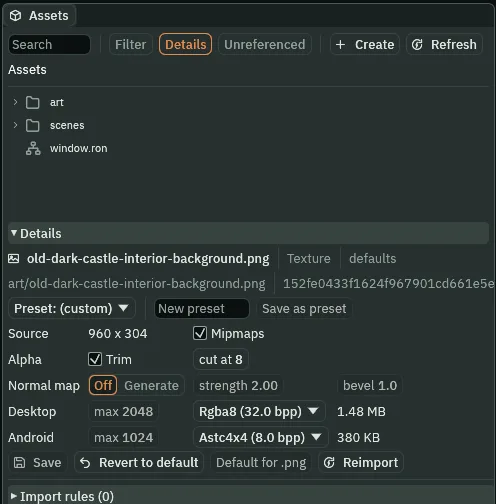
Off.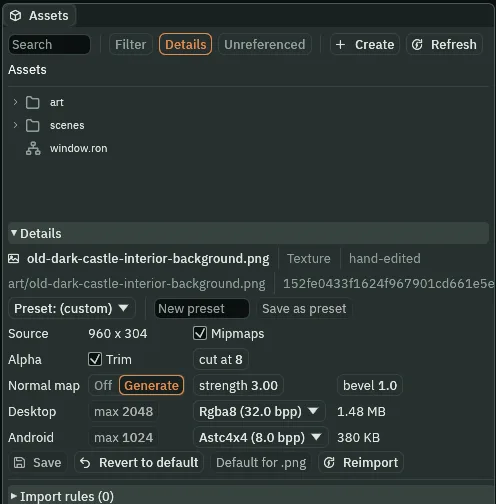
3, bevel 1.- Normal map
- How the picture’s surface is described. Off gives it no map. Generate makes one from the picture’s own brightness when you press Save.
- strength
- How steeply a change in brightness tilts the surface, from
0, flat, to16.3here. Lower, and the relief fades toward flat; higher, and every small mark in the painting tilts as hard as a brick’s edge. - bevel
- How far in from a clear edge, in pixels, the surface rounds over, from
0to16.1here. A bevel works on a picture’s clear edges, where solid pixels meet transparent ones, and the back wall is painted across its whole width, so a bevel of1changes little in it. It is for a sprite with an outline, such as a pillar.
The wall takes it
- Select
wall. In its Sprite, dragart/old-dark-castle-interior-background.normal.pngfrom Assets onto the Normal Map slot, or click the slot and choose it. - Set Specular to
0.25. - Press Ctrl+S.
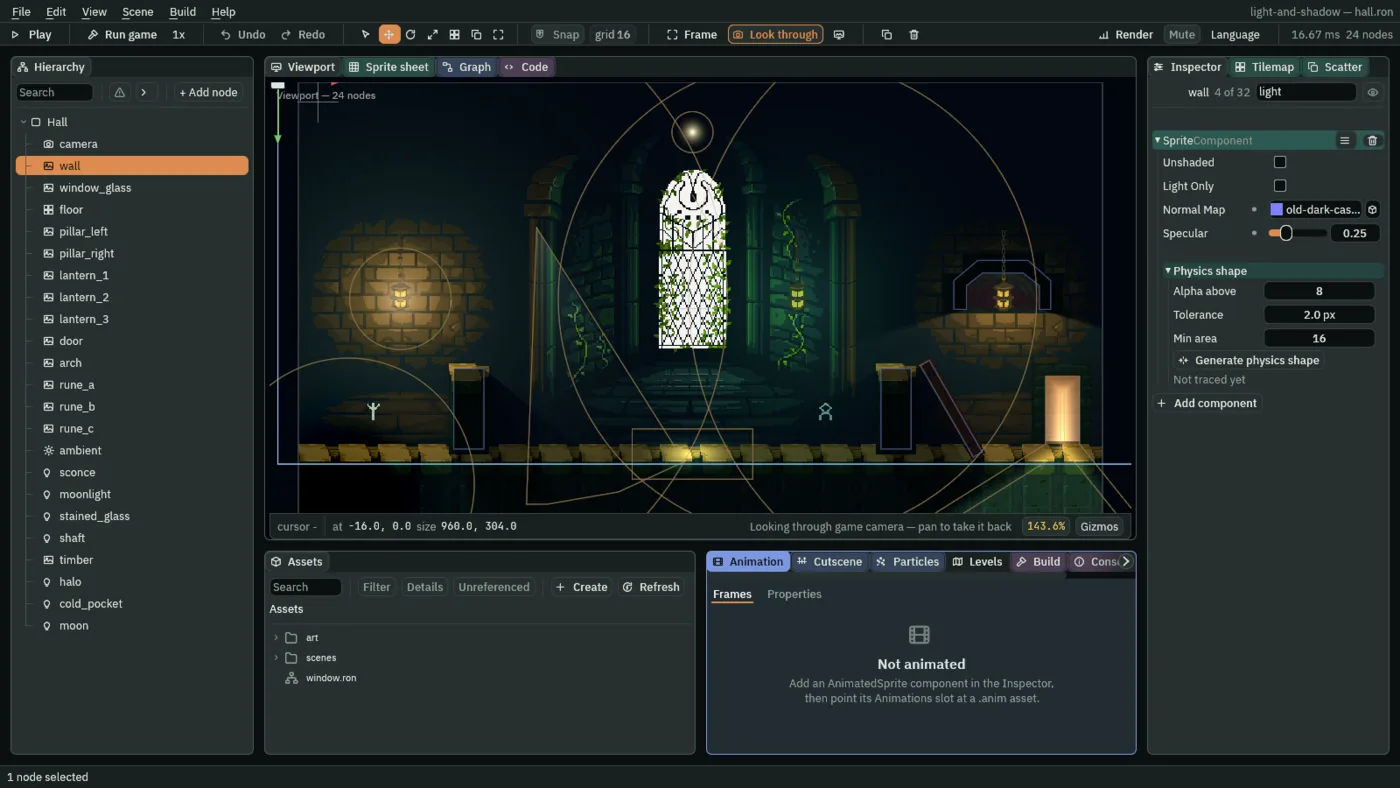
Type light into the Inspector’s search box and it narrows to the rows that answer to light, as the picture shows.
- Normal Map
- The Sprite’s slot for the picture that says which way its surface faces. Empty, the surface is flat.
- Specular
- How brightly the surface catches a highlight where a light faces it, from
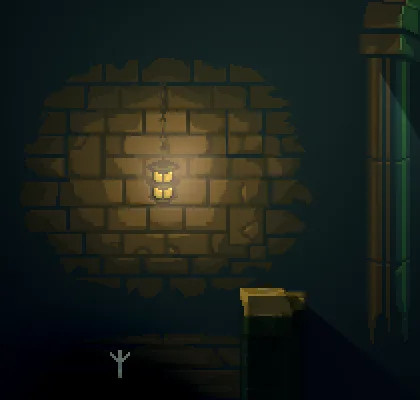
0, none, to1, full. It does nothing without a normal map.0.25here: a damp shine near the lamps. At1the bricks beside a lamp catch a paler sheen.
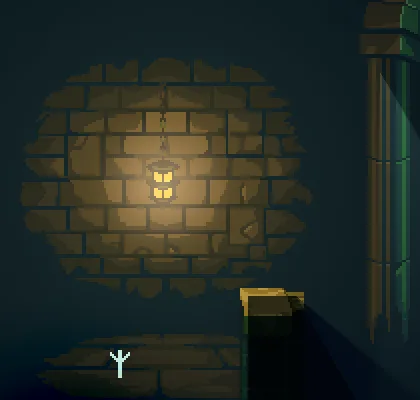
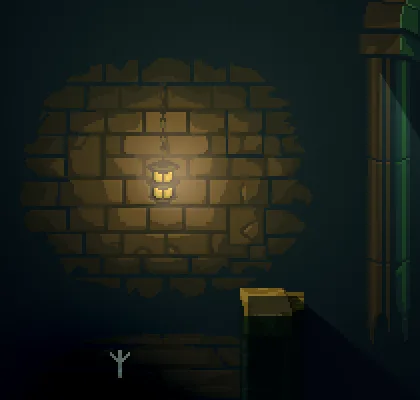
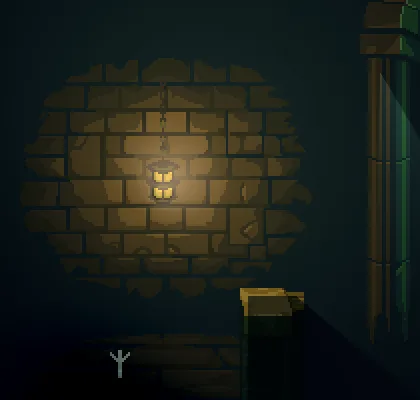
0.
1.What it costs
The raked bricks
| Where | Field | Value |
|---|---|---|
| The back wall’s import settings | Normal map | Generate |
| strength | 3 | |
| bevel | 1 | |
wall’s Sprite | Normal Map | art/old-dark-castle-interior-background.normal.png |
| Specular | 0.25 |