Tutorials · Light and Shadow · Chapter 7
Stained glass
15 minutes Uses: Light
By the end
- A Sprite light,
stained_glass, lighting a96by40rectangle of the floor through a picture of coloured diamonds - Why a coloured light on dark stone needs an Intensity of
3.2 - What Texture, Size and a Radius of
0do
On this page
Light through a picture
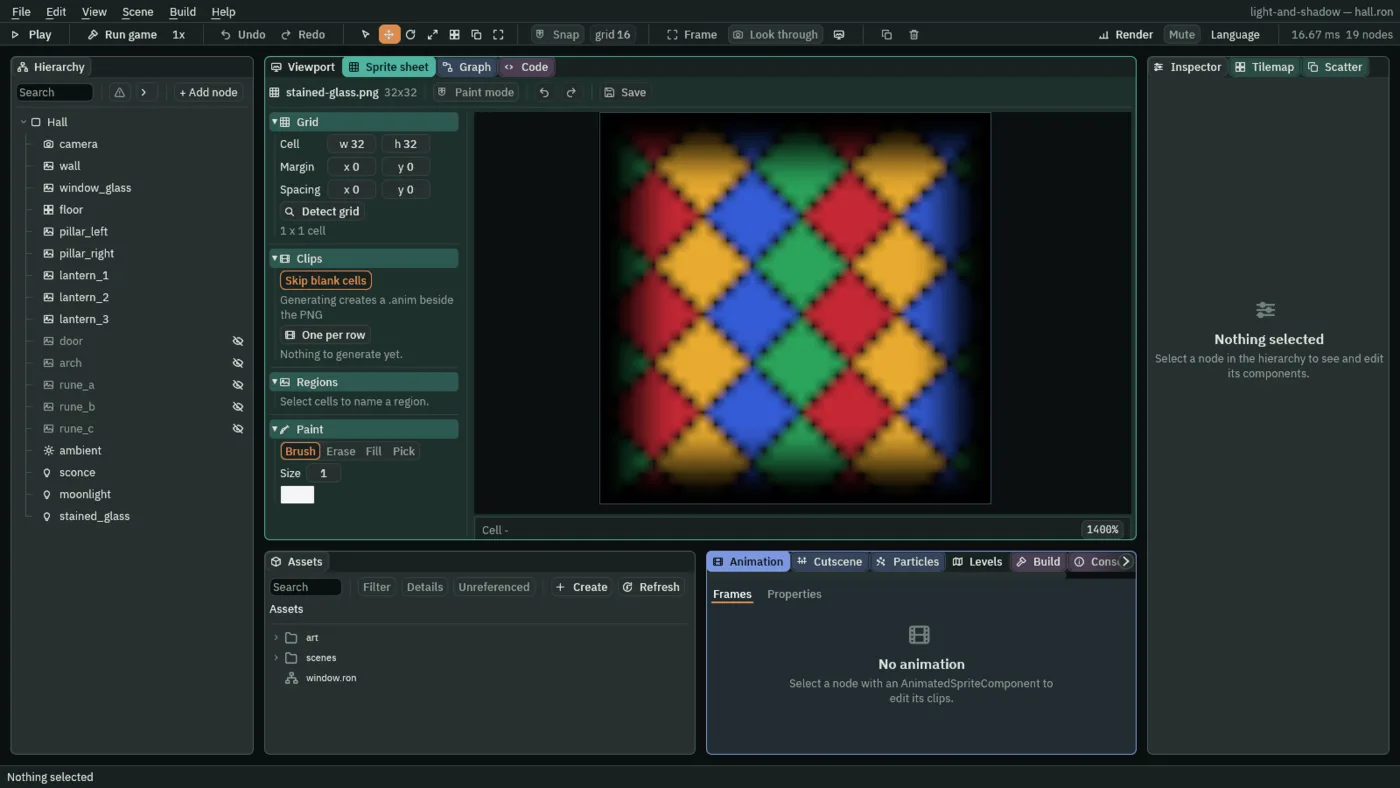
Sunlight through stained glass lands on the floor as the glass’s own picture. A Sprite light does that: it lights a rectangle, and the light is shaped and coloured by a picture you give it. The starter holds the picture, stained-glass.png, in its art folder: 32 by 32 pixels of diamonds in four colours.
- Select
Hall, press + Add node, and choose Light. Rename itstained_glass. - Set its Position to
314and296, on the floor under the window. - Set Kind to Sprite. Under the Sprite group, click the Texture slot and choose
stained-glass.png, and set Size to96and40. - Set Radius to
0, Intensity to3.2and Color to1,1,1, alpha1. - Press Ctrl+S.
In the Viewport the light’s rectangle has a handle at each corner: drag one to set Size.
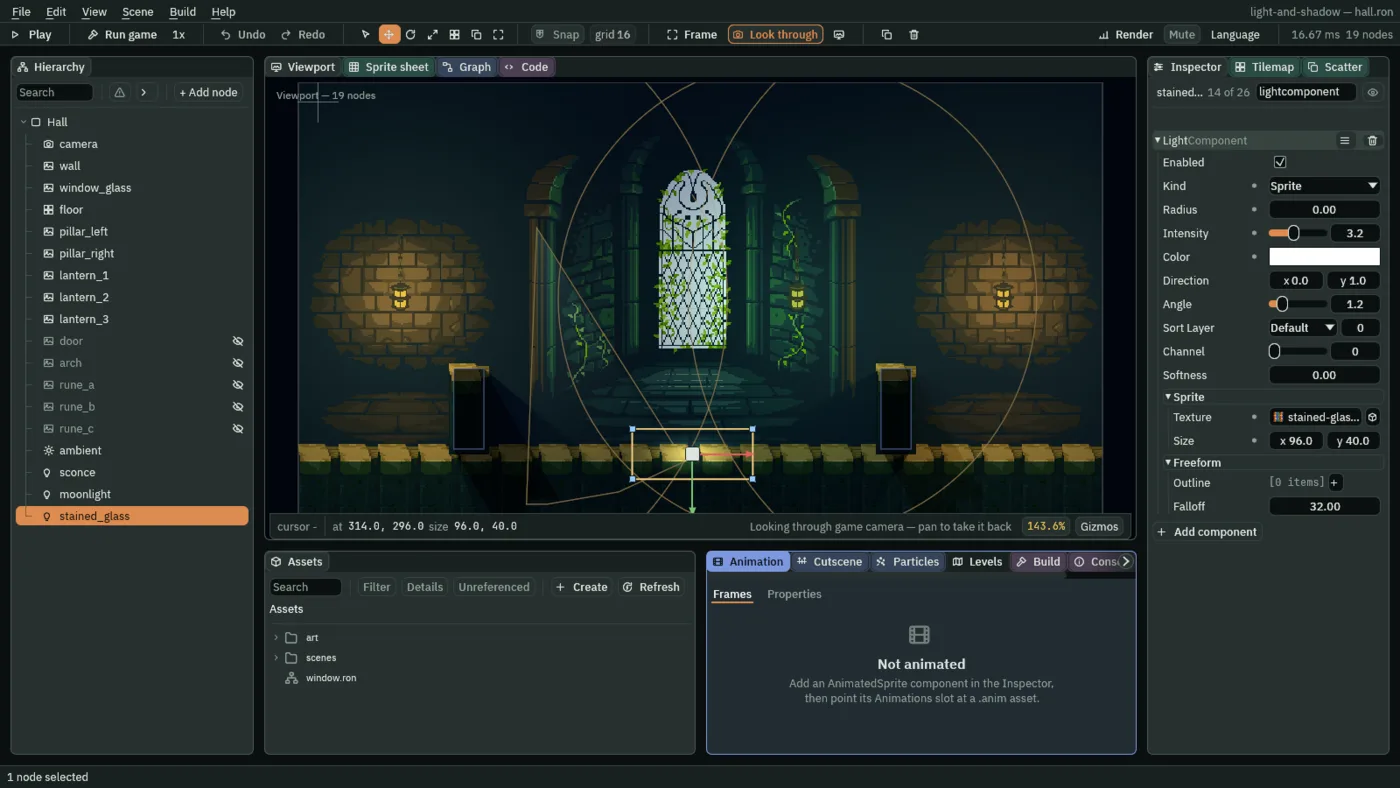
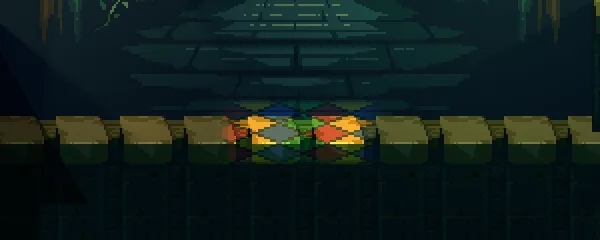
3.2 and Size 96 by 40, the values you set.Texture, Size and Radius
- Kind Sprite
- Lights a rectangle through a picture: where the picture is bright and coloured, light of that colour gets through, and where it is black, none does.
- Texture
- The picture. With none, a soft glow fills the rectangle. This one is 32 by 32 pixels and fades to black at its edge, so the light lands as a pool and not as a rug with a hard border.
- Size
- The rectangle the light covers, in world units, centred on the node. The picture is stretched over it, and the rectangle turns and scales with the node, so a window turned on its side throws a turned pool.
96by40here. - Radius
- For a Sprite light, only how far its shadows reach, since the light is the rectangle. At
0it casts none, and nothing stands in the pool. - Intensity
- How bright the light is where the picture is brightest:
3.2here.2to5looks right.
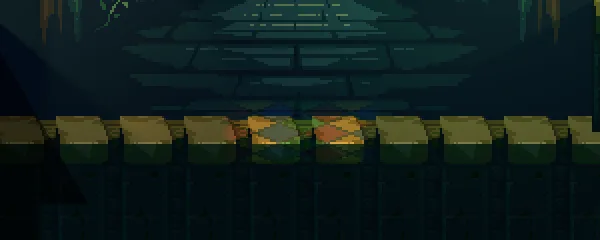
1: the colours sink into the stone.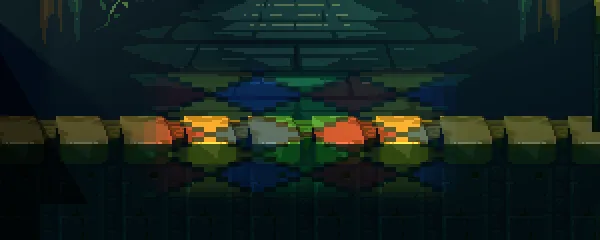
192 by 80: the pattern stretched twice as far.The stained glass
Every value of the light, to build it again in your own game.
| Field | Value |
|---|---|
| Kind | Sprite |
| Texture | stained-glass.png |
| Size | 96, 40 |
| Radius | 0 |
| Intensity | 3.2 |
| Color | 1, 1, 1 |