Tutorials · Particle Effects · Chapter 9
Bursts and prewarm
By the end
- A soot puff,
soot_puff, that fires once from the third chimney: One Shot, Burst24 - The town opening with its smoke, fog and fireflies already there: Prewarm
- Pools sized to what each emitter holds
On this page
One puff
Every emitter so far is a stream: it makes Rate new particles every second for as long as the room is open. A cough, a gunshot or a splash happens once. A One Shot emitter fires all its particles at the same instant and then stops. The third chimney gets one, and it coughs a single puff of soot as the room opens.
- Select
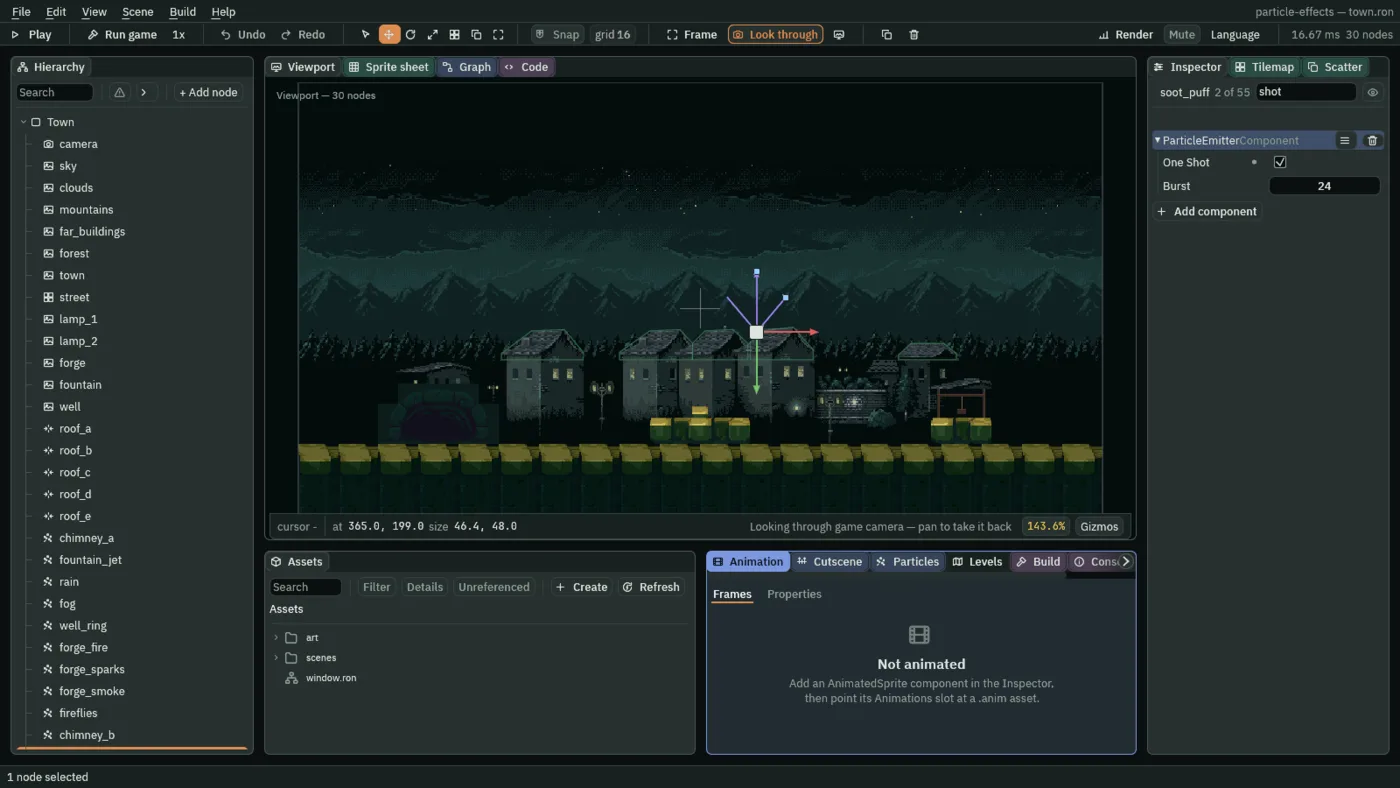
Town, press + Add node and choose Particles. Rename itsoot_puff, and set its Position to365and199, the third chimney’s top. - Tick One Shot. Burst is already
24. Set Capacity to24, the same. - Set Lifetime to
2.3, Speed to26, Spread to1.4, Gravity to-14and Drag to0.8. Direction stays0,-1, straight up. - Set Start Color to
0.1,0.09,0.08, alpha1, and End Color to0.14,0.12,0.1, alpha0: a dark brown-grey that fades. - Set Start Size to
12and End Size to38. Set Blend to Multiply, and Texture tosmoke-puff.png. - Press Ctrl+S, then F5. The puff comes out of the chimney as the room opens, so look at once. Press F5 again to stop.
- One Shot
- Fires the emitter once and stops, instead of streaming. It fires as its room opens, and again whenever it is restarted: with the Restart button in the Particles panel, or from a script, which chapter 13 does. Ticked, Rate is never read.
- Burst
- How many particles a one-shot fires at once, at least
1:24here. It can fire no more than the pool holds, so give Capacity the same number, or more. Any particles over Capacity are not born, and the Particles panel says so. The Burst button in the panel fires a Burst of any emitter on the spot, whether it is a one-shot or not.
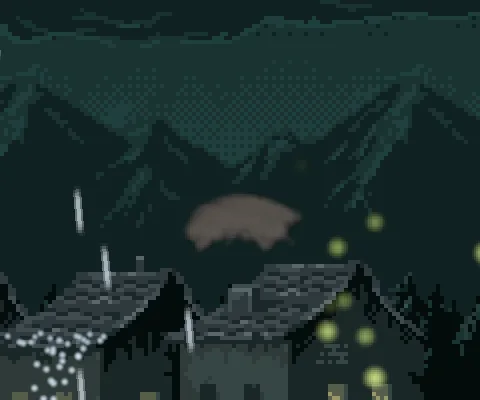
Smoke already rising
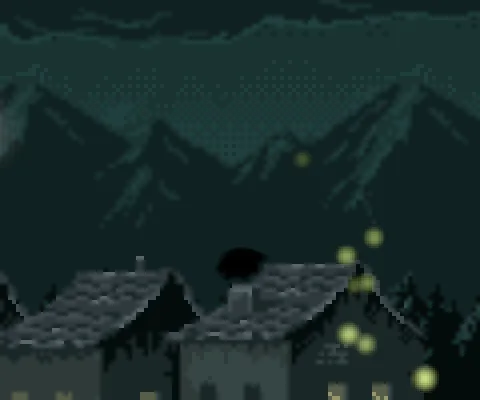
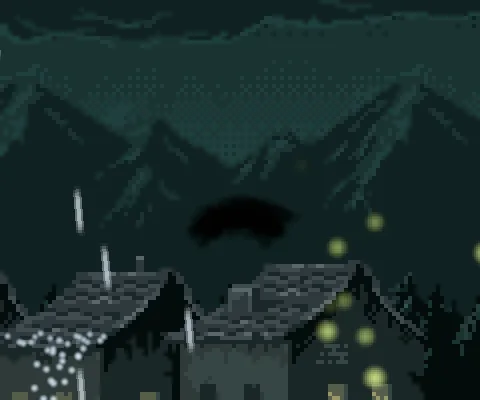
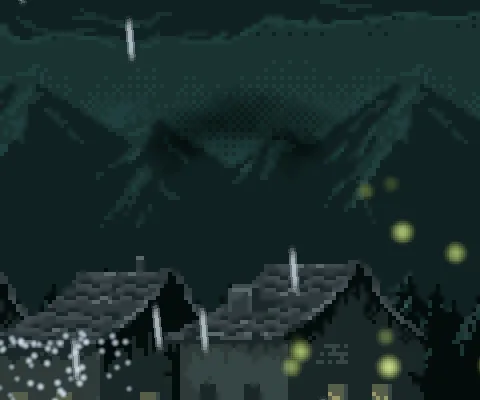
Press F5 and watch the first moment. The chimneys have only begun to smoke, the fog has not gathered and the fireflies have not been born: the town takes a few seconds to fill. A real night has been going on for hours. Prewarm gives an emitter a head start: its particles are made as if it had already been running for some seconds before the room opens.
- Select
chimney_a, and set Prewarm to4. Do the same onchimney_b. - Select
forge_smoke, and set Prewarm to3. - Select
fog, and set Prewarm to7. Do the same onfireflies. - Press Ctrl+S, then F5.
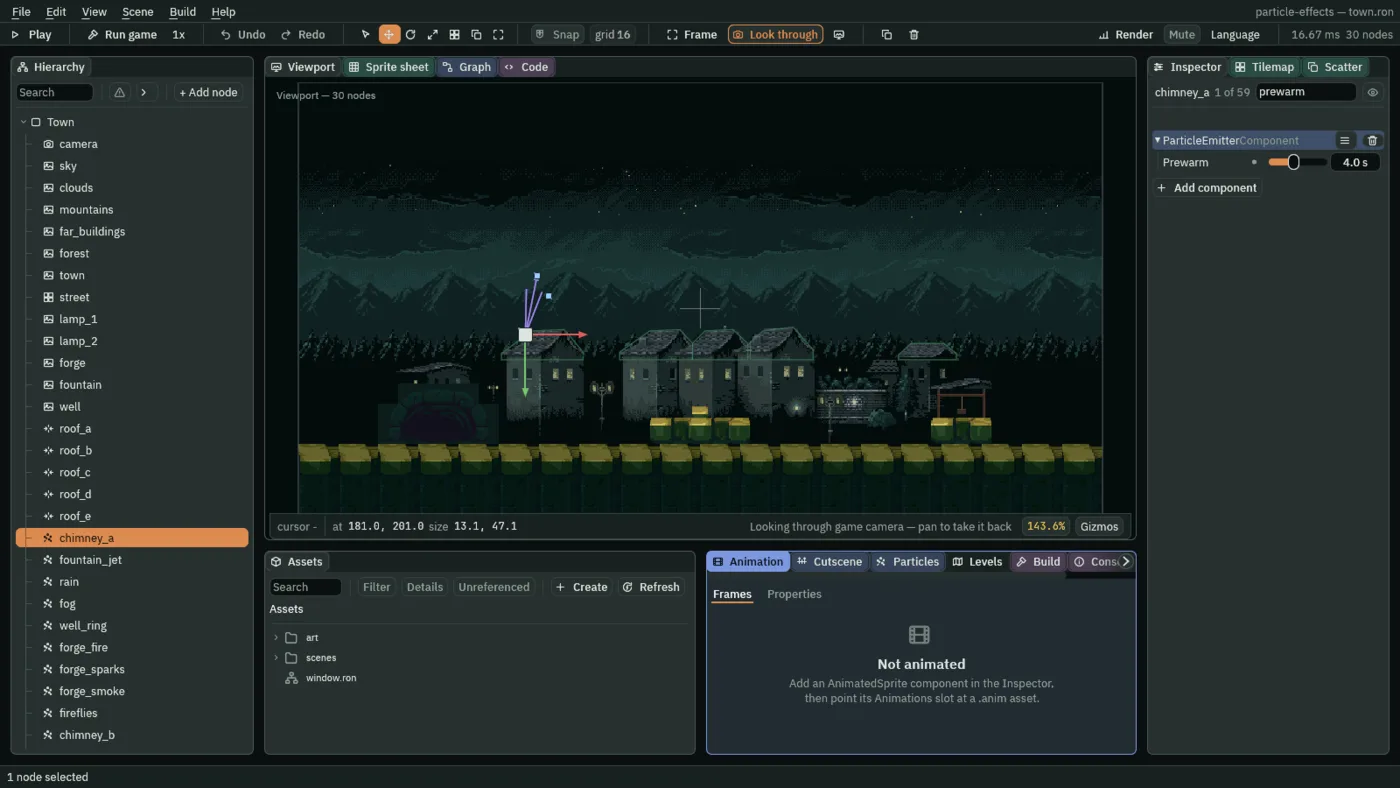
- Prewarm
- Seconds the emitter has already been running when its pool is made, from
0to10. The pool is stepped that long, a sixtieth of a second at a time, before the first frame is drawn. Set it to the emitter’s Lifetime, or a little more, so its pool is already full, with the oldest particles just dying, as the room opens:4for the chimneys, whose smoke lives3.5,3for the forge’s, and7for the fog and the fireflies.0is the default, and the emitter starts empty.
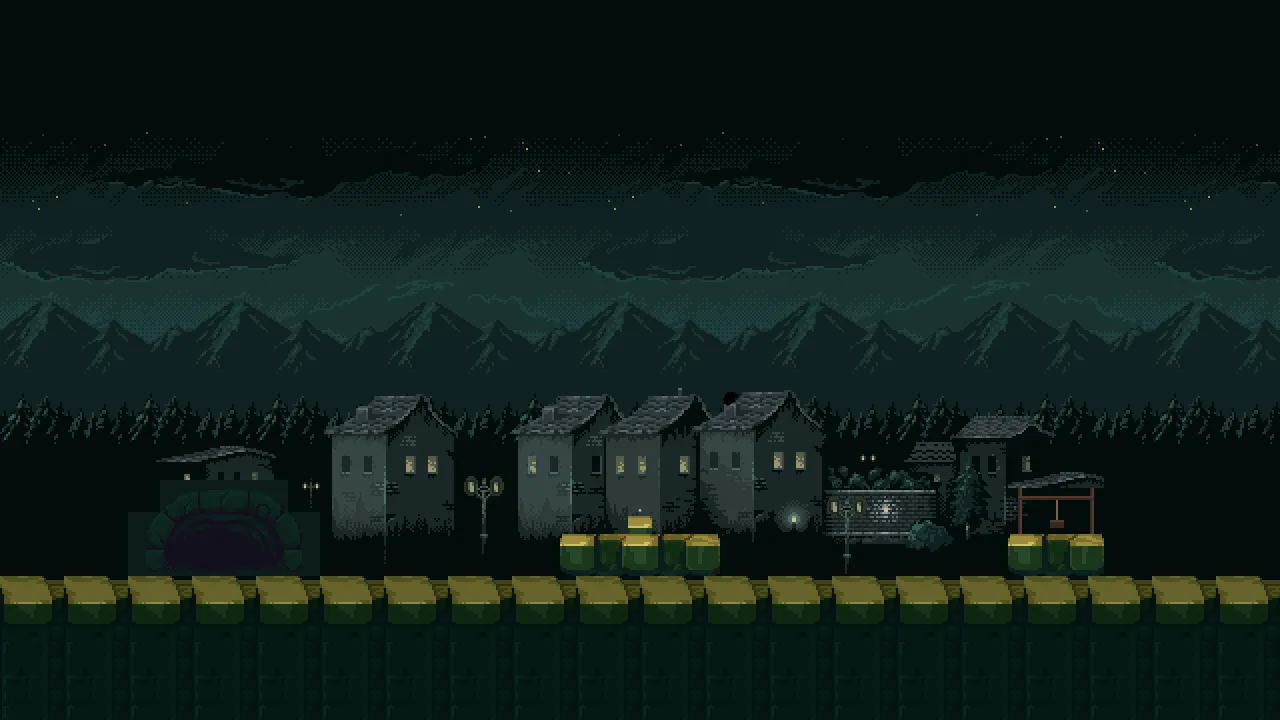
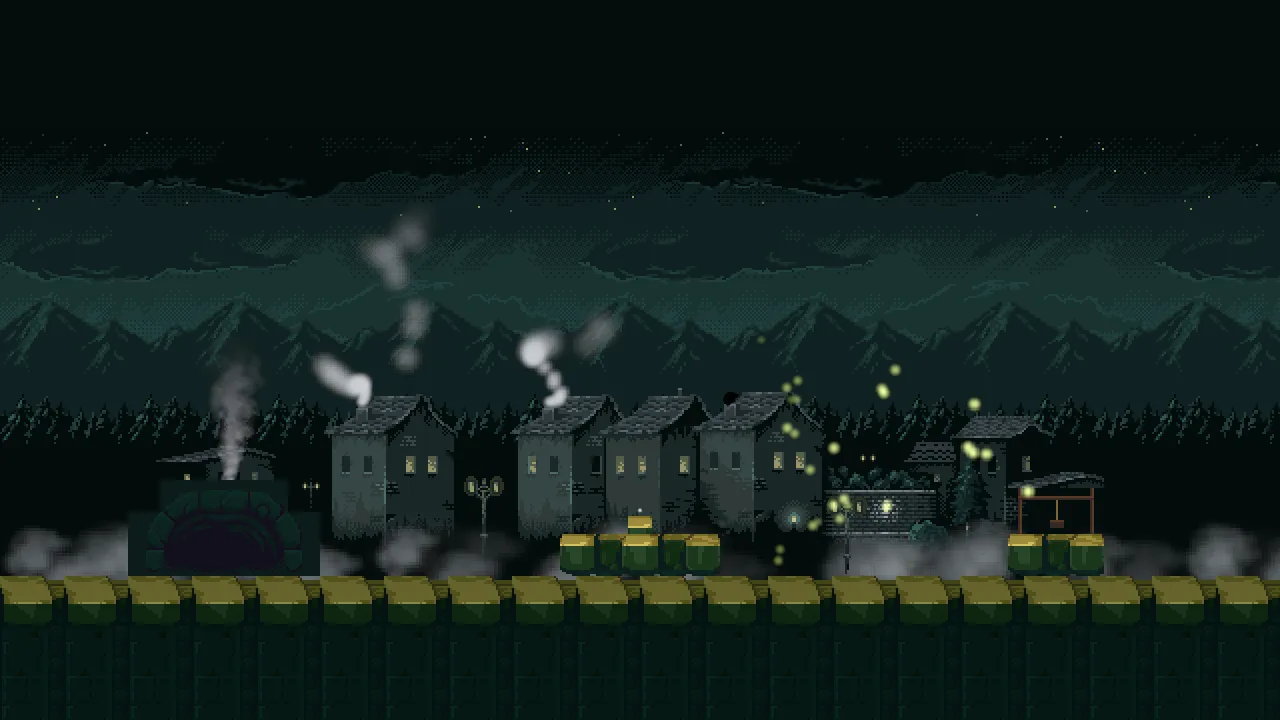
The rain, the fountain’s jet, the forge’s fire and sparks and the ring at the well are missing from both pictures. They have no Prewarm: each lives a second or two, so they fill in a moment, and nobody sees them arrive. The Particles panel shows what a prewarmed pool holds.
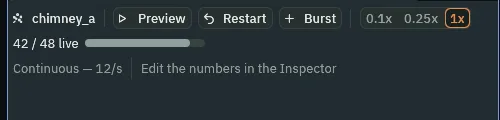
42 of 48 alive, four seconds of smoke already in the pool.A pool for each
Chapter 1 sized a pool as Rate times Lifetime, with a little to spare. The town now has eleven emitters, and each has its own number to fill:
| Emitter | Rate × Lifetime | Capacity |
|---|---|---|
chimney_a, chimney_b | 12 × 3.5 = 42 | 48 |
fountain_jet | 80 × 1.2 = 96 | 112 |
rain | 120 × 1.1 = 132 | 144 |
fog | 8 × 7 = 56 | 64 |
well_ring | 36 × 1.2 = 43 | 48 |
forge_fire | 40 × 0.9 = 36 | 40 |
forge_sparks | 20 × 1.4 = 28 | 32 |
forge_smoke | 8 × 3 = 24 | 32 |
fireflies | 4 × 7 = 28 | 32 |
soot_puff | a one-shot: its Burst, 24 | 24 |
Each stream’s pool has a tenth to a third to spare, and the one-shot’s has none: its pool is exactly its Burst, since it fires once and everything it makes fits.
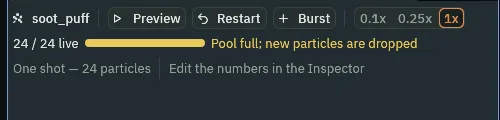
24 of 24 alive, and the panel calls its pool full.The soot puff, the chimney smoke, the fog and the fireflies
The soot puff
| Field | Value |
|---|---|
| Position | 365, 199 |
| One Shot | ticked |
| Burst | 24, as a new node has it |
| Capacity | 24 |
| Lifetime | 2.3 |
| Speed | 26 |
| Direction | 0, -1 |
| Spread | 1.4 |
| Gravity | -14 |
| Start Color | 0.1, 0.09, 0.08, alpha 1 |
| End Color | 0.14, 0.12, 0.1, alpha 0 |
| Start Size | 12 |
| End Size | 38 |
| Blend | Multiply |
| Texture | smoke-puff.png |
| Drag | 0.8 |
The chimney smoke, complete
| Field | chimney_a | chimney_b |
|---|---|---|
| Everything from chapter 8 | as in its table | as in its table |
| Prewarm | 4 | 4 |
The ground fog
| Field | Value |
|---|---|
| Everything from chapter 4 | as in its table |
| Prewarm | 7 |
The fireflies
| Field | Value |
|---|---|
| Everything from chapter 8 | as in its table |
| Prewarm | 7 |
The forge’s smoke is chapter 6’s with a Prewarm of 3. Every other field is as a new Particles node has it.