Tutorials · Particle Effects · Chapter 10
Forces
By the end
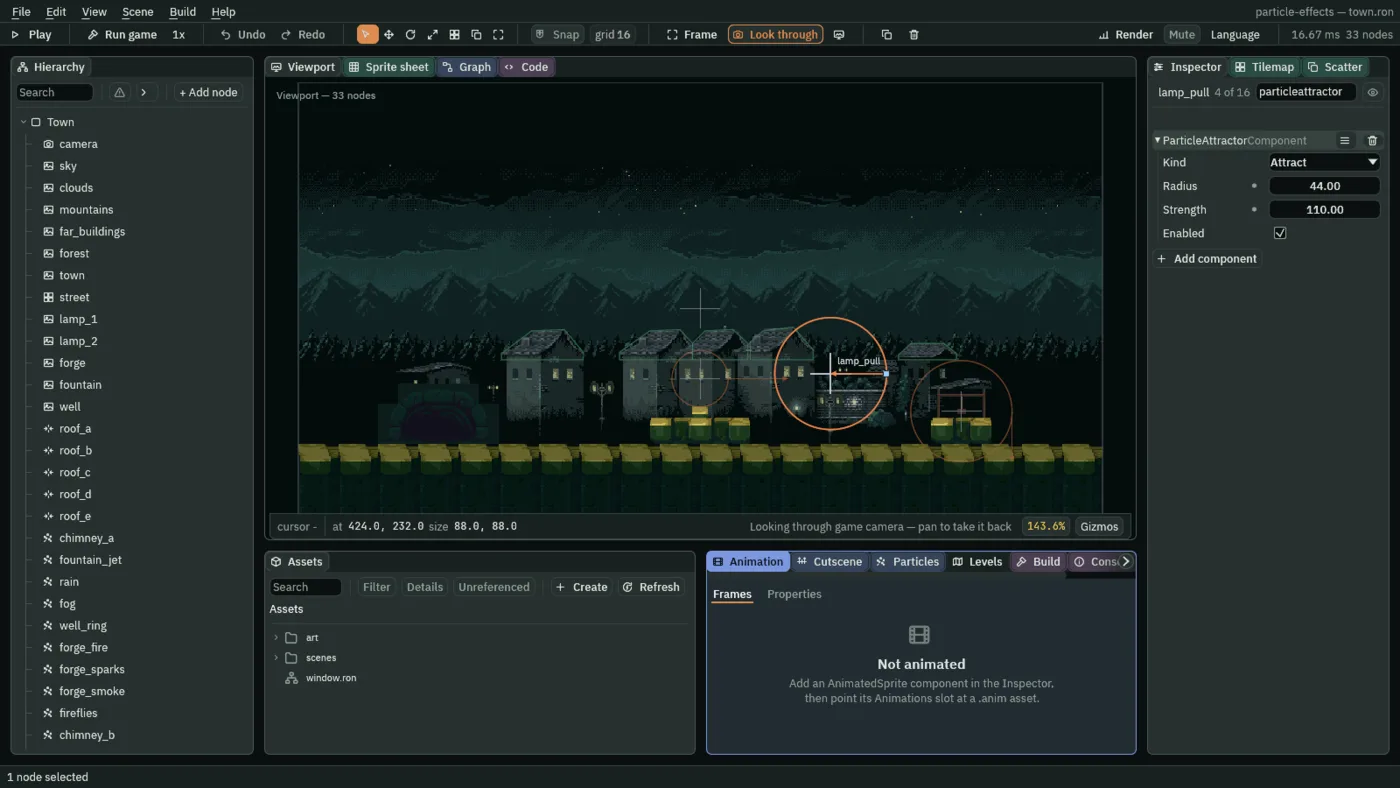
lamp_pull, an attractor that draws the fireflies to the second street lamp: Radius44, Strength110well_swirl, turning the well’s ring, andfountain_head, fanning the fountain’s jet- Kind, Radius, Strength and Enabled, and why a pull that moves every particle in reach has to be a short one
On this page
A pull
Until now every particle has been moved by numbers on its own emitter: its Speed, its Gravity, its Drag. A Particle Attractor is a node that moves other emitters’ particles. It makes none of its own. It sits somewhere in the room and, every step, pulls on whatever particle is near it.
The fireflies you made in chapter 8 are born in a small circle 104 units to the right of the second street lamp, aimed to the left. An attractor over the lamp will draw them in as they pass.
- Select
Town, press + Add node, and choose Particle Attractor. Rename itlamp_pull. - Set its Position to
424and232, a little above the second street lamp. - Set Radius to
44and Strength to110. Kind stays on Attract and Enabled stays ticked, as a new Particle Attractor has them. - Press Ctrl+S, and then F5. Look at the fireflies near the lamp, and press F5 again to stop.
In the Viewport every attractor is an orange circle, its Radius, with a small arrow on its rim that shows which way it pushes, selected or not; the picture below also holds the well’s and the fountain’s, which come later in this chapter. A selected attractor’s circle is brighter, and it shows its name above the node and, on the circle at the right of the node, a small blue square. Drag the square and the Radius follows. The Move tool’s red arrow can lie over the square; press Q for the Select tool and it stands clear.
- Kind
- What the attractor does to a particle in reach. Attract pulls it toward the node, Repel pushes it away from the node, and Swirl pushes it sideways, round the node, clockwise as you look at the screen. The lamp is an Attract, the well’s is a Swirl, and the fountain’s is a Repel.
- Radius
- How far the attractor reaches from its node, in world units. A particle outside it feels nothing.
22to60suits the small pulls in this town, and44is what you set. A new attractor starts at96. Drag the blue handle in the Viewport to change it. - Strength
- How hard it acts at the node, as an acceleration: world units a second, every second, the same unit as Gravity. It falls evenly to nothing at the Radius, so a particle halfway out feels half of it.
60to200suits a draw on fireflies here, and110is what you set. A new attractor starts at400. - Enabled
- Whether the attractor acts now. Unticked, or with its node hidden, it does nothing. A script can switch it with
set_flag, as chapter 13 switches an emitter’s Emitting on and off.
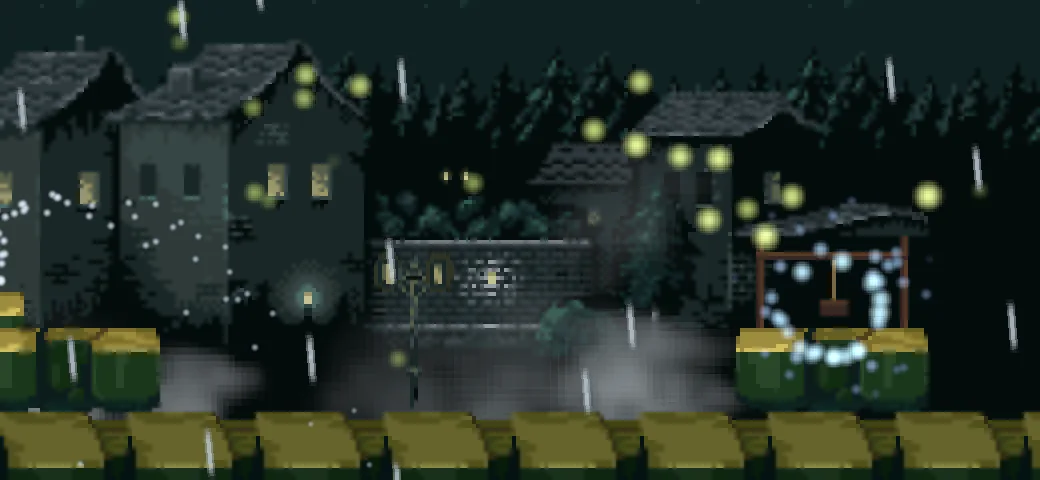
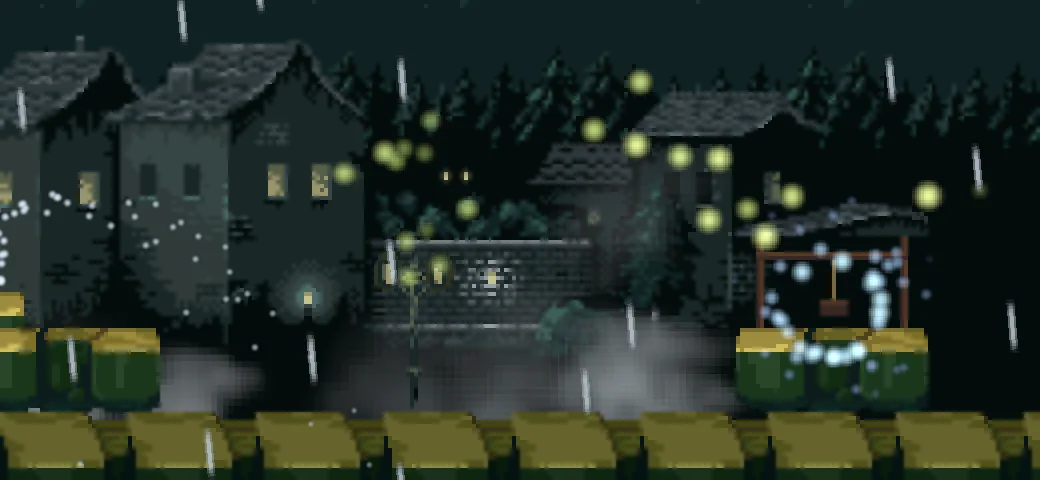
110: a knot of fireflies drawn in to the lamp.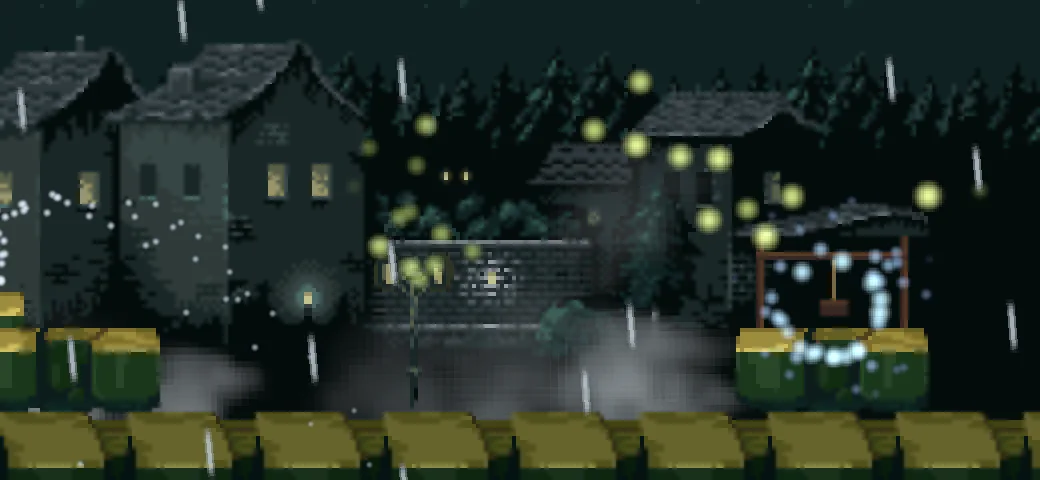
200: the knot sits a little lower, nearer the lamp’s head.Whose particles it pulls
An attractor has no list of emitters. It pulls every particle inside its Radius, whichever emitter made it: the chimneys’ smoke, the fog, the rain, the fireflies. So the Radius is the only way to say whose particles a pull is for. Make it wide and it is for everyone.
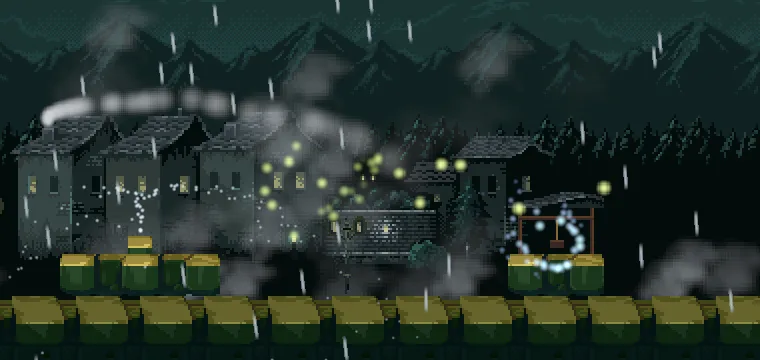
230: the second chimney’s smoke is dragged across the roofs toward the lamp, and the fireflies are packed on it.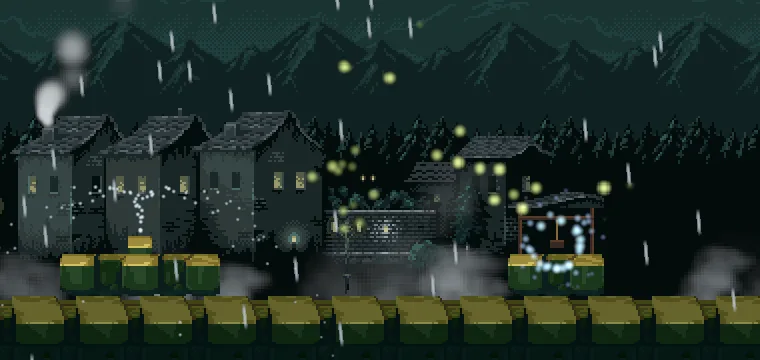
44: the smoke rises as it did, and only the fireflies that come near the lamp are pulled.A swirl and a push
The other two Kinds need a little more. A Swirl pushes a particle at a right angle to the line from the node to it, so a particle in reach goes round the node. A Repel pushes it straight out, away from the node. Both go on nodes of their own, as the pull did.
- Select
Town, press + Add node, and choose Particle Attractor. Rename itwell_swirl, and set its Position to528and262, the well’s mouth. Set Kind to Swirl, Radius to40and Strength to160. - Select
well_ringand set its Drag to2. - Add another Particle Attractor. Rename it
fountain_head, and set its Position to320and236, just above the fountain’s spout. Set Kind to Repel, Radius to22and Strength to600. - Press Ctrl+S, and then F5. Look at the well and the fountain, and press F5 again to stop.
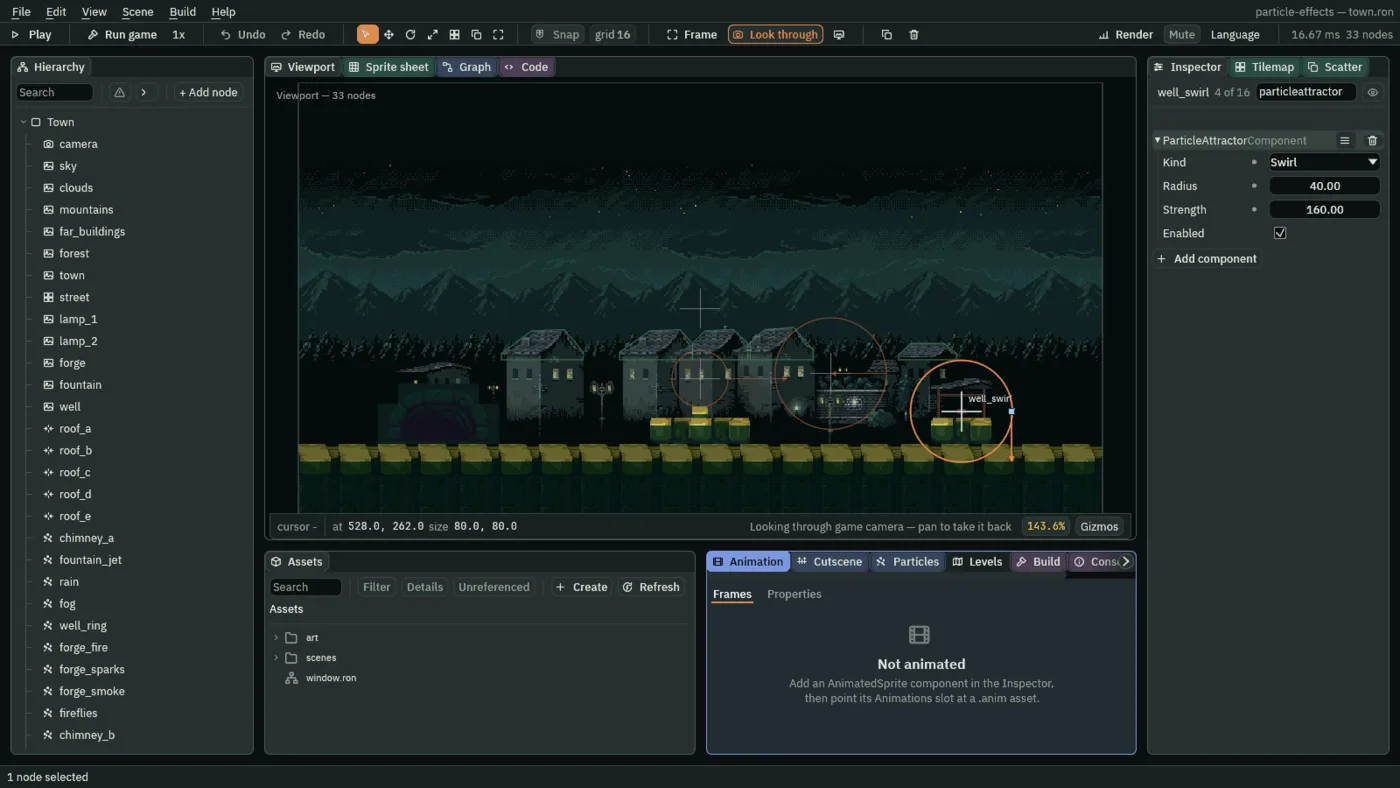
40, 160.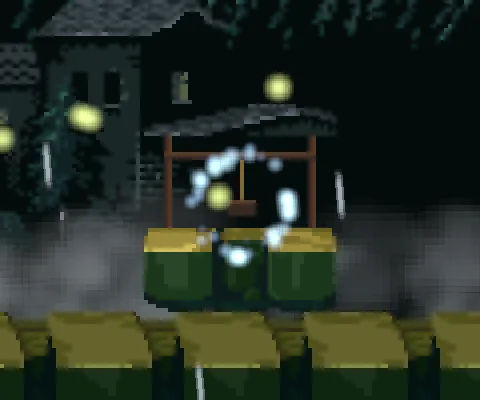
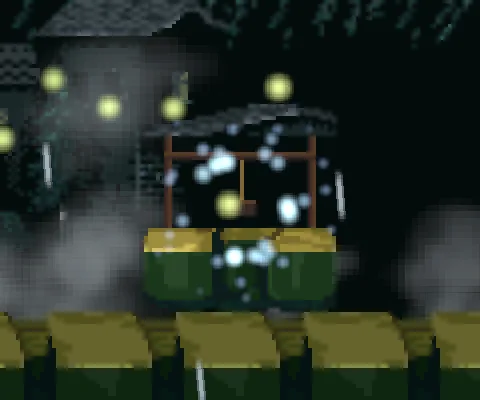
160: the sparks are spread round the well’s mouth in a ring, and keep circling it.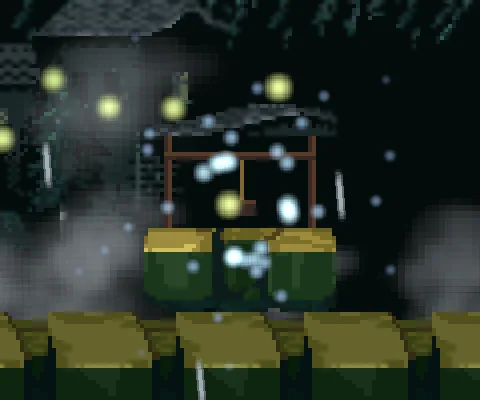
0: the swirl flings the sparks out of its reach.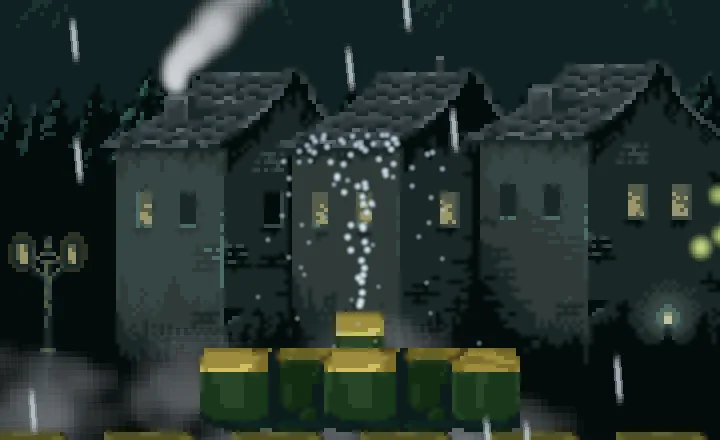
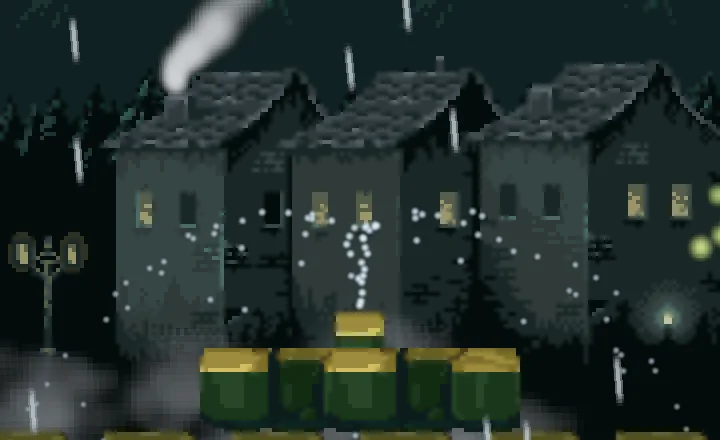
600: the jet is thrown wide where it passes the head.The head sits 22 units above the spout, in the jet’s own way. A particle that rises into its circle is pushed out of the middle, to whichever side it was on, so the stem opens into a fan.
What a pull costs
The three attractors
| The lamp’s pull | Value |
|---|---|
| Position | 424, 232 |
| Kind | Attract |
| Radius | 44 |
| Strength | 110 |
| Enabled | ticked |
| The well’s swirl | Value |
|---|---|
| Position | 528, 262 |
| Kind | Swirl |
| Radius | 40 |
| Strength | 160 |
| Enabled | ticked |
| The fountain’s head | Value |
|---|---|
| Position | 320, 236 |
| Kind | Repel |
| Radius | 22 |
| Strength | 600 |
| Enabled | ticked |
| The well’s ring | Value |
|---|---|
| Position | 528, 262 |
| Rate | 36 |
| Speed | 4 |
| Spread | 7 |
| Gravity | -8 |
| Start Color | 0.55, 0.9, 1, alpha 1 |
| End Color | 0.3, 0.5, 1, alpha 0 |
| Start Size | 7 |
| End Size | 3 |
| Capacity | 48 |
| Sort Layer | 4 |
| Blend | Add |
| Texture | soft-dot.png |
| Drag | 2 |
| Shape | Circle, Radius 12, Edge Only ticked |
The ring’s Drag of 2 is the one value this chapter adds to it. The fireflies keep chapter 8’s values: the lamp moves them, and nothing on their own node changes.