Tutorials · Particle Effects · Chapter 2
Colour, size, fading
By the end
chimney_a’s smoke grey and soft, growing as it rises and fading to nothing- Start Color and End Color, Start Size and End Size, a Texture, and the five Blend modes
- Why additive particles burn out to white
On this page
A colour at birth and at death
Chapter 1’s dots are the emitter’s own white, and they already thin out as they climb. A particle’s colour runs from one value at its birth to another at its death, and the emitter’s defaults fade a pale white to nothing. Smoke wants a grey of its own.
- Select
chimney_aand click Start Color. If the button at the top left of the picker reads U8, press it so it reads F: the picker then shows each value from0to1, as this tutorial gives every colour, until you close the editor. - Set Start Color to
0.62,0.65,0.68, alpha0.7. - Set End Color to
0.45,0.48,0.5, alpha0.
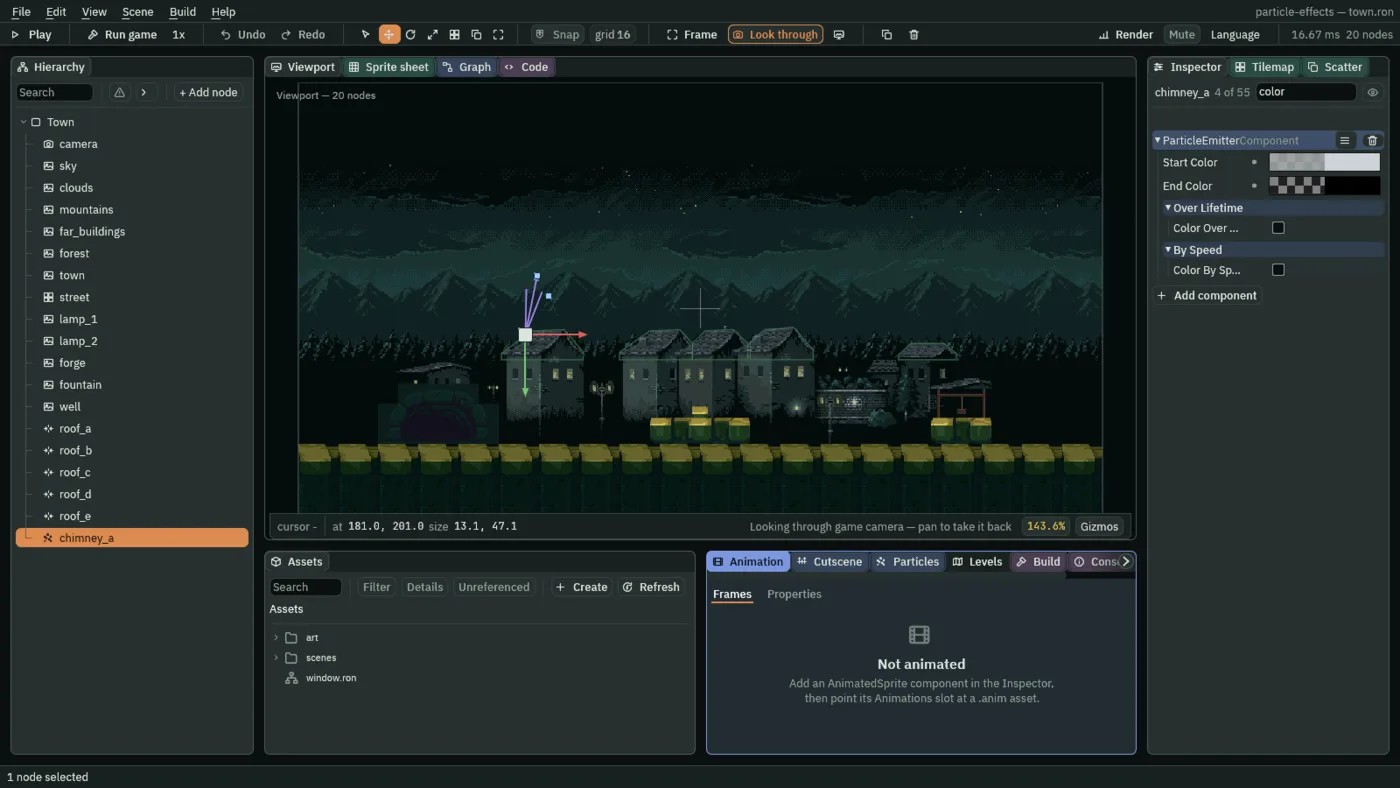
- Start Color
- The colour a particle is born with: three numbers from
0to1, red, green and blue, and an alpha, how solid it is, from0clear to1solid.0.62,0.65,0.68, alpha0.7is a pale grey, a little see-through. Smoke here wants every channel between0.4and0.7. - End Color
- The colour it has as it dies. A particle’s colour runs from Start Color to End Color over its whole life: here a darker grey,
0.45,0.48,0.5, that is clear, alpha0, so the smoke thins out as it climbs.

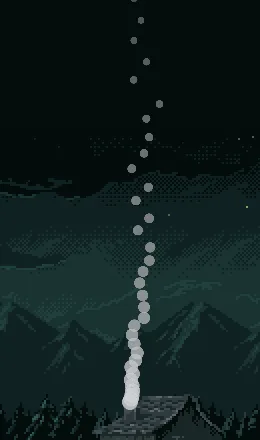
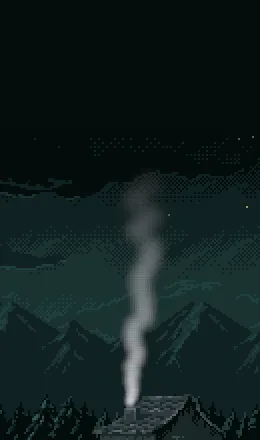
2, so the column ends inside the picture: the last puff has faded away.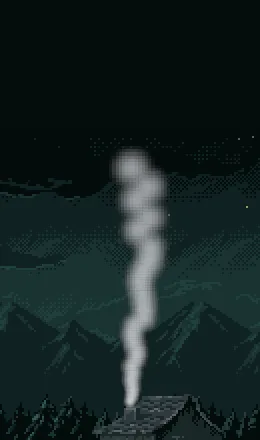
0.7: the last puff is still solid when it goes.A size at birth and at death
- Leave Start Size at
8. Set End Size to26.
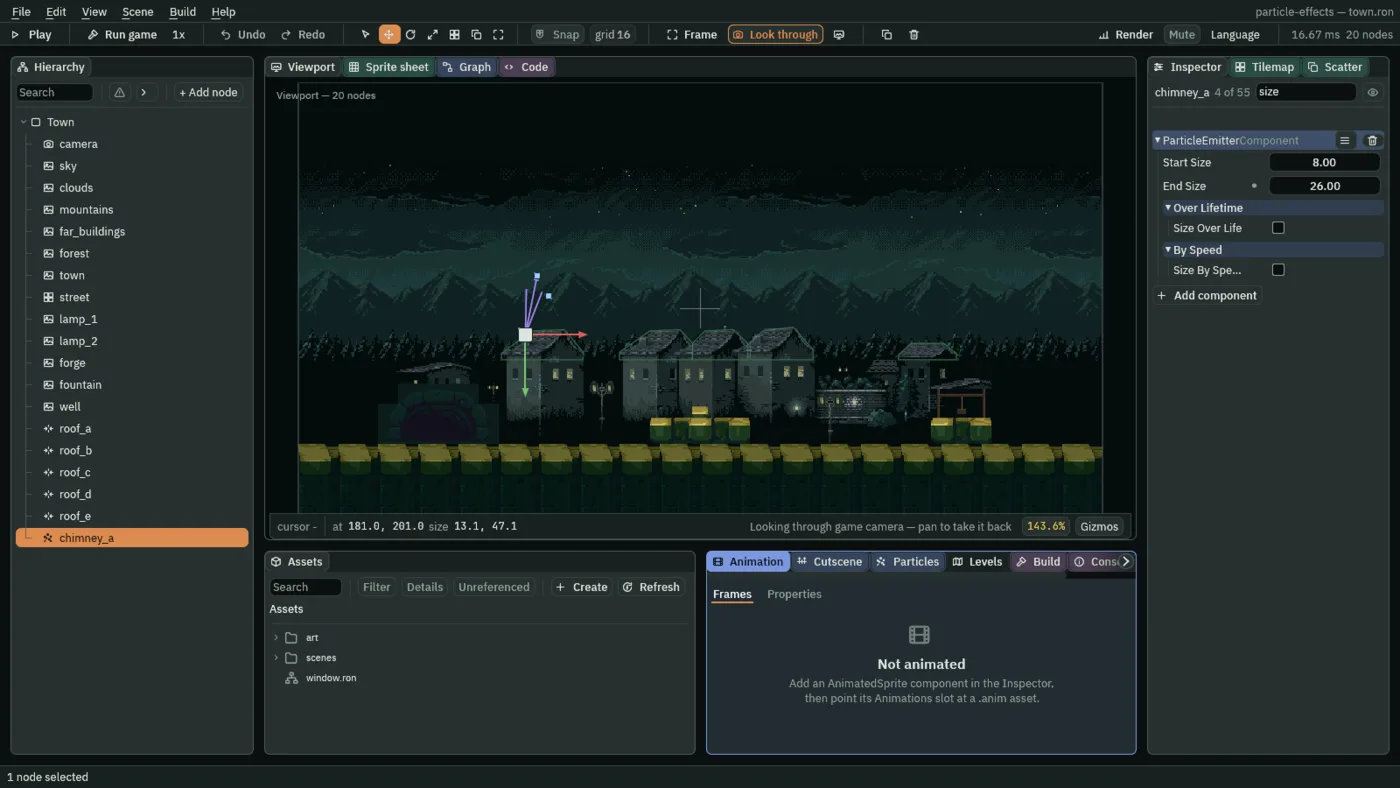
- Start Size
- A particle’s width at birth, in world units; the picture is drawn square, so it is the height too.
8is the emitter’s own default and suits the first puff out of a chimney;4to12looks right here. - End Size
- Its width as it dies. A particle grows or shrinks from Start Size to End Size over its life. Smoke spreads as it rises, so it grows:
26here, and15to40suits a puff at the end of its life. Chapter 1’s dots shrank, because the default End Size is2.
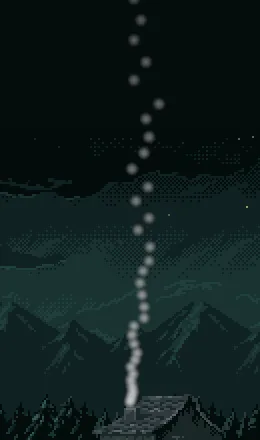
8: a thin column, every dot the same width all the way up.A soft puff
Every particle so far is the engine’s own plain disc, hard-edged and flat. A particle draws a picture instead when it is given one, and the starter holds one made for smoke, soft-dot.png: a white dot that fades smoothly to nothing at its rim.
- In the Sprite group, drag
art/soft-dot.pngfrom Assets onto Texture.
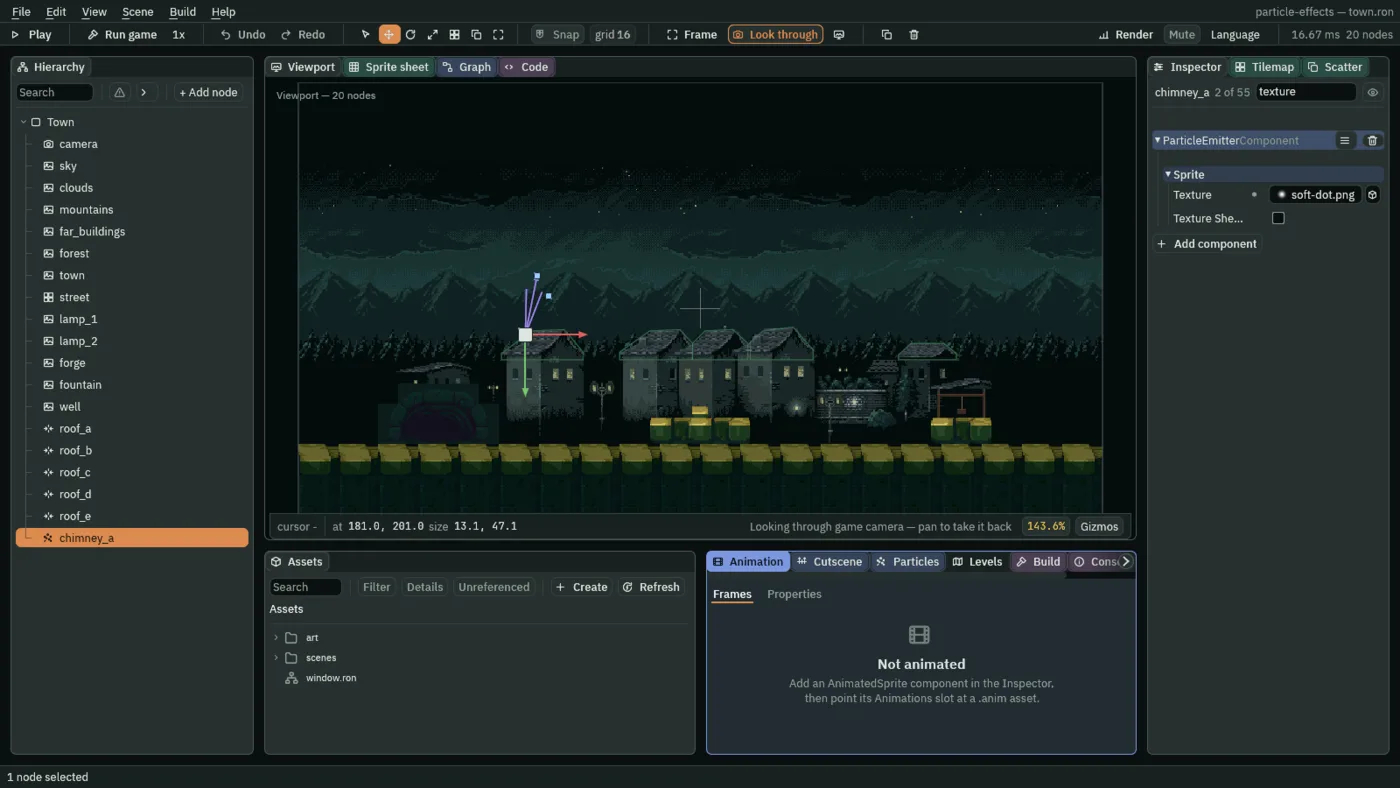
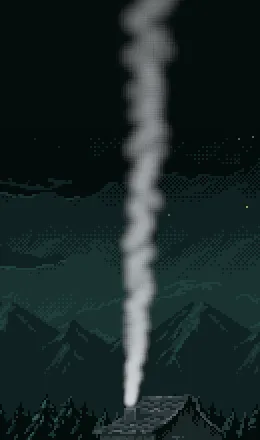
soft-dot.png on it.- Texture
- The picture every particle draws. Empty draws the engine’s plain disc, hard-edged, which is what chapter 1 used.
soft-dot.pngis a white dot fading to clear at its rim, and it makes a puff instead of a coin. Any picture inartwill do, such as a spark or a raindrop; later chapters use others.
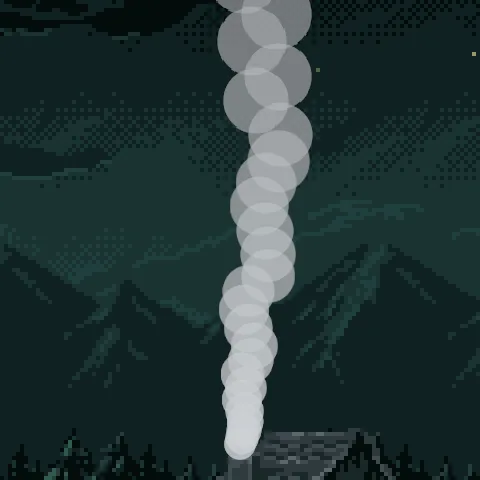
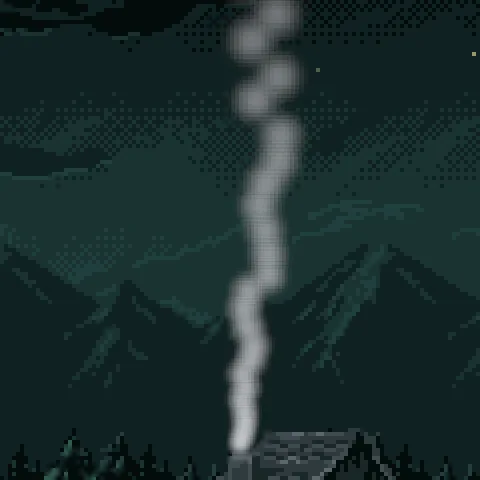
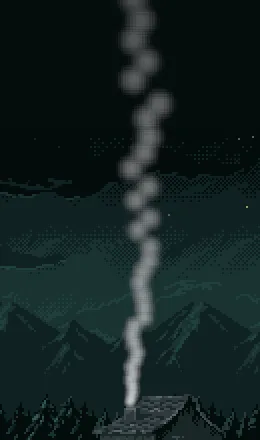
How it meets what is behind
A particle is laid over whatever is already drawn. Blend decides how. The smoke here uses the ordinary way, and you leave it there, but four others are used in this tutorial, and the first of them, Add, is worth seeing.
- Leave Blend on Alpha. Press Ctrl+S.
- Blend
- How each particle is laid over what is behind it. Alpha paints it on by its alpha, as smoke and most things are, and is what you keep here. Add adds its light to the picture, so overlaps brighten: fire, sparks and glow. Multiply darkens what is behind by its colour: soot, in chapter 9. Screen lightens it more gently than Add, and never past white: fog, in chapter 4. Subtract takes its colour away from what is behind, which chapter 16 uses for scorching.
40, so the puffs overlap more, with Blend Alpha: a thick grey column.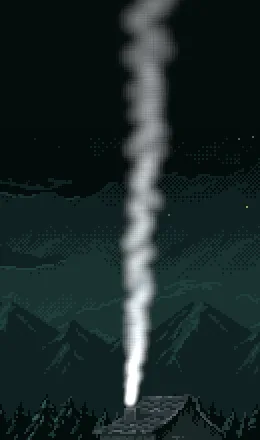
The chimney smoke
| Field | Value |
|---|---|
| Position | 181, 201 |
| Rate | 12 |
| Lifetime | 3.5 |
| Speed | 18 |
| Direction | 0.2, -1 |
| Spread | 0.35 |
| Capacity | 48 |
| Start Color | 0.62, 0.65, 0.68, alpha 0.7 |
| End Color | 0.45, 0.48, 0.5, alpha 0 |
| Start Size | 8 |
| End Size | 26 |
| Texture | soft-dot.png |
| Blend | Alpha |
Every other field is as a new Particles node has it. Chapter 3 changes Gravity and Drag.