Tutorials · Particle Effects · Chapter 7
Streaks
15 minutes Uses: ParticleEmitter
By the end
- Rain that streaks:
raindrop.pngand Stretch, so each drop is long while it is fast - Sparks with a trail of three, ghosts of where each has just been
- What Stretch and Trail cost, and which one costs nothing extra
On this page
Rain that streaks
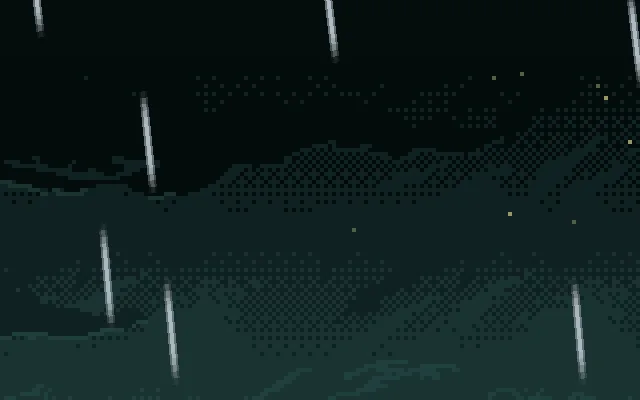
Chapter 4’s rain is faint: each drop is a soft dot two units across, and a dot falling fast does not look fast. A real drop is too quick to see sharp, and the eye reads a streak. Stretch draws each particle long, in the direction it is flying, and longer the faster it goes.
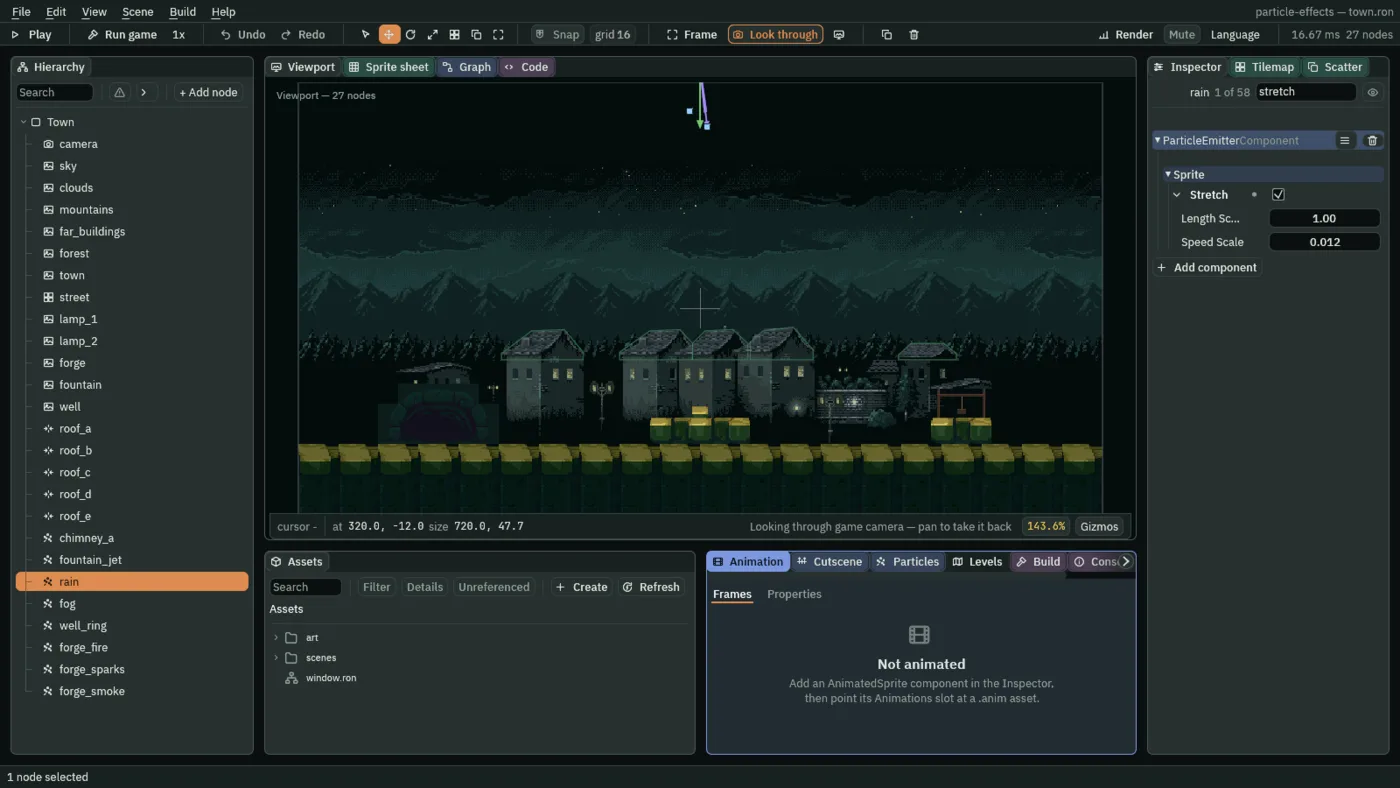
- Select
rain. Set Texture toraindrop.png, a small pale dash that came with the starter. - In the same Sprite group, tick Stretch. A new one is Length Scale
1and Speed Scale0.005. Set Speed Scale to0.012, and leave Length Scale at1. - Press Ctrl+S, then F5 to see the rain, and F5 again to stop.
- Stretch
- Draws each particle stretched along its flight instead of square. A particle’s length is its size times (Length Scale plus Speed Scale times its speed), and its width stays its size. Off, every particle is a square. On, a still particle is square and a fast one a streak, so the shape itself says how fast it is going.
- Length Scale
- The length of a particle that is standing still, as a multiple of its size.
1leaves it square, which is what makes a stretch read as speed and not as another picture. Above1a particle is long even at rest;0to1is where it looks right. Here1. - Speed Scale
- How much length each unit of speed adds, as a multiple of the size. It has no unit of its own: with Length Scale at
1it is the reciprocal of the speed at which a particle doubles in length, so0.005doubles it at200units a second. Here0.012: a drop falling at about400units a second is1 + 0.012 × 400times its size long, nearly six.0.005to0.03suits rain and sparks;0makes the stretch do nothing.
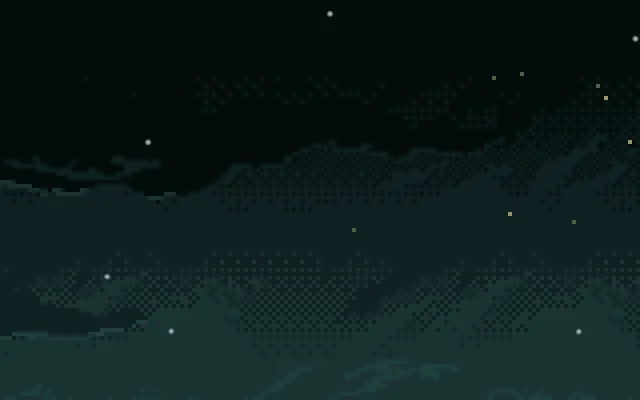
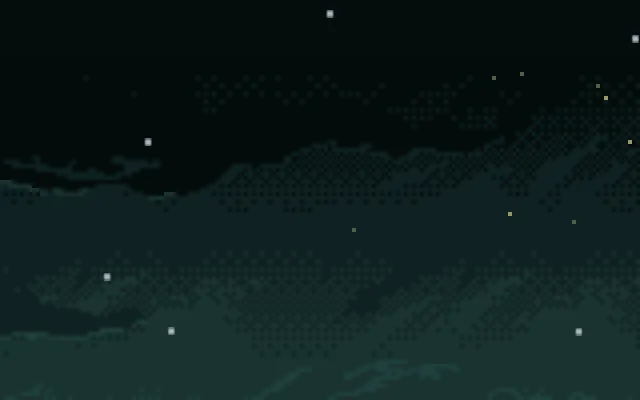
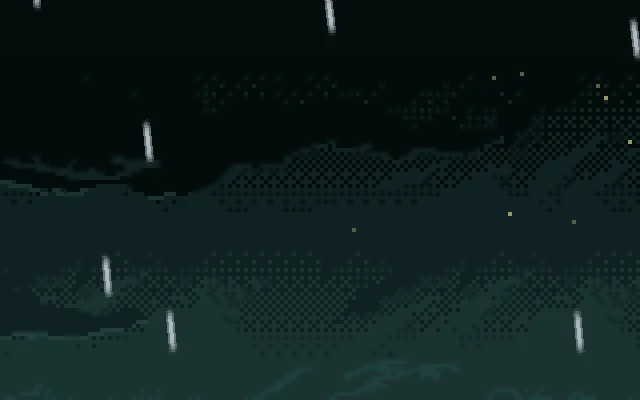
0.03: long, thin lines.Sparks that trail
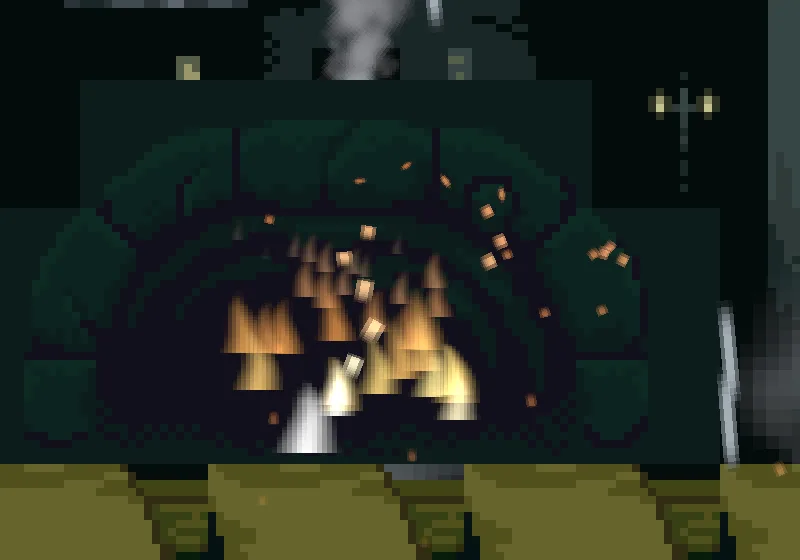
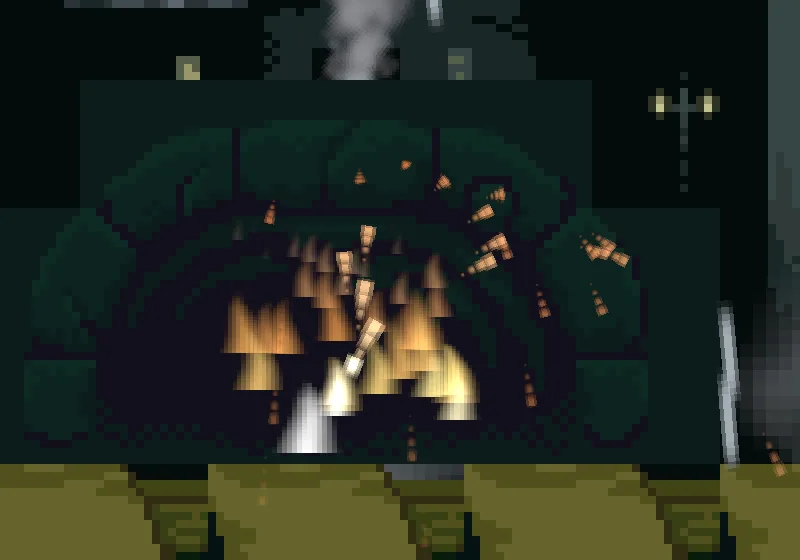
A spark is quick, and a trail is the cheapest way to show where it has just been. A trail is not a ribbon: it is a few copies of the spark, left at the places it was in the last few steps of the game, each smaller and fainter than the one in front.
- Select
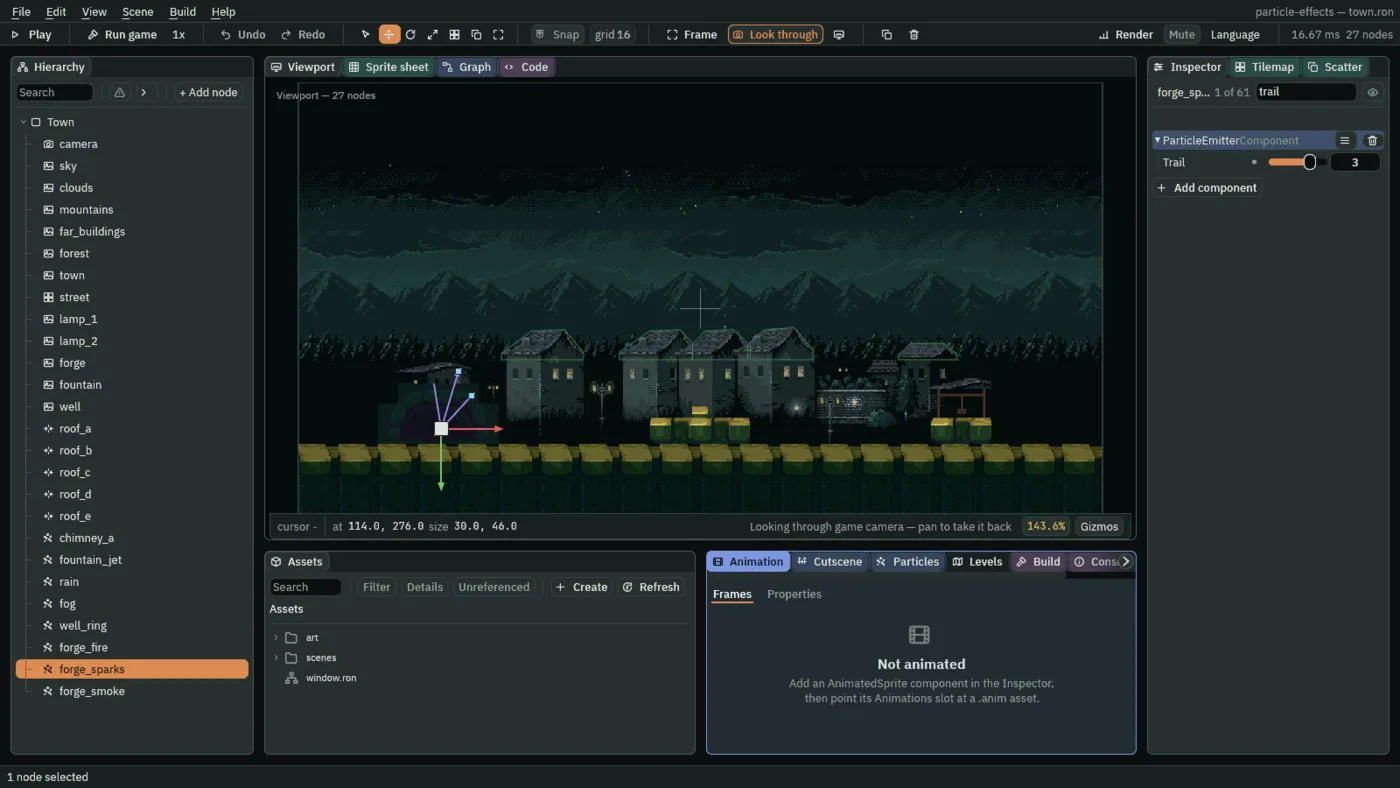
forge_sparks. Set Trail to3. - Press Ctrl+S.
- Trail
- How many past positions each particle draws behind it, from
0to4:0is none. Each is a copy one step older than the one in front, smaller and fainter by an equal share: at3, three quarters, a half and a quarter of the spark’s size and alpha. A step is a sixtieth of a second, so a trail is a length of time, not of distance, and the faster a spark flies the longer its trail. Here3. It is a different thing from the Trail component that chapter 14 puts on a bat, which draws one ribbon behind a node.
0.
The rain and the forge sparks
The rain
| Field | Value |
|---|---|
| Position | 320, -12 |
| Rate | 120 |
| Lifetime | 1.1 |
| Speed | 340 |
| Direction | 0.12, 1 |
| Spread | 0.04 |
| Gravity | 200 |
| Start Color | 0.7, 0.82, 0.9, alpha 0.7 |
| End Color | 0.7, 0.82, 0.9, alpha 0.5 |
| Start Size | 2 |
| End Size | 2 |
| Capacity | 144 |
| Sort Layer | 8 |
| Texture | raindrop.png |
| Shape | Line, Length 720 |
| Stretch | ticked: Length Scale 1, Speed Scale 0.012 |
The forge sparks
| Field | Value |
|---|---|
| Everything from chapter 6 | as in its table |
| Trail | 3 |
Every other field is as a new Particles node has it.