Tutorials · Particle Effects · Chapter 6
Flipbooks and spin
By the end
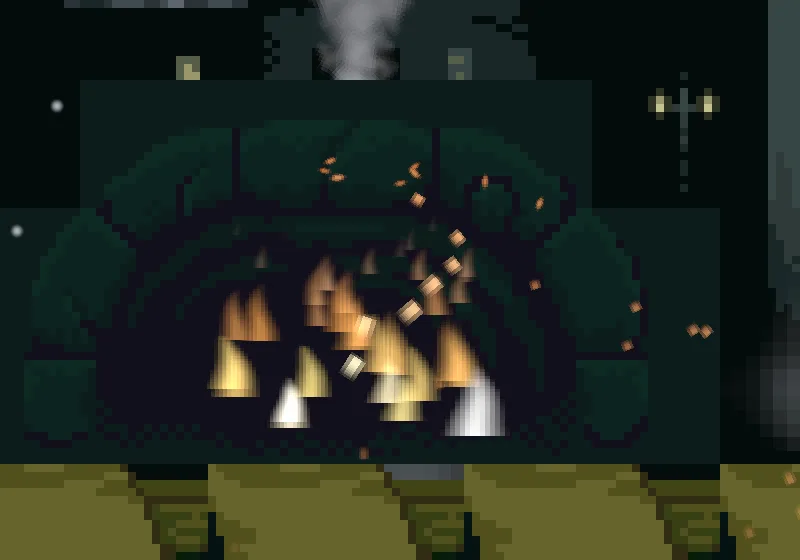
- The fire as flames:
flame-sheet.png, eight frames played over each flame’s life - Sparks that point along their flight, their frame picked by their speed:
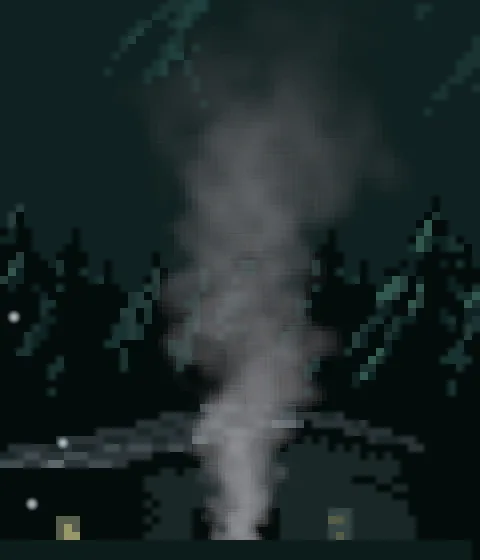
spark-sheet.png - Forge smoke,
forge_smoke, billowing and turning: the rotation controls and Rotation Over Life
On this page
Flames from a sheet
Every particle so far has drawn one picture, a soft dot. A flame is not a dot: it is a tongue with a point, and it changes shape as it burns. A particle can draw a different picture at each moment of its life if you give it a sheet, one image with several pictures laid out in a grid. It plays them like the pages of a flip book.
The starter brought the sheet. To look at it, double-click flame-sheet.png in Assets, under art. It opens in the Sprite sheet tab.
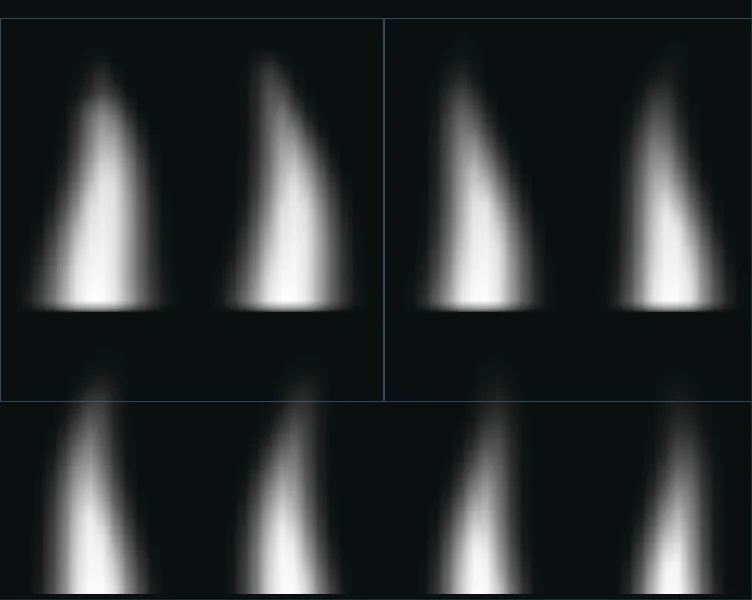
- Select
forge_fire. Set Texture toflame-sheet.png. - In the same Sprite group, tick Texture Sheet. A new sheet is a strip of
4by1, so set Rows to2and Last to7. Columns stays4, First stays0and Driver stays Lifetime. - Press Ctrl+S, then F5 to see the flames, and F5 again to stop.
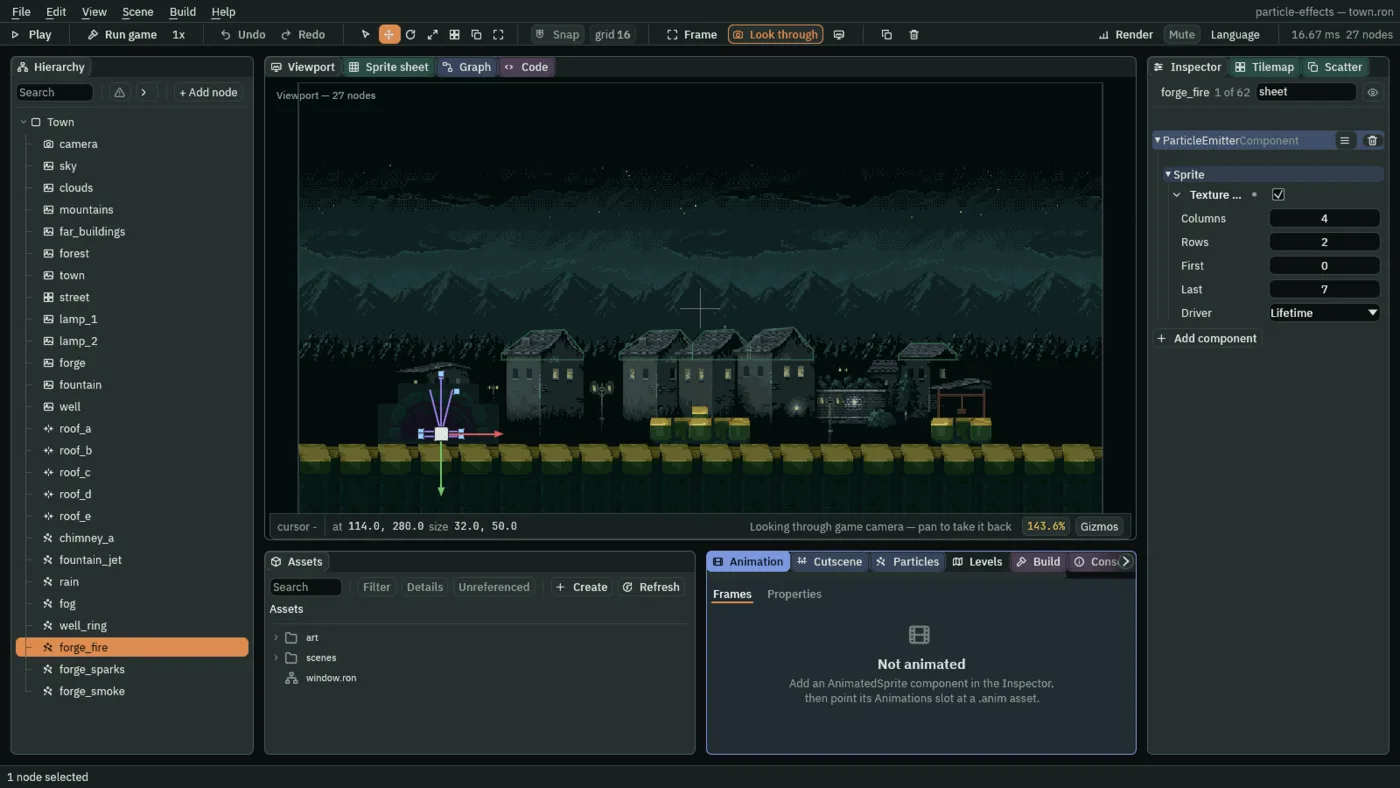
- Texture Sheet
- Switches on a sheet: the Texture is read as a grid of pictures, and each particle draws one of them at a time, not the whole image. The row is cut short in the Inspector as
Texture …. Off, every particle draws the whole texture. - Columns, Rows
- How many pictures lie across the sheet and down it, each at least
1.flame-sheet.pngis4across and2down, so each flame is a quarter of its width and half its height. Count them from the picture and type them in: a wrong count draws a slice of two pictures at once. - First, Last
- The pictures a particle plays, counted from
0along the top row from the left, and then along the next row. Last is included. Here0to7, all eight. A sheet of several animations is cut by these two:0to3plays the first row alone. - Driver
- What picks the picture a particle draws. Lifetime walks from First to Last once, from birth to death, so every flame flickers through all eight pictures as it burns. Speed picks the picture by how fast the particle is going: the first when it is slow, the last from its Max up, as the next section’s sparks do. There is no clock that runs the frames by itself.
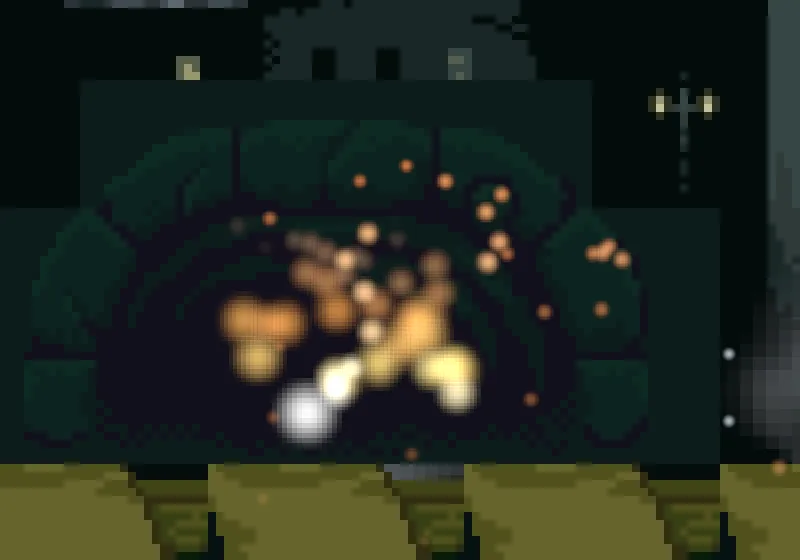
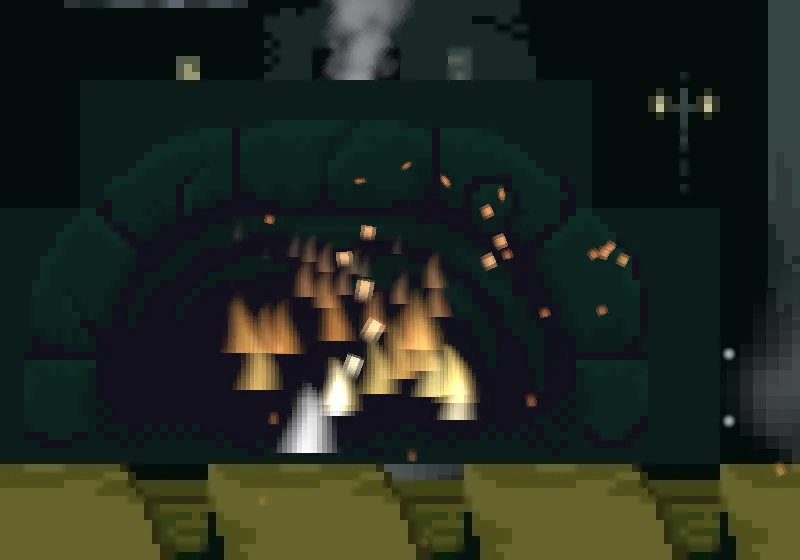
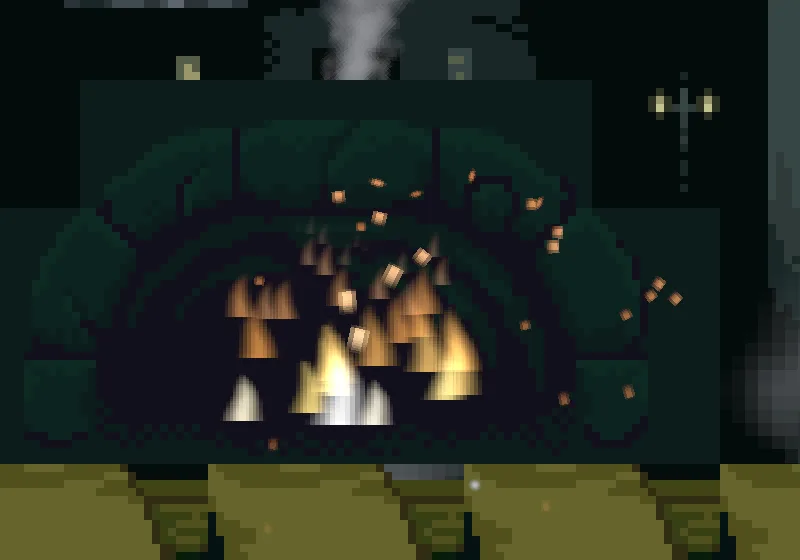
Sparks that point where they fly
The sparks get a sheet as well, with a different job. spark-sheet.png is four pictures in a row: a round dot, then a short streak, a longer one and a long one. The sparks should be a dot while they hang at the top of their flight and a streak while they fly, which is a matter of speed, not of age, so the sheet is driven by speed.
- Select
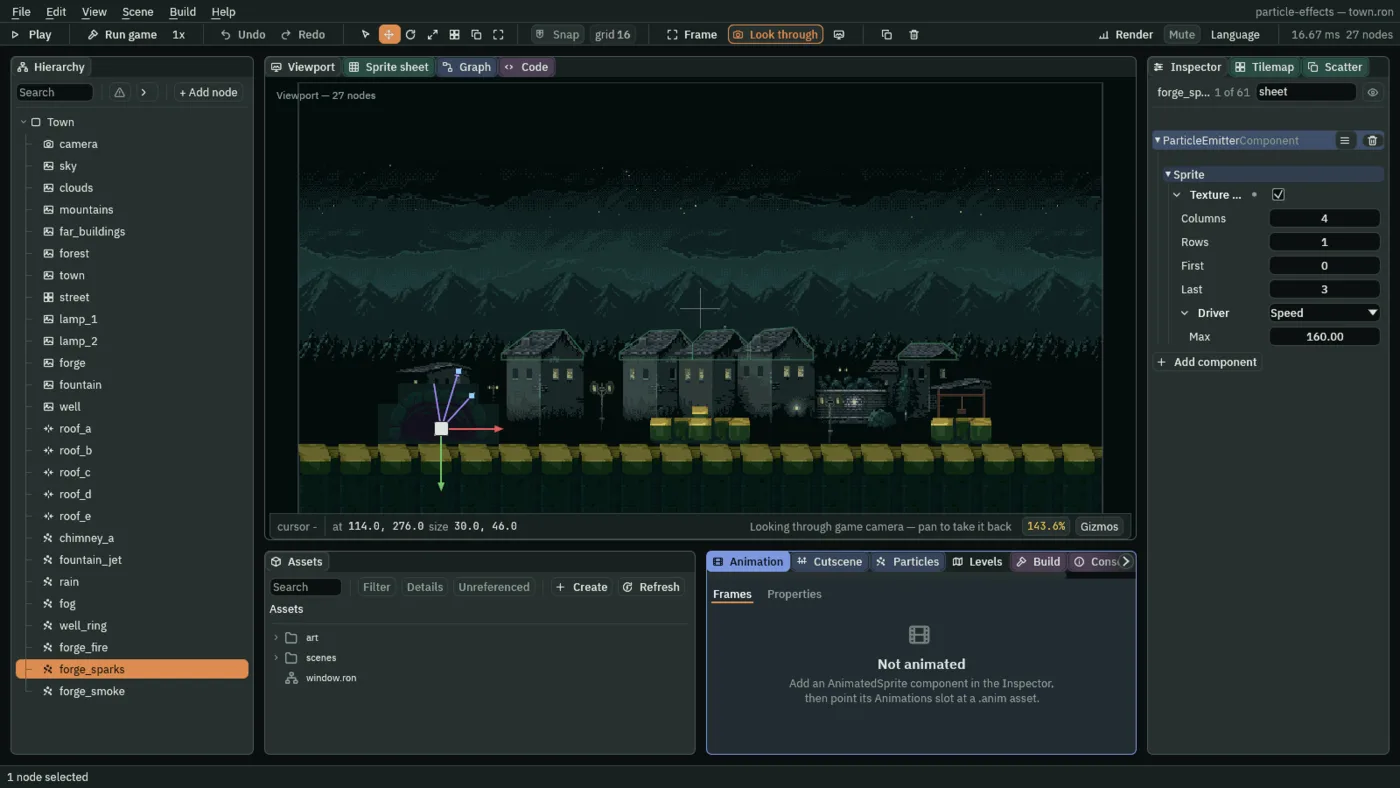
forge_sparks. Set Texture tospark-sheet.png. - Tick Texture Sheet. The new sheet is already
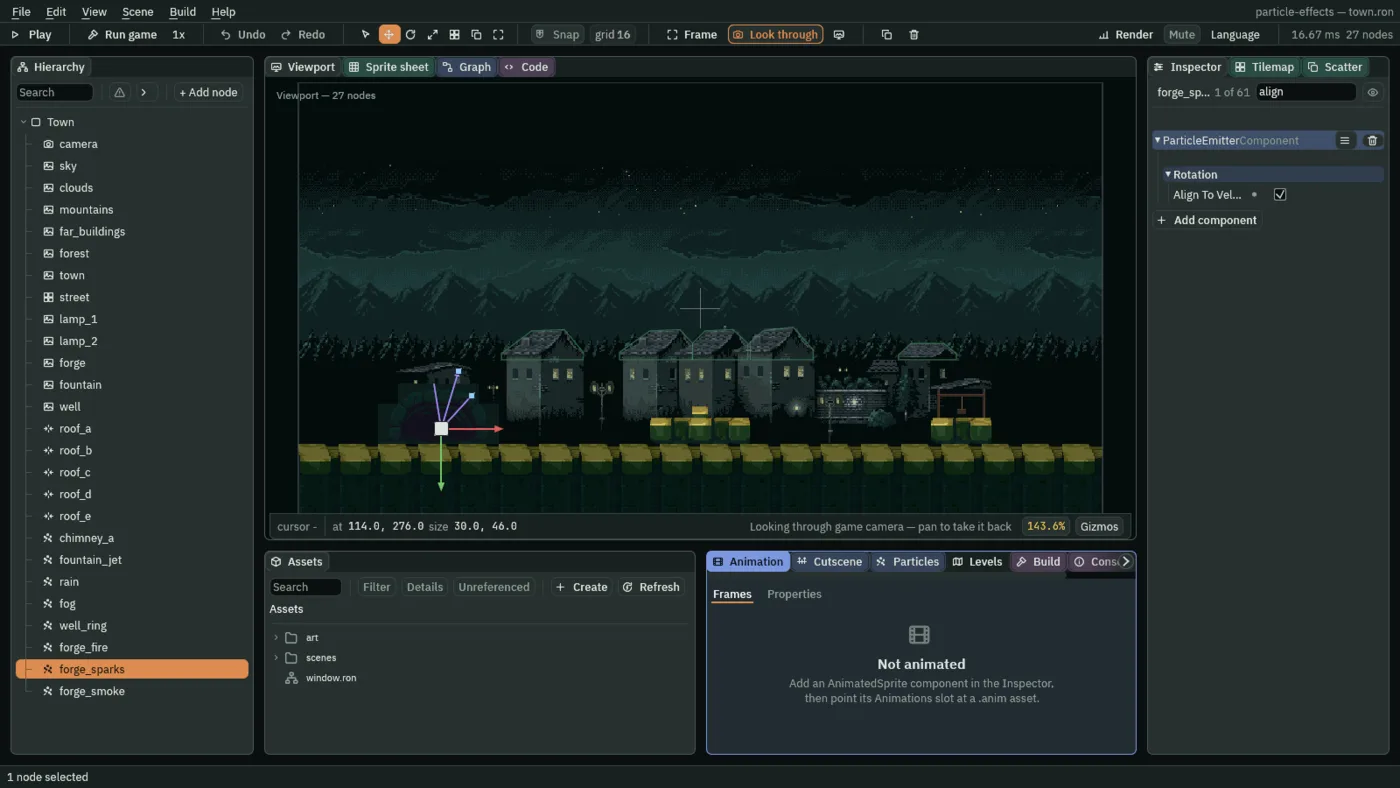
4by1, from0to3, which is what this one needs. Set Driver to Speed, and Max to160. - Open the Rotation group and tick Align To Velocity.
- Press Ctrl+S.
- Max
- With Driver on Speed, the speed, in world units a second, from which a particle draws the last picture. The speeds from
0up to Max are cut into equal slices, one for each picture, and a particle draws the picture for the slice it is in. Here160, the top of the sparks’ Speed Range, so four slices of40: below40the dot, then two streaks, and from120up the longest. A spark leaving at110draws the third picture and rounds off to a dot as it slows. Zero pins every particle to the first picture. - Align To Velocity
- Turns each particle to point along its own flight, so a streak lies the way the spark is going. It takes the place of any spin: Start Rotation, Rotation Spread and the spin below are ignored while it is ticked.
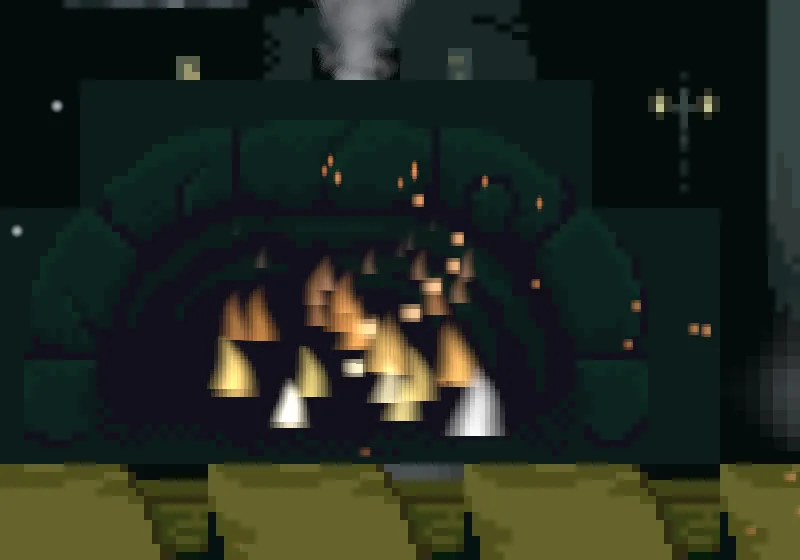
Smoke that turns
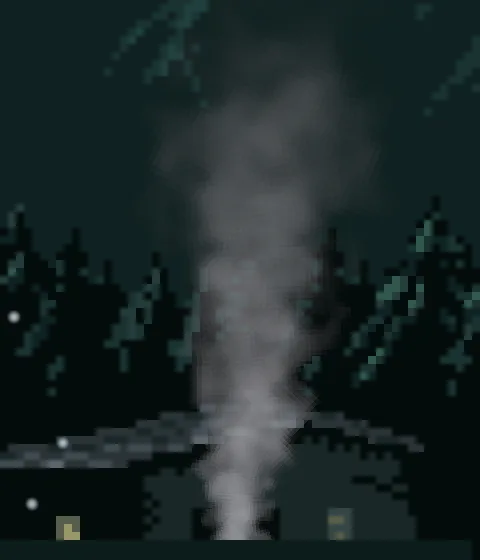
The third emitter is a plume of grey smoke over the forge’s stone, and it turns as well as billowing. A turn is the last group of controls, Rotation. A particle is born at an angle, spins at a speed, and a width of chance sits round each of the two so that no two puffs are alike.
- Select
Town, press + Add node and choose Particles. Rename itforge_smoke, and set its Position to114and246, above the forge’s stone. - Set Rate to
8, Lifetime to3, Speed to16, Direction to0.1and-1, Spread to0.3and Gravity to-5. - Set Start Color to
0.42,0.42,0.45, alpha0.65, and End Color to0.35,0.35,0.38, alpha0. - Set Start Size to
10, End Size to30, Capacity to32and Sort Layer to1, behind the forge’s stone, which is on2, so the smoke shows above it. - Set Texture to
smoke-sheet.png, and tick Texture Sheet: Rows2and Last7, as for the fire. The smoke’s eight pictures are puffs, and Lifetime walks them as it thins. - Open Rotation. Set Start Rotation to
0, Rotation Spread to6.3, Angular Velocity to0.6and Angular Velocity Spread to1.6. - Above, in Over Lifetime, tick Rotation Over Life and open it. Click the right point and set its y to
0.2, as in chapter 5; the left point stays at1. - Press Ctrl+S.
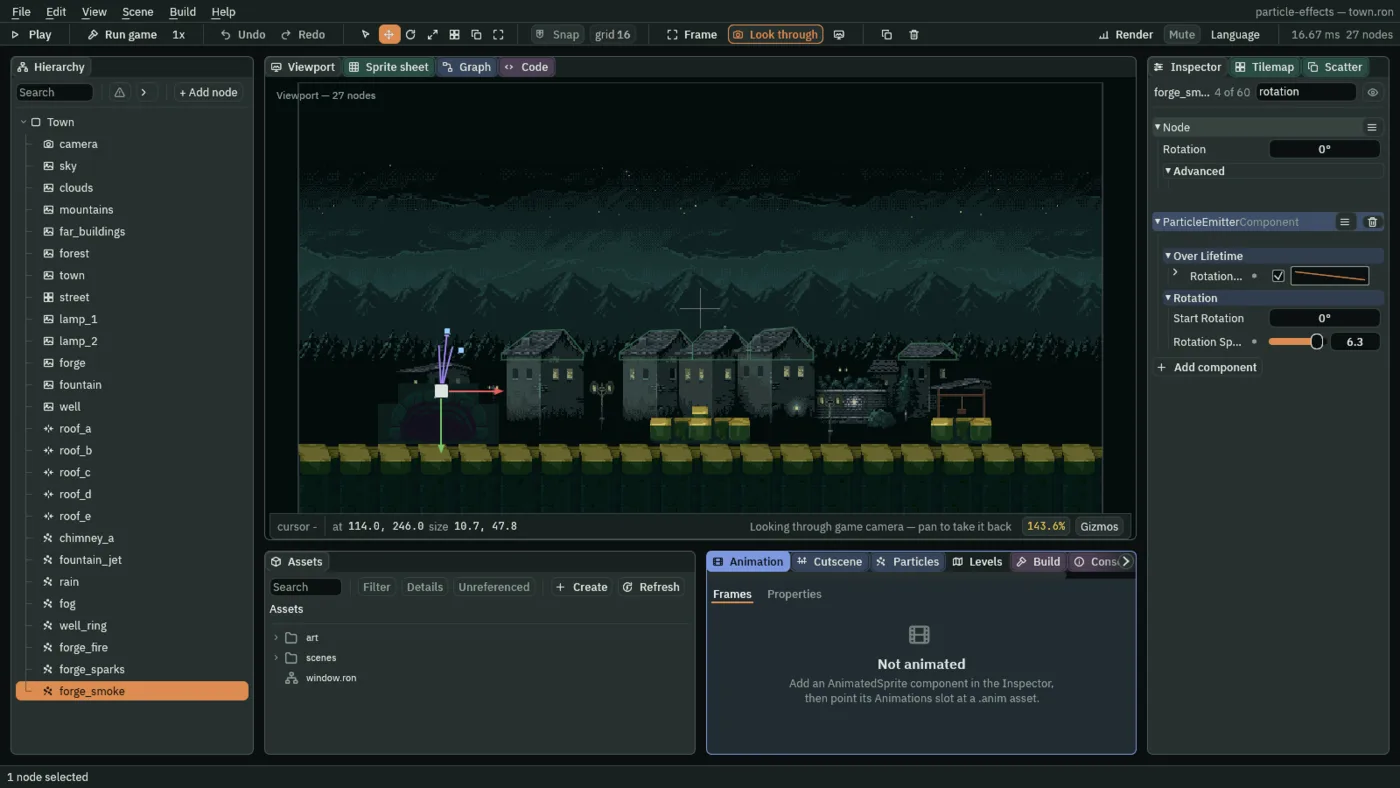
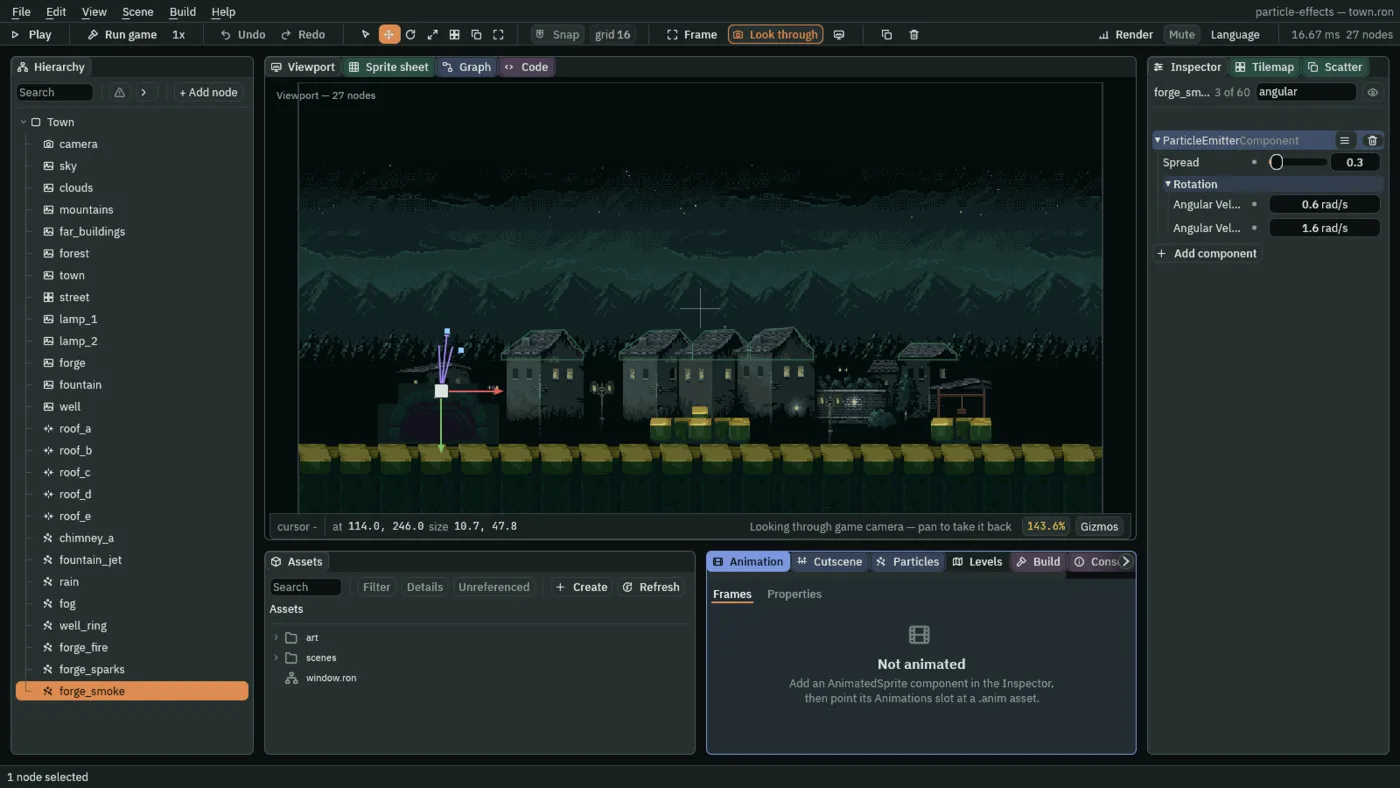
The first picture’s top row, Rotation 0°, is the node’s own, and not the particles’: leave it. The two pictures find the particles’ fields by two different words, since Angular Velocity’s name and its tooltip never say rotation. Two of the labels are cut short as Angular Vel…: the first is Angular Velocity, the second Angular Velocity Spread.
- Start Rotation
- The angle each particle is born at. In the scene file it is in radians, and the Inspector shows it in degrees, as
0°. At0°a picture is drawn as it is on the sheet, upright. Here0°, with a spread round it. - Rotation Spread
- A random width round Start Rotation, in radians: each particle is born within half of it either side.
0gives every particle the same angle; a whole turn is6.28. Here6.3, a little more than a whole turn, so each puff starts at any angle.0to7is its range. - Angular Velocity
- How fast each particle spins, in radians a second; a negative number turns it the other way.
0.6is a slow turn, a little under a tenth of a revolution a second.0to1suits smoke, and a leaf or a chip of debris wants2or3. - Angular Velocity Spread
- A random width round Angular Velocity, in radians a second, as Rotation Spread is round the angle. Here
1.6, wider than twice0.6, so some puffs spin the other way.0gives every particle the same spin. - Rotation Over Life
- A curve that multiplies the spin, not the angle, across a particle’s life:
1leaves it,0stops the turn. Here1at birth and0.2at death, so a puff turns briskly as it leaves the forge and almost stops as it thins out. The curve is drawn as the other over-life curves are, in chapter 5.
What a sheet costs
The forge fire, the forge sparks and the forge smoke
The forge fire
| Field | Value |
|---|---|
| Everything from chapter 5 | as in its table |
| Texture | flame-sheet.png |
| Texture Sheet | ticked: Columns 4, Rows 2, First 0, Last 7, Driver Lifetime |
The forge sparks
| Field | Value |
|---|---|
| Everything from chapter 5 | as in its table |
| Texture | spark-sheet.png |
| Texture Sheet | ticked: Columns 4, Rows 1, First 0, Last 3, Driver Speed, Max 160 |
| Align To Velocity | ticked |
The forge smoke
| Field | Value |
|---|---|
| Position | 114, 246 |
| Rate | 8 |
| Lifetime | 3 |
| Speed | 16 |
| Direction | 0.1, -1 |
| Spread | 0.3 |
| Gravity | -5 |
| Start Color | 0.42, 0.42, 0.45, alpha 0.65 |
| End Color | 0.35, 0.35, 0.38, alpha 0 |
| Start Size | 10 |
| End Size | 30 |
| Capacity | 32 |
| Sort Layer | 1 |
| Texture | smoke-sheet.png |
| Texture Sheet | ticked: Columns 4, Rows 2, First 0, Last 7, Driver Lifetime |
| Start Rotation | 0° |
| Rotation Spread | 6.3 |
| Angular Velocity | 0.6 |
| Angular Velocity Spread | 1.6 |
| Rotation Over Life | points 0 (1), 1 (0.2) |
Every other field is as a new Particles node has it.