Tutorials · Particle Effects · Chapter 15
Particles on a phone
By the end
- Why big, soft particles cost more than many small ones on a phone
- The town budgeted: the fog smaller and thinner, the rain and the fountain thinner, the chimneys slower, the sparks’ trail shorter
- The statistics overlay read for instances, and the town previewed at the Android tier and exported
On this page
What a particle costs
A phone’s graphics chip draws the screen in tiles, and it pays for every pixel it writes: once for each thing drawn over it. A particle is a small picture drawn over whatever is behind it, and a big soft one writes every pixel of its square, even its nearly clear edges. The town’s fog is the example. A fog puff at its full size, 72 units wide, covers a square of about 5000 square units, and the fog keeps more than fifty of them alive along the street, so the street is written over many times. A spark three units wide covers 9. One puff writes what hundreds of sparks do.
So the cost of an effect is not how many particles it has but how much it covers: the number alive, times the area each one writes. Many small sparks are cheap, and a few big soft puffs are not.
Counting it
The editor counts what it draws. This is the statistics overlay of Light and Shadow’s chapter 14, read for particles.
- Open Render and tick Render statistics. A panel appears over the Viewport’s top right.
- Press F5, wait five seconds, and read the rows from passes to instances. Press F5 again to stop.
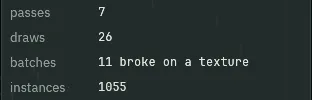
1055.- passes
- The passes the whole frame is drawn in, the town’s and the post chain’s included. Each is a tile flush on a phone.
7here. - draws
- The frame’s draw calls. Particles that share a texture, a blend and the lighting ticks are drawn in one call, so each emitter with its own look is at least one.
26here. - batches
- How many batches the pictures were gathered into, and why a run could not merge with the next:
11 broke on a texture, since the town draws from many different pictures. - instances
- The small pictures drawn this frame: every sprite is one, every live particle is one, and each ghost of a particle’s Trail is one more. This is the row a particle budget moves.
Draws are what the chip is asked to do, and instances are how much each request fills. A town can have few draws and a thousand instances, as this one does. The budget below cuts instances, not draws, and what it saves is mostly in the area each instance covers, which the overlay does not count: the fog is the biggest of that.
A budget for the town
Five effects get thinner. The rule is chapter 1’s: Capacity is Rate times Lifetime, with a little room.
- Select
fogand set Start Size to32, End Size to48, Rate to5and Capacity to40. - Select
rainand set Rate to80and Capacity to96. - Select
forge_sparksand set Trail to1. - Select
chimney_aand set Rate to8and Capacity to32. Do the same onchimney_b. - Select
fountain_jetand set Rate to60and Capacity to80. - Press Ctrl+S, then press F5, wait five seconds, and read instances again. Press F5 again to stop.
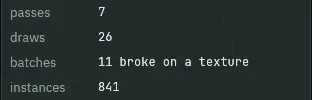
841, with the same 26 draws.Instances fell from 1055 to 841, and draws did not move. Counting every live particle in the town at five seconds, and adding up each one’s size times its size, gives 581 particles covering about 267000 square units before the budget, and 463 covering about 110000 after: a fifth fewer particles, and about two fifths of the area.


| Effect | Before | After | Why it matters |
|---|---|---|---|
The fog, fog | Start Size 48, End Size 72, Rate 8, Capacity 64 | Start Size 32, End Size 48, Rate 5, Capacity 40 | The biggest writer of pixels in the town. A puff a third narrower writes under half the pixels, and there are fewer of them. |
The rain, rain | Rate 120, Capacity 144 | Rate 80, Capacity 96 | Each drop is tiny, so rain costs by its count: a third fewer drops is a third fewer pictures, and fewer splashes to follow them. |
The sparks’ trail, forge_sparks | Trail 3 | Trail 1 | A Trail of 3 draws each spark and three ghosts behind it, four pictures. 1 draws it and one ghost: half as many. |
The chimneys, chimney_a and chimney_b | Rate 12, Capacity 48 | Rate 8, Capacity 32 | Two plumes of soft puffs, each growing to 26 wide. A third fewer puffs, and the plume is a little thinner. |
The fountain, fountain_jet | Rate 80, Capacity 112 | Rate 60, Capacity 80 | Small drops: a quarter fewer, and the jet still reads. |
The Android preview
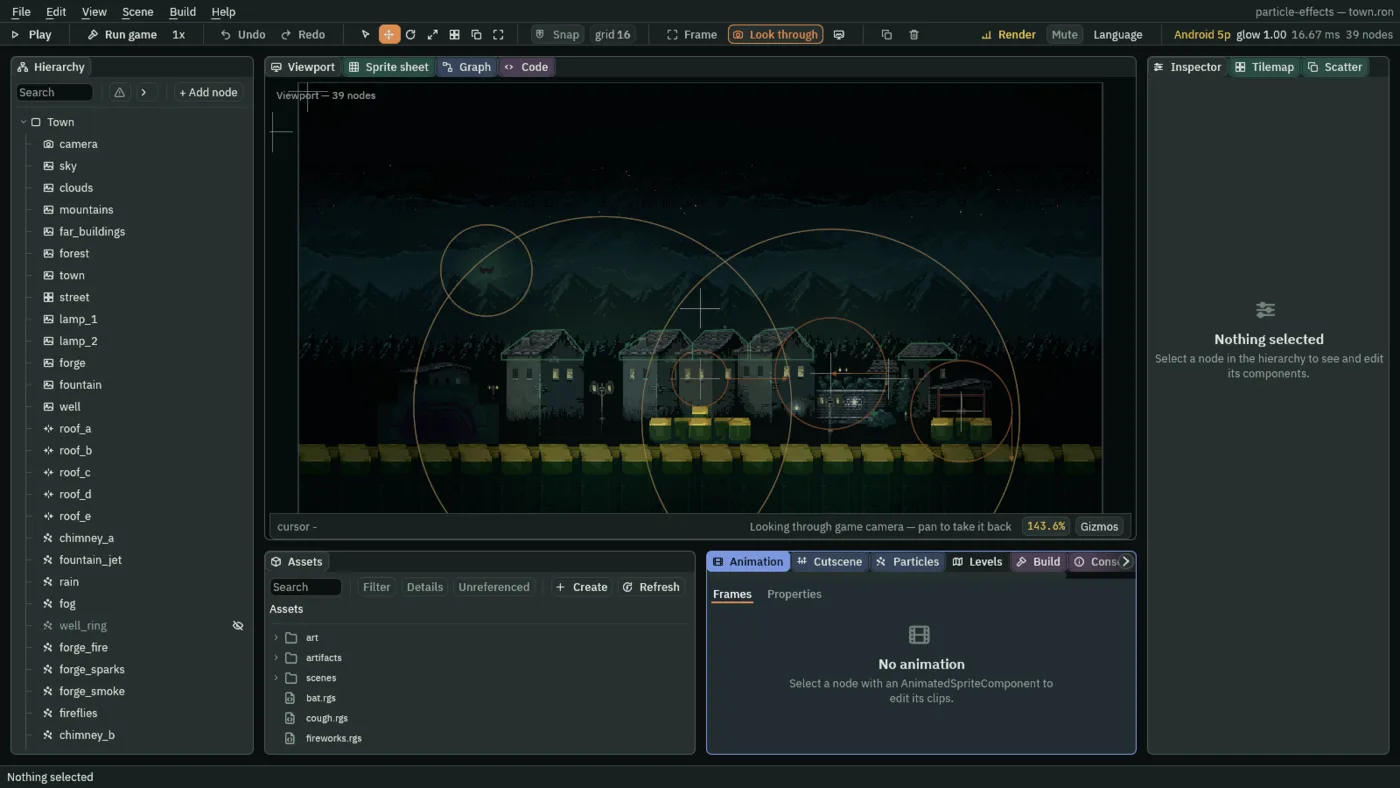
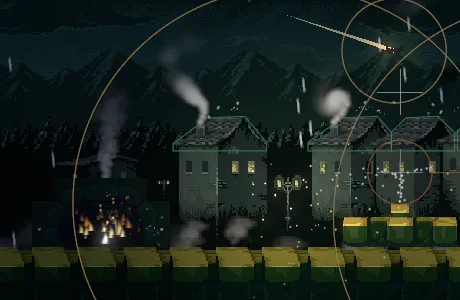
- Open Render, and under Preview as choose Android. Look at the toolbar, and at the town.
- Open Render again, and under Post choose Game, to stop previewing.
- Preview as
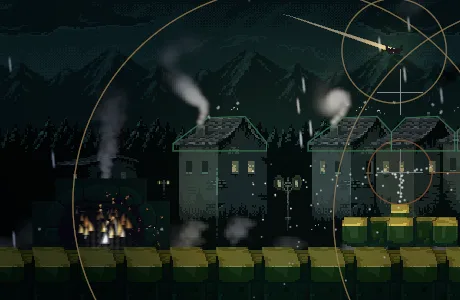
- The tier the Viewport draws at: Desktop, Android or Android Low, a weaker phone’s. It is not saved with the project. The toolbar names it and the passes it takes, as
Android 5p. - Post → Game
- The project’s own tier, which an exported game uses. It is where the editor starts, and where you go back to stop previewing.
Particles draw the same at every tier. What a phone’s tier changes is how the lights and the glow are drawn: the light buffer is the screen’s own eight bits, which cut light off at 1, so a lamp of Intensity 2.4 reads a little dimmer, and the glow is a shorter chain. Light on a phone has the whole of it. So the town’s real cost on a phone is the number of pictures and the area they cover, which is what the budget cut, and a glow that is one more pass over the whole screen.
Export the town
Export writes the town to a folder of its own: your project, with its pictures prepared for the game to load, and a copy of the player that came with Rengy, named after your project. Nothing is compiled: the scripts run as they are. Exporting has the whole of it, and Crypt Knight’s export walks through the same steps.
- Save with File → Save all: Export copies the files as they are on disk.
- Click the Build tab, or choose View → Panels → Build if it is not there.
- In its Export section, a line under Export says where the game will be written, ending in
particle-effects/dist/particle-effects/particle-effects. - Press Export. When it is done, the editor opens the new folder in your file manager.
- Double-click
particle-effects, orparticle-effects.exeon Windows. On Linux, if double-clicking does not start it, run./particle-effectsin a terminal in that folder.
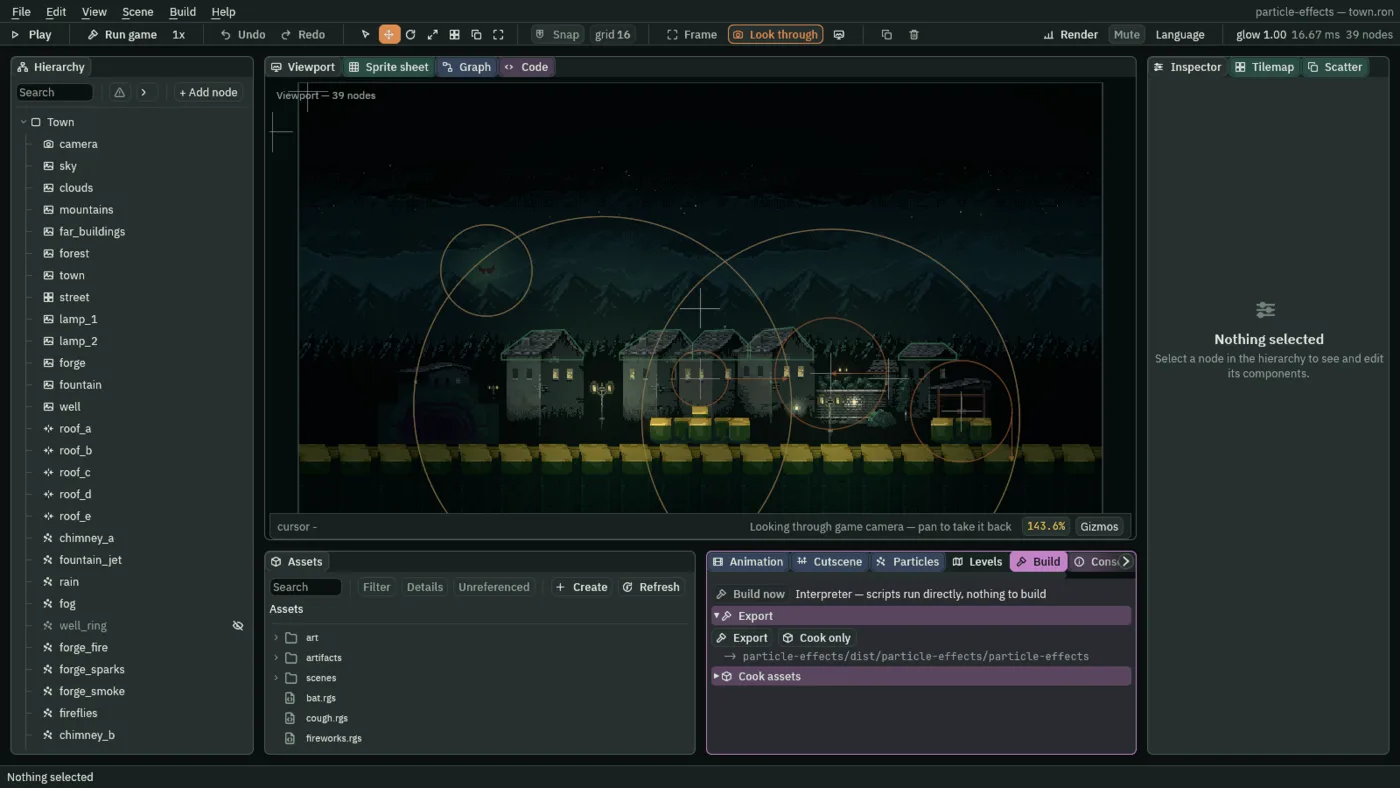

The export is the same player, running the same files, so the town looks as it did in the editor’s Play: the fireworks, the star, the bat and the well’s ring all run as scripts, with nothing built.
Everything this tutorial costs
Each chapter priced its own controls. Here they are in one place, the ones a phone feels most first.
| Control | What it costs | Where it was taught |
|---|---|---|
| Start Size and End Size | The area each particle writes, which grows with the square of its width. Soft, large, translucent and many deep is the one real price. | Colour, size, fading |
| Rate times Lifetime | The number alive. Every live particle is drawn every frame. | One emitter |
| Trail, the emitter’s | One more picture for each ghost, for every particle: a Trail of 3 draws each particle four times. | Streaks |
| A material and Custom Data | The shader’s code on every pixel of every particle. | Light, glow and your own look |
| A glow | Whole-screen passes: two for each Blur Pair. Each is a tile flush on a phone. | Light, glow and your own look |
| Collision | A test of each particle against the solids near it, which grows with how many solids the room has. Off, the room’s solids are never looked at. | Collision |
| An attractor | A distance test of each particle against it, every step. | Forces |
| Noise | A little arithmetic for each particle, every step. | Wandering |
| Trigger | One containment test for each particle, every step. Off, none is made. | Particles and scripts |
| On Death | A node made for each particle that dies, a copy of the artifact, with at most 256 alive in a room at once. | Particles that make particles |
| Prewarm | Time, once, when the room opens: the seconds you ask for are simulated up front. | Bursts and prewarm |
| Capacity | Memory when the room opens, and nothing else: only the particles alive are drawn. | One emitter |
| Texture Sheet and Stretch | Nothing extra: the same picture, a different part of it, or a longer one. | Flipbooks and spin |
| Unshaded and Light Only | Next to nothing. | Light, glow and your own look |